If you’ve ever wondered what a Cricut machine can do, the short answer is simple: a lot. Cricut machines are electronic cutting tools that help you make professional-quality crafts right from home. From vinyl decals and t-shirts to stickers and home décor, your Cricut makes it easy to bring your creative ideas to life.

I actually wrote a whole book about it — Cricut For Dummies. It’s packed with beginner-friendly tutorials, step-by-step projects, and helpful tips to get you comfortable with your machine. Whether you’re brand-new to Cricut or want to take your crafting to the next level, it’s the perfect place to start.
In this post, I’ll walk you through 10 amazing things you can do with a Cricut, along with tool suggestions, project ideas, and links to more tutorials.
This post contains affiliate links. If you buy through them, I may earn a small commission at no extra cost to you.
Quick Links
- 1. Cutting with a Cricut Machine
- 2. Writing and Drawing
- 3. Scoring for Cards and 3D Projects
- 4. Print Then Cut: Make Stickers and Labels
- 5. Debossing with Cricut
- 6. Foiling for a Shiny Touch
- 7. Personalizing Gifts and Décor
- 8. Making Stencils
- 9. Designing with Cricut Design Space
- 10. Creating 3D Projects
- Why Every Crafter Needs a Cricut
- Frequently Asked Questions
When Things Go Wrong
Every Cricut owner hits the same handful of problems in their first month. None of them mean the machine is broken.
The usual suspects are a design that will not cut through, vinyl tearing when you weed it, a mat that has lost its grip, or Design Space refusing to connect. All four have straightforward fixes.
- The 10 most common Cricut problems and how to solve each one
- The 10 biggest mistakes new owners make, most of which cost material rather than money
- My best Cricut tips for cleaner cuts and less waste
- Cricut hacks worth knowing once you are past the basics
What Is a Cricut Machine?
A Cricut is a smart cutting machine. You tell it what shape you want, and it cuts that shape out of your material with an accuracy no pair of scissors is going to match. Think of it as a printer that cuts instead of prints.
It runs on free software called Cricut Design Space. That is where you add text, images, and shapes, or pick from thousands of ready-made projects. When your design is ready, Design Space sends it to the machine over Bluetooth or USB.
The machine swaps between different blades depending on what you are cutting. The fine-point blade handles paper and vinyl, the deep-point blade takes on thicker material like foam, the rotary blade cuts fabric without any backing, and the knife blade gets through wood. Still deciding whether you need one? Here is how a Cricut pays for itself once you stop buying personalized gifts.
How Does a Cricut Work?
The whole process comes down to five steps, and it is far less intimidating than it looks the first time.
- Pick or create a design. Choose a ready-made project in Design Space, or upload your own SVG or PNG file.
- Choose your material. Vinyl for decals and stickers, cardstock for cards, iron-on for shirts, fabric for sewing projects.
- Prepare the material. Press it onto a sticky cutting mat and load it into the machine. Smart Materials skip the mat entirely.
- Let the Cricut cut. Hit Make It and the machine does the work while you watch.
- Finish the project. Peel your design off, weed away the extra bits, and apply it to whatever you are making.
Not sure what to make first? I put together a list of beginner project ideas that need nothing but vinyl and a blank.
1. Cutting with a Cricut Machine
Cutting is what the Cricut does best, but the materials you can cut depend on which model you have. Every Cricut machine offers clean, precise cuts, but higher-end models like the Cricut Maker 4 and Maker 3 can handle a wider variety of materials.
Cricut machines can cut:
- Vinyl (permanent and removable)
- Cardstock and paper
- Iron-on (HTV)
- Fabric
- Leather
- Chipboard and balsa wood
Use the Fine-Point Blade for everyday materials, and switch to the Deep-Point Blade or Knife Blade for thicker surfaces. You’ll be amazed at how clean and precise your cuts are. The two materials beginners mix up constantly are adhesive vinyl and iron-on. They look similar on the roll and behave nothing alike, so here is the difference between vinyl and HTV. Setting up a Maker 4? I walk through the full unboxing and first cut here.
Wondering if the Cricut Maker 4 is right for you? Check out my video, Should You Really Buy the Cricut Maker 4? Setup and First Project, where I walk through unboxing, setting it up, and making the first cut to show what sets it apart from other Cricut machines.
 22:24
22:24
See this step
Should You Really Buy the Cricut Maker 4? Setup And First Project
2. Writing and Drawing
Your Cricut can write and draw just as easily as it cuts. Swap your blade for a Cricut pen, and your machine can address envelopes, make greeting cards, design planner pages, or create custom labels.
There are dozens of pen colors and finishes, including glitter, metallic, and fine-tip options. It’s like having your own calligraphy machine at your fingertips.

If you want more flexibility, try the Craverland Universal Pen Adapter available on Amazon. It lets you use almost any brand of pens or markers in your Cricut machine — from Sharpies to gel pens — instead of being limited to Cricut-branded pens.
It’s simple, affordable, and opens up a whole new world of creative options.
🎥 Watch this tutorial: Cricut Universal Pen Adapter Hack! Use ANY Pens or Markers to Write or Draw!
3. Scoring for Cards and 3D Projects
If you love making cards or paper crafts, the scoring tool will make your life easier. The Cricut Scoring Stylus or Scoring Wheel creates clean, crisp fold lines, giving your cards a professional finish. It’s also perfect for 3D crafts like paper boxes, gift tags, and rolled flowers.

For design inspiration and ready-to-cut templates, check out Creative Fabrica’s huge library of 3D paper crafts. You’ll find thousands of SVG files for layered paper art, 3D cards, and other Cricut projects that work beautifully with the scoring tools.
4. Print Then Cut: Make Stickers and Labels
The Print Then Cut feature lets you print designs on your home printer and then have your Cricut cut them out. It’s one of the easiest ways to make:
- Custom stickers
- Printable iron-on transfers
- Product labels
- Tags and planner inserts
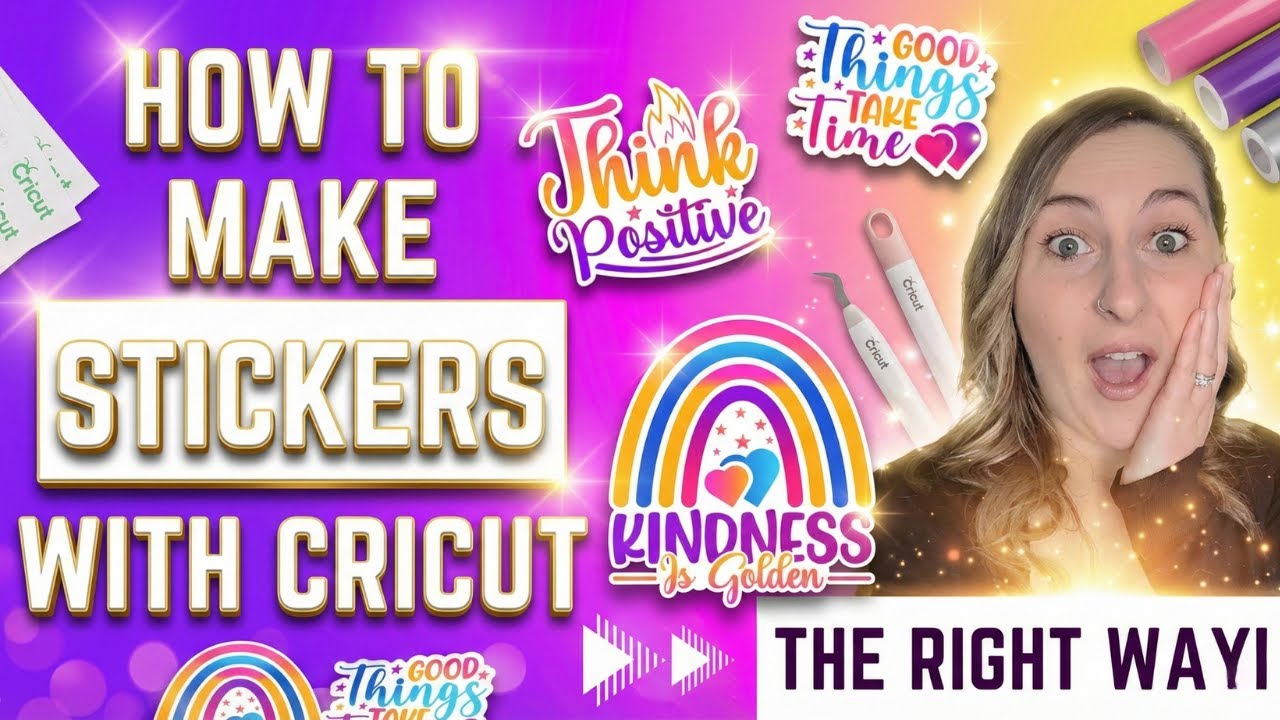
For best results, use printable vinyl or sticker paper with an inkjet printer. You can also add a layer of clear laminate film to make your stickers waterproof and long-lasting.
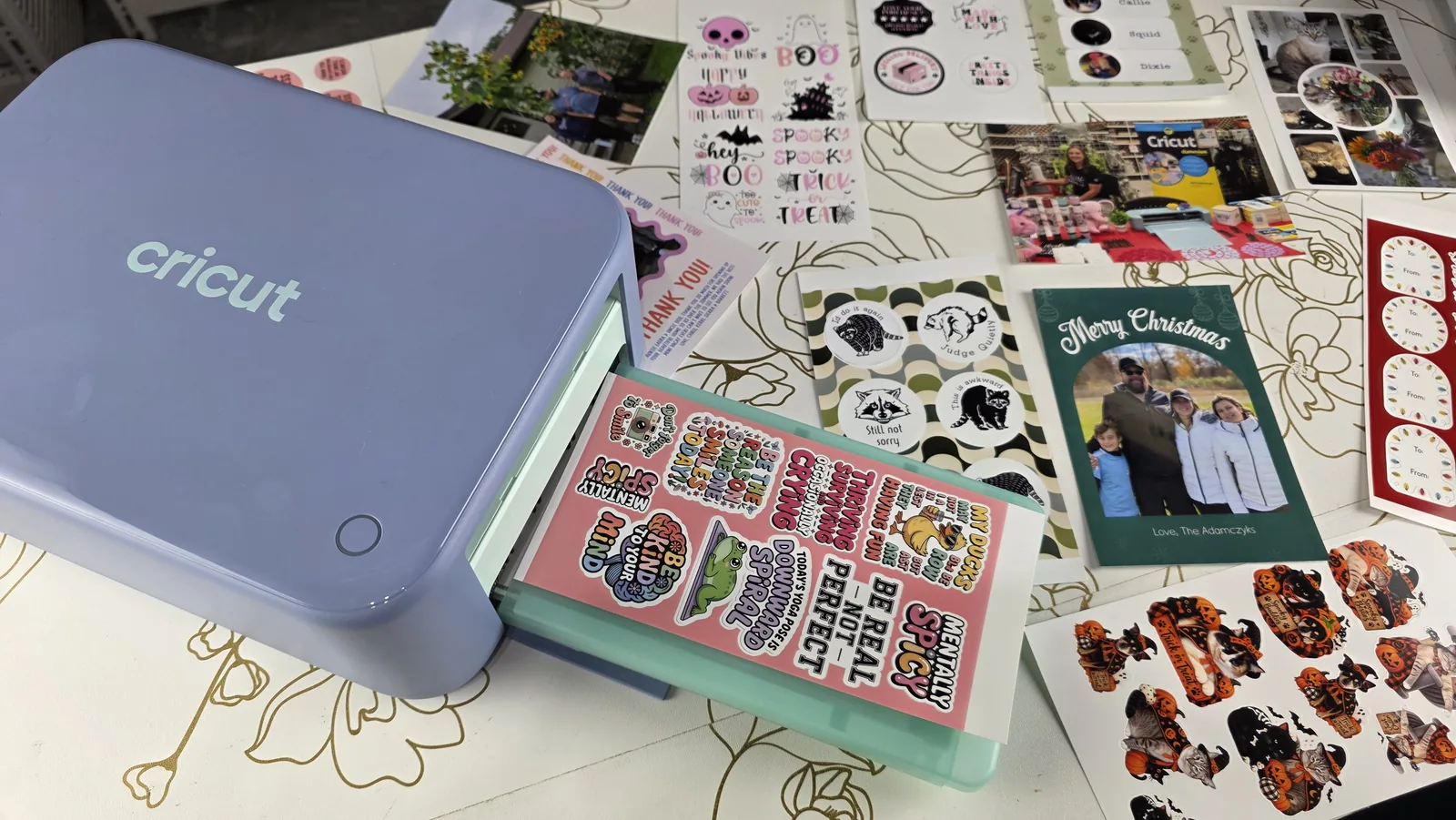
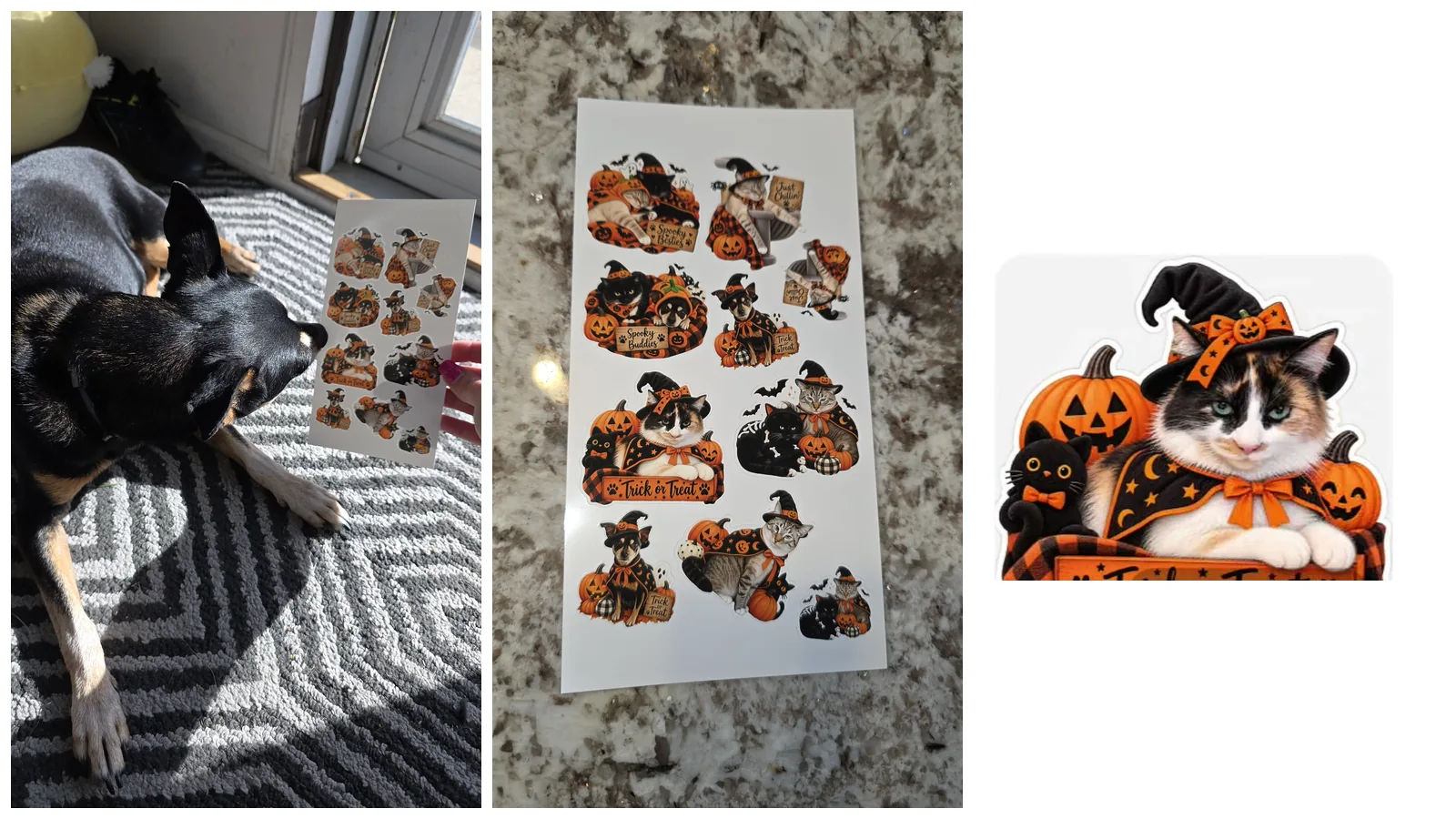
Want to skip the separate printer entirely? Cricut's StickerPix sticker machine prints, laminates and cuts stickers all in one, on its own small sheets.
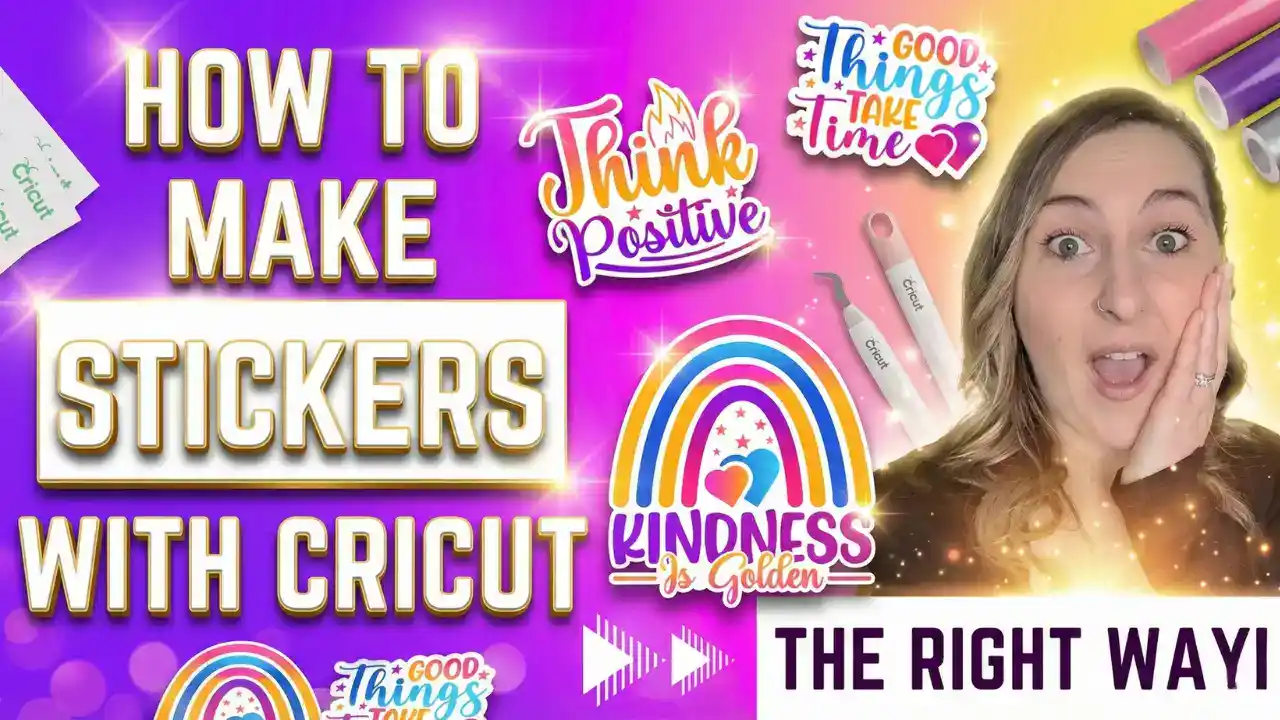
I have a full step-by-step video on how to make stickers with a Cricut that walks you through printing, laminating, and cutting your designs. Once you have the basics down, here is how to seal them properly so they survive a water bottle.
 20:41
20:41
See this step
How To Make STICKERS With Cricut Print Then Cut - the RIGHT Way!
If you want to take your project a step further, check out my blog post How to Make Waterproof Stickers with Laminate Film to learn exactly how to seal and protect your stickers so they stay vibrant and water-resistant for long-term use.
5. Debossing with Cricut
If you want to give your projects a professional, high-end finish, the debossing tool is a game changer. Unlike embossing, which raises designs upward, debossing presses the design into your material, creating a subtle, elegant indentation that adds texture and depth.
Using the Cricut Debossing Tool with the Cricut Maker series of machines, you can add intricate patterns, monograms, or lettering to materials like cardstock, foil poster board, and even thin leather. It’s perfect for: The Debossing Tip is one of the QuickSwap tools, so it needs the Adaptive Tool System that only the Maker series has. In Design Space you pick Deboss from the Operation menu, position the design on the mat preview after clicking Make, then drop the tip into Clamp B. Leather is possible, though I will be honest, that is one I have not tried myself. Cardstock and shimmer paper are what I reach for.
- Handmade cards and invitations
- Custom gift tags
- Journals or leather covers
- Foil art and decorative accents
You can find ready-to-use debossing designs in Cricut Design Space, or create your own for a completely custom look.
6. Foiling for a Shiny Touch
With the Cricut Foil Transfer Kit, you can add metallic shine to your projects. Gold, silver, or holographic foil can instantly transform your cards, invitations, or art prints. The foil adheres cleanly for a high-end look. The kit comes with a tool housing, three interchangeable tips and twelve foil sheets. The tips are marked with lines so you can tell them apart: fine (one line) for small text, medium (two lines) for most work, and bold (three lines) for statement lettering. Here is the part most articles get wrong: foiling is not Maker-only. It works on the Maker 4, Maker 3, Maker, Explore 4, Explore 3, Explore Air 2 and Venture. Joy and Joy Xtra need the separate Cricut Joy Foil Transfer Kit, because the standard housing does not fit. That makes foiling the one premium finish available to Explore owners.
7. Personalizing Gifts and Décor
One of the best things about a Cricut is how easily you can personalize anything. Add names, quotes, or monograms to:
- Mugs and tumblers
- T-shirts and tote bags
- Cutting boards and ornaments
- Keychains and water bottles
It’s perfect for gift-giving, small business orders, or just making something special for yourself.
 19:21
19:21
See this step
How to Put HTV on Stuffed Animals! Personalized Stuffed Animals with Cricut
Stuffed animals are the sleeper hit here, and they are trickier than they look because you are pressing onto something soft and uneven. Watch how I handle it:
8. Making Stencils
Cricut machines are great for creating stencils for painting, glass etching, and sign making. Cut stencils from permanent adhesive vinyl like Oracal 651 or stencil vinyl and use them to decorate wood signs, glassware, and home décor pieces. If you want to try that, I walk through the whole process in how to etch glass with a Cricut – no laser required.
I cover stencil projects in detail in my book, Cricut For Dummies (affiliate link), and on my YouTube channel, Kerri Crafts It, where I show how to use vinyl stencils for both glass and metal etching. You can use etching cream with vinyl stencils to etch on glass, or Citristrip to remove paint from powder-coated metal and reveal your design underneath. Both methods give a long-lasting, professional finish that looks stunning on personalized gifts or home décor.
9. Designing with Cricut Design Space
Cricut Design Space is the free software where you create, edit, and customize all your designs. You can upload your own SVG files, use Cricut’s templates, or choose from thousands of fonts and ready-made projects.
If you want even more design options, I highly recommend Creative Fabrica. I’ve used it for years for fonts and SVG bundles. It’s more affordable than Cricut Access and perfect for small business owners who need unlimited designs. Finding good files is half the battle, and it is where beginners waste the most time. Here is where I actually get my fonts and graphics.
 17:53
17:53
See this step
How to Convert a Photo to SVG for Cricut! (Lanterns, Pillows & Custom Gifts)
If you’re new to Cricut’s software, check out my video, Mastering Cricut Design Space for Beginners, where I walk through everything you need to know about designing and cutting stencils perfectly.
10. Creating 3D Projects
Cricut machines can bring 3D designs to life, from layered paper shadow boxes to rolled flowers and gift boxes. With the right materials and a bit of patience, you can turn flat cardstock into beautiful dimensional décor.
 16:34
16:34
See this step
DIY Wood Round Cricut Sign Hack - Make 3d Text WITHOUT Cutting Wood!
The one that surprises people is faux 3D on wood. You can get raised lettering on a wood round without cutting any wood at all, which means no knife blade and no hour-long cut.
What Materials Can You Cut?
This is where the machines really differ. Every Cricut cuts the everyday stuff, but only the Maker handles fabric, leather, and wood.
| Material | Joy 2 / Joy Xtra | Explore series | Maker series |
|---|---|---|---|
| Vinyl, iron-on, cardstock | Yes | Yes | Yes |
| Smart Materials (no mat) | Yes | Yes (3 and up) | Yes (3 and up) |
| Fabric without backing | No | No | Yes (rotary blade) |
| Leather, balsa, basswood | No | No | Yes (knife blade) |
| Debossing, engraving | No | No | Yes (QuickSwap) |
| Foil transfer | Joy kit | Yes | Yes |
| Material | Joy / Joy Xtra | Explore | Maker |
|---|---|---|---|
| Paper and cardstock | Yes | Yes | Yes |
| Adhesive vinyl | Yes | Yes | Yes |
| Iron-on (HTV) | Yes | Yes | Yes |
| Printable sticker paper | Joy Xtra only | Yes | Yes |
| Faux leather | No | Yes | Yes |
| Foil transfer | No | Yes | Yes |
| Thick cardstock | No | Yes | Yes |
| Fabric and felt | No | No | Yes |
| Real leather | No | No | Yes |
| Chipboard | No | No | Yes |
| Basswood and balsa | No | No | Yes |
Not sure which machine that points you toward? I break the whole lineup down in my Cricut buying guide, and compare them head to head in Joy vs Explore vs Maker.
Essential Tools You Need
The machine alone will get you started, but a few extras make everything easier. You do not need all of these on day one.
- Basic Tool Set. Hook weeder, tweezers, scraper, spatula, and scissors. The weeder is the one you will reach for constantly.
- Cutting mats. LightGrip for paper, StandardGrip for vinyl, StrongGrip for thick material, FabricGrip for cloth. See my guide to which mat to use.
- Extra blades. Fine-point covers most jobs. Add deep-point, rotary, or knife blades as your projects demand them.
- A heat press. For iron-on, a press gives far more consistent results than a household iron because the heat and pressure stay even.
- A brayer. A small roller that presses material flat onto the mat so you do not get bubbles and skipped cuts.
- Cricut pens. Let the machine write and draw on your project automatically.
My advice: start with the Basic Tool Set and a mat variety pack. Add the rest as you hit a project that actually needs them, rather than buying it all upfront. Mats losing their stick is the most common beginner complaint, and you do not need to replace them as often as you think. Here is how to clean them properly. For the full list of what is worth buying and what to skip, see my Cricut beginner supplies guide.
Why Every Crafter Needs a Cricut
A Cricut machine is more than just a craft tool. It’s a creative investment that lets you design, personalize, and even run a business from home. Whether you’re making gifts for family or creating products to sell, your Cricut gives you the freedom to make almost anything. If selling is where you are headed, here is how to start a Cricut business from scratch: pricing, platforms and the licensing rules that trip people up.
 17:25
17:25
See this step
Cricut Projects That Actually Sell | What Made Me the Most Money
If you’re ready to dive deeper, grab a copy of my book Cricut For Dummies. It includes project tutorials, troubleshooting tips, and step-by-step guidance to help you master every feature.
Frequently Asked Questions
What’s the difference between Cricut Explore, Maker, and Joy series?
The main difference is size and capability. The Cricut Joy is compact and perfect for quick labels, cards, and small projects but is limited to materials up to 5.5 inches wide. The Explore series can cut over 100 materials, including vinyl and cardstock, but doesn’t support specialty tools since it lacks the Adaptive Tool System. The Maker series cuts over 300 materials and works with tools for engraving, debossing, fabric cutting, and more, making it the most versatile option.
Do I need Cricut Access to use my machine?
No, Cricut Access is optional. It gives you access to extra fonts and images, but you can upload your own designs for free.
If you’re not sure whether it’s worth subscribing, check out my post Everything You Need to Know About Cricut Access for a full breakdown of what’s included, pricing, and whether it’s right for you.
Can I sell the things I make with my Cricut?
Yes. Many crafters use Cricut to start small businesses selling custom gifts, shirts, mugs, and decals. Be sure to check commercial license terms for any SVGs or fonts you download from other sites.
If you’re planning to take custom orders, check out my blog post Accepting Payments for Custom Orders: How to Protect Your Time and Get Paid First for tips on setting clear payment policies and managing customer transactions smoothly.
What is the best Cricut machine for beginners?
There isn’t one “best” Cricut for beginners — all Cricut machines are designed to be easy to use. The main difference comes down to what you want to make and how much you want to spend. The current lineup starts at $99 for the Cricut Joy 2, $199 for the Explore 5 and $349 for the Maker 4, straight from Cricut. Those are machine-only prices; bundles cost more and sales are frequent. Not sure whether the newest Explore earns the upgrade? I answered exactly that in my Explore 5 review.
If you’re on a budget, go with a smaller machine like the Cricut Joy Xtra or an older Explore series model such as the Explore Air 2 or Explore 3. Since Cricut recently released the Explore 4 and Maker 4, you can often find great deals on earlier versions that still perform beautifully.
My personal favorite? The new Cricut Maker 4. It’s super fast and the most versatile machine in Cricut’s lineup. Check out my full review and first project in this video: Should You Really Buy the Cricut Maker 4? Setup and First Project.
Cricut has since released the Maker 5. I put it through the same projects in my hands-on Cricut Maker 5 review if you are weighing up the two.