Quick Answer: The best printable sticker paper I tested is Joyeza Vinyl Sticker Paper. At about 56 cents per sheet, it printed bright colors, fed through my inkjet printer without a single jam, and cut cleanly on my Cricut. TeckWrap Printable Sticker Vinyl is the runner-up if you want larger sheets.
Some of the links provided are affiliate links. As an Amazon Associate, I earn from qualifying purchases. This means, at no additional cost to you, I will earn a commission if you click through and make a purchase. I only recommend products I personally use and love!
Are you looking to add a personal touch to your social media posts or craft projects? Printable sticker paper is your best friend! With so many options available, finding the perfect printable sticker paper for your needs can be overwhelming.
Creating custom stickers with Cricut’s Print Then Cut feature is a fun way to add a personal touch to your crafts, planners, or small business products. But with so many different printable sticker paper and vinyl options on the market, it can be overwhelming to figure out which one is the best. It also helps to decide up front whether you want a kiss cut or a die cut, because that choice changes which material setting you use.

I decided to put five popular brands of printable sticker paper and vinyl to the test. I ran them through my printer, cut them with my Cricut, and compared everything from print quality to price per sheet.
In this guide, I'll show you exactly which sticker papers are worth your money and which ones will jam your printer. Whether you're making planner stickers, labels, or stickers for your crafting business, you'll know exactly what to buy!
Just want stickers without shopping for paper at all? Cricut's new StickerPix prints, laminates and cuts on its own special paper, so none of the brands below will work in it. I tested both versions in my StickerPix Print + Cut review.
Quick Links / Table of Contents
What Should You Look for in Sticker Paper?

Before I dive into the test results, here's what I evaluated for each brand:
- Print Quality – How vibrant and clear are the colors?
- Printer Compatibility – Does it feed smoothly or jam constantly?
- Paper Thickness – Too thick jams your printer; too thin tears easily
- Price Per Sheet – Are you getting good value for your money?
- Water Resistance – Will your stickers survive a little moisture?
Watch my full test video below to see exactly how each paper performed!
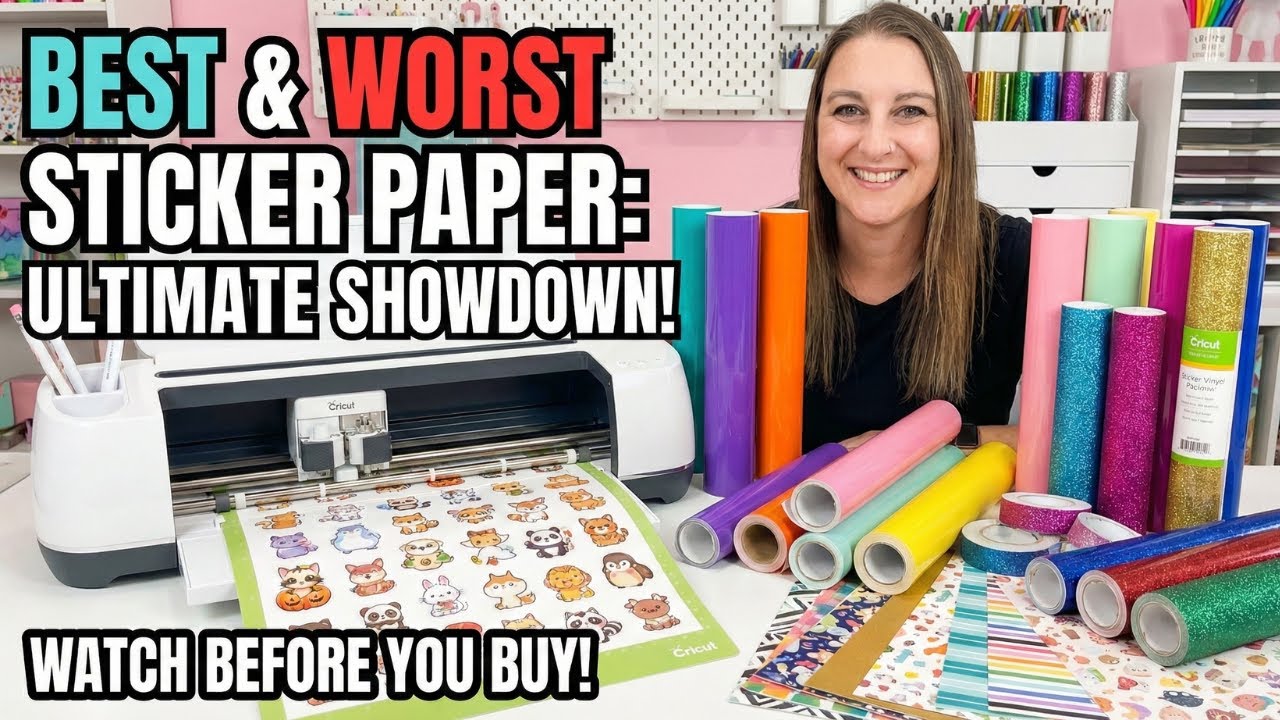
The 5 Sticker Papers I Tested
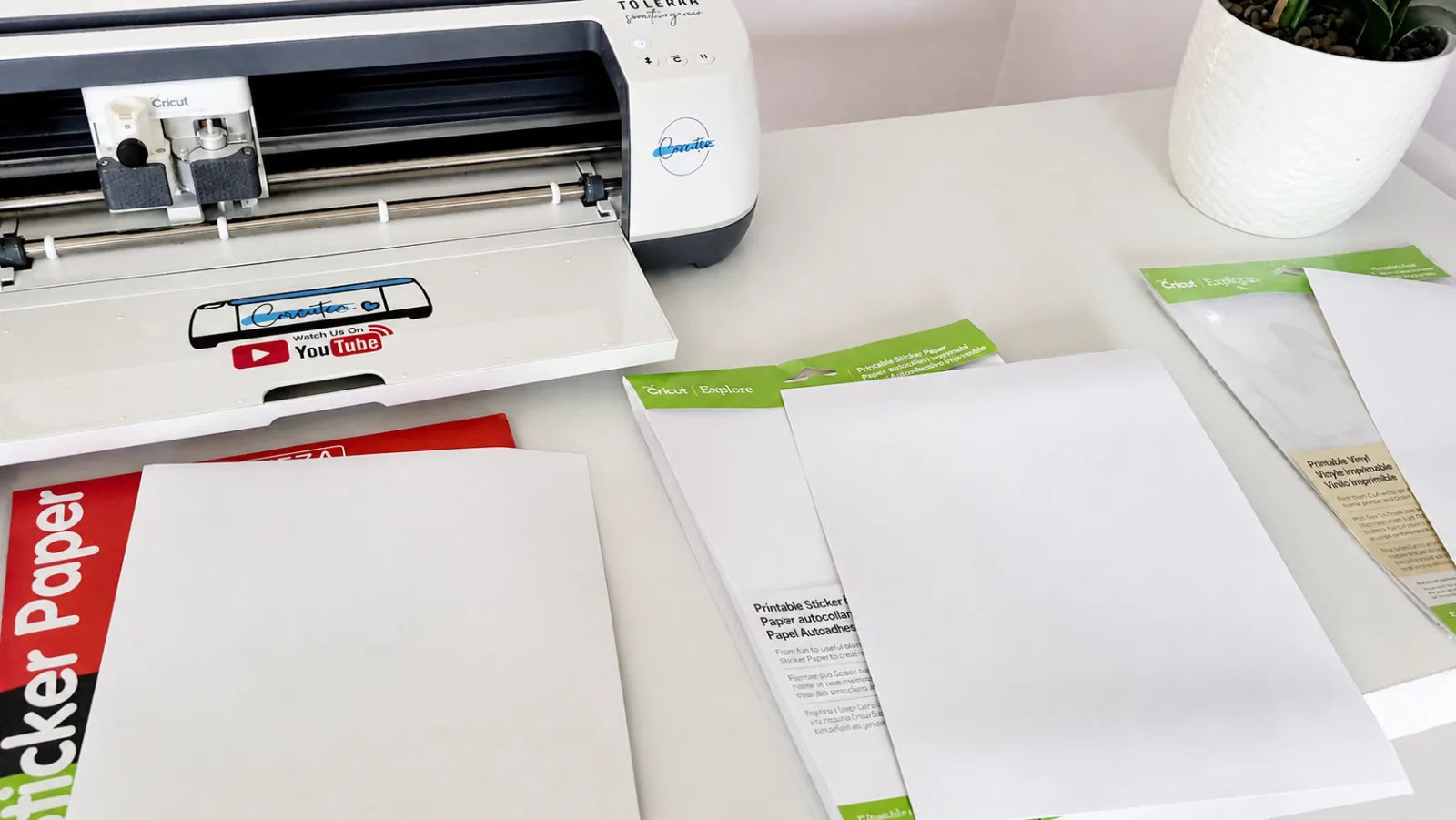
Here's how each brand stacked up in my real-world testing.
1. Joyeza Vinyl Sticker Paper: The Budget-Friendly Winner

Price: About 56 cents per sheet
What I Loved:
- Bright white color that makes your prints pop
- Smooth vinyl surface with excellent print clarity
- Most affordable option without sacrificing quality
- Fed through my printer perfectly every single time
What I Didn't Love:
- Honestly? Nothing. This paper performed flawlessly.
The Joyeza Vinyl Sticker Paper was my clear winner. For just over 50 cents per sheet, you're getting professional-quality results.
The colors printed bright and vibrant, and it worked beautifully with my Cricut. If you're looking for the best bang for your buck, this is the one to grab.
Before Using Joyeza with Your Inkjet Printer:
- Check Printer Compatibility – Most modern inkjet printers work great with vinyl sticker paper, but check your manual to be sure
- Adjust Print Settings – Select “Glossy Photo Paper” or “Specialty Paper” in your printer settings
- Use Quality Ink – Original brand cartridges (HP, Canon, Epson) give you the most vibrant, long-lasting prints
- Load Paper Correctly – Make sure the printable side is facing the right direction and don't overload your paper tray
- Test First – Always run a test print on regular paper before using your vinyl sheets
Pro Tip: Let your prints dry completely before touching them – usually just a few minutes, but it prevents smudges and keeps your stickers looking sharp!
2. TeckWrap Printable Sticker Vinyl: Great Quality with Bigger Sheets
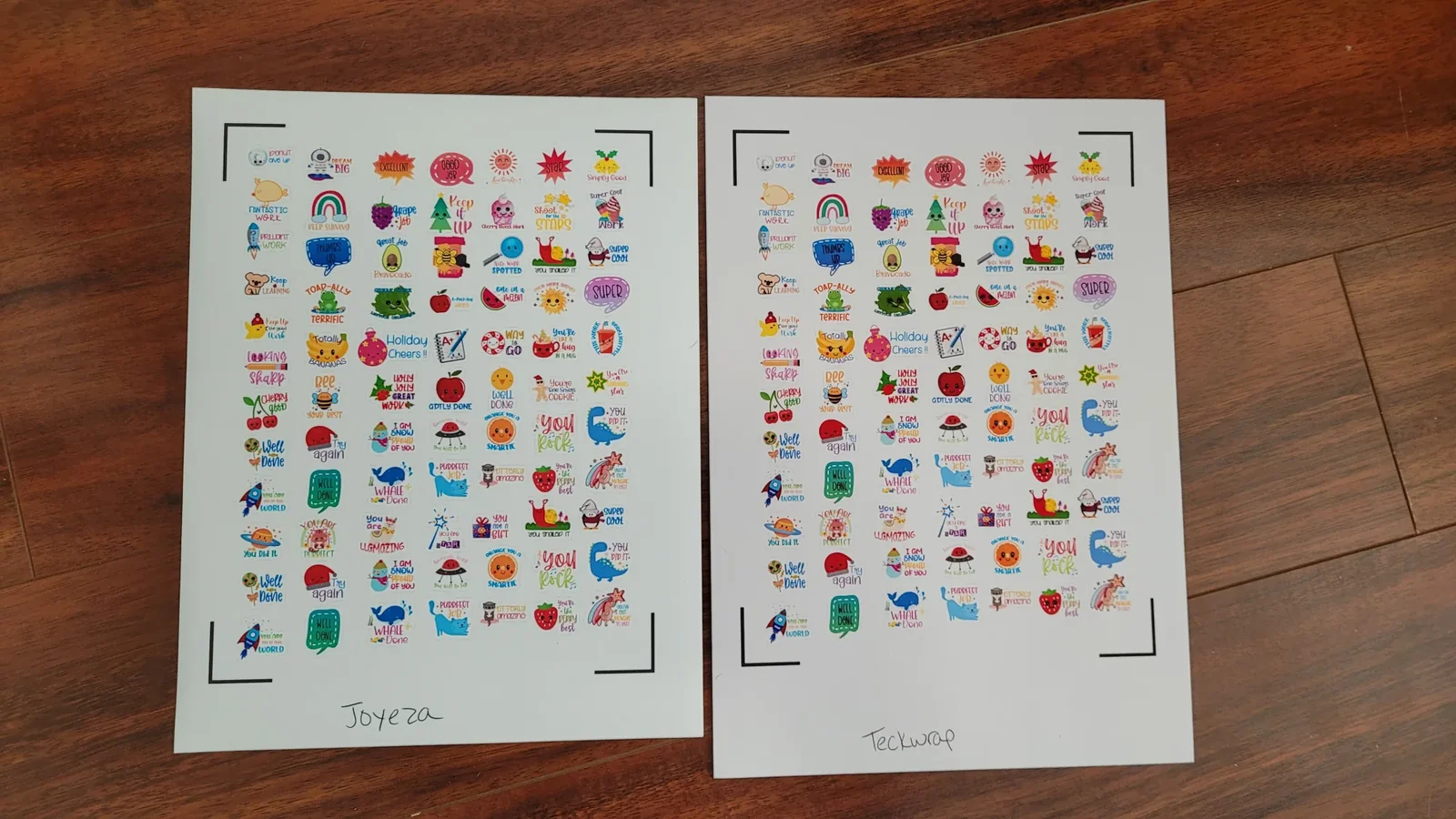
Price: About 68 cents per sheet
What I Loved:
- Larger sheet size (8.3″ x 11.7″) means more stickers per page
- High-quality prints with clear, vibrant colors
- Professional results similar to the Joyeza
What I Didn't Love:
- Slightly more expensive per sheet
- Not quite as bright white as the Joyeza
- Some printers struggle with the longer paper size
TeckWrap Printable Sticker Vinyl is a solid choice if you want to maximize your printing area. The extra size means you can fit more stickers on each sheet, which is great for bulk production.
Just be aware that not all printers can handle the longer paper – mine did fine, but it's worth testing.
3. Cricut Printable Vinyl: Reliable but Pricey
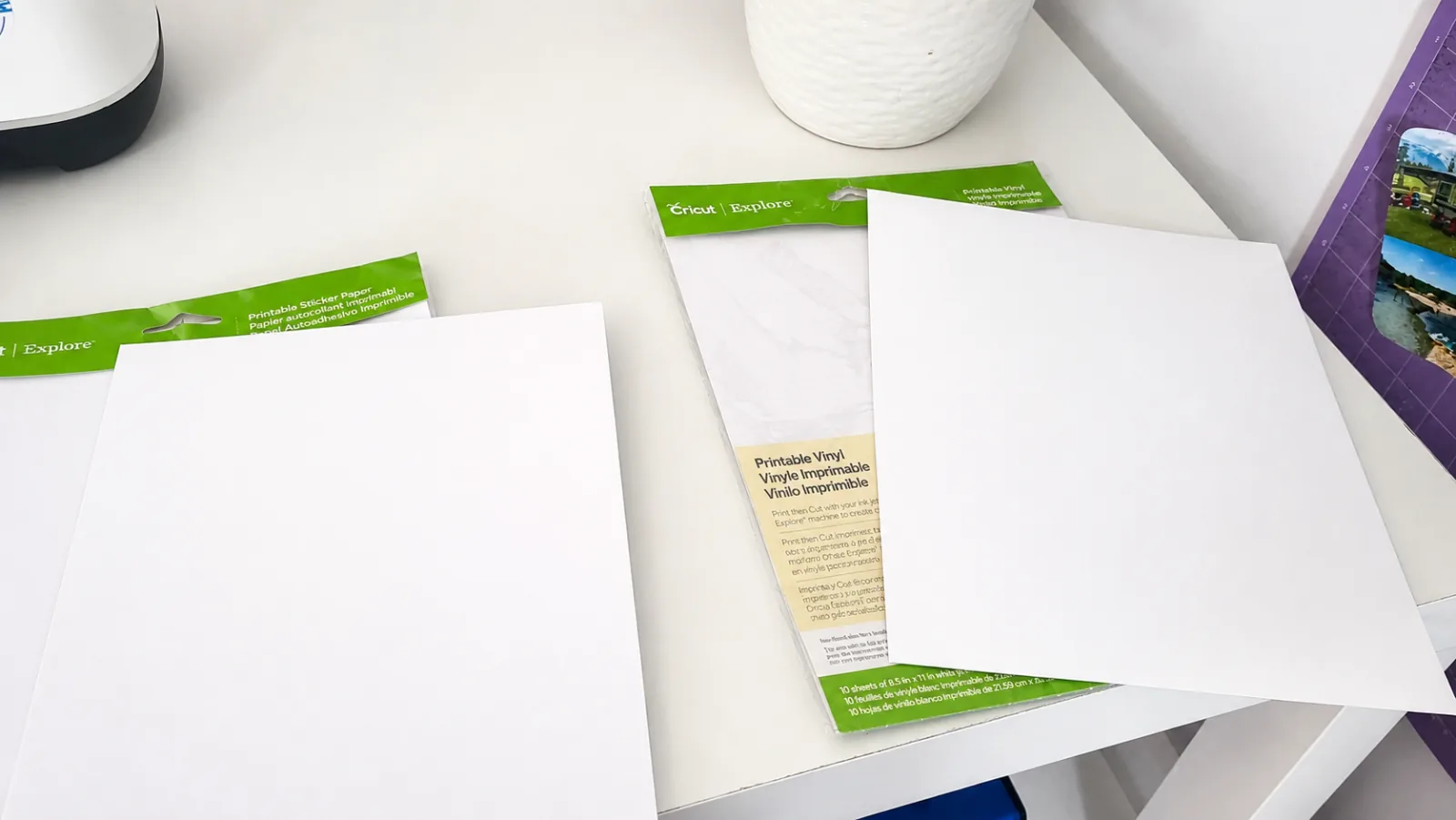
Price: About 64 cents per sheet (now sold only in 50-sheet packs)
What I Loved:
- Good print quality with bright, clear images
- Works perfectly with Cricut machines (as you'd expect)
- Reliable performance with no surprises
What I Didn't Love:
- Most expensive per sheet compared to similar quality options
- You're paying extra for the Cricut brand name
Cricut Printable Vinyl is a good option if you're loyal to Cricut products and want a guaranteed compatible paper. The quality is solid, but you're definitely paying more for the brand.
For the same print quality, you can save money with Joyeza or TeckWrap.
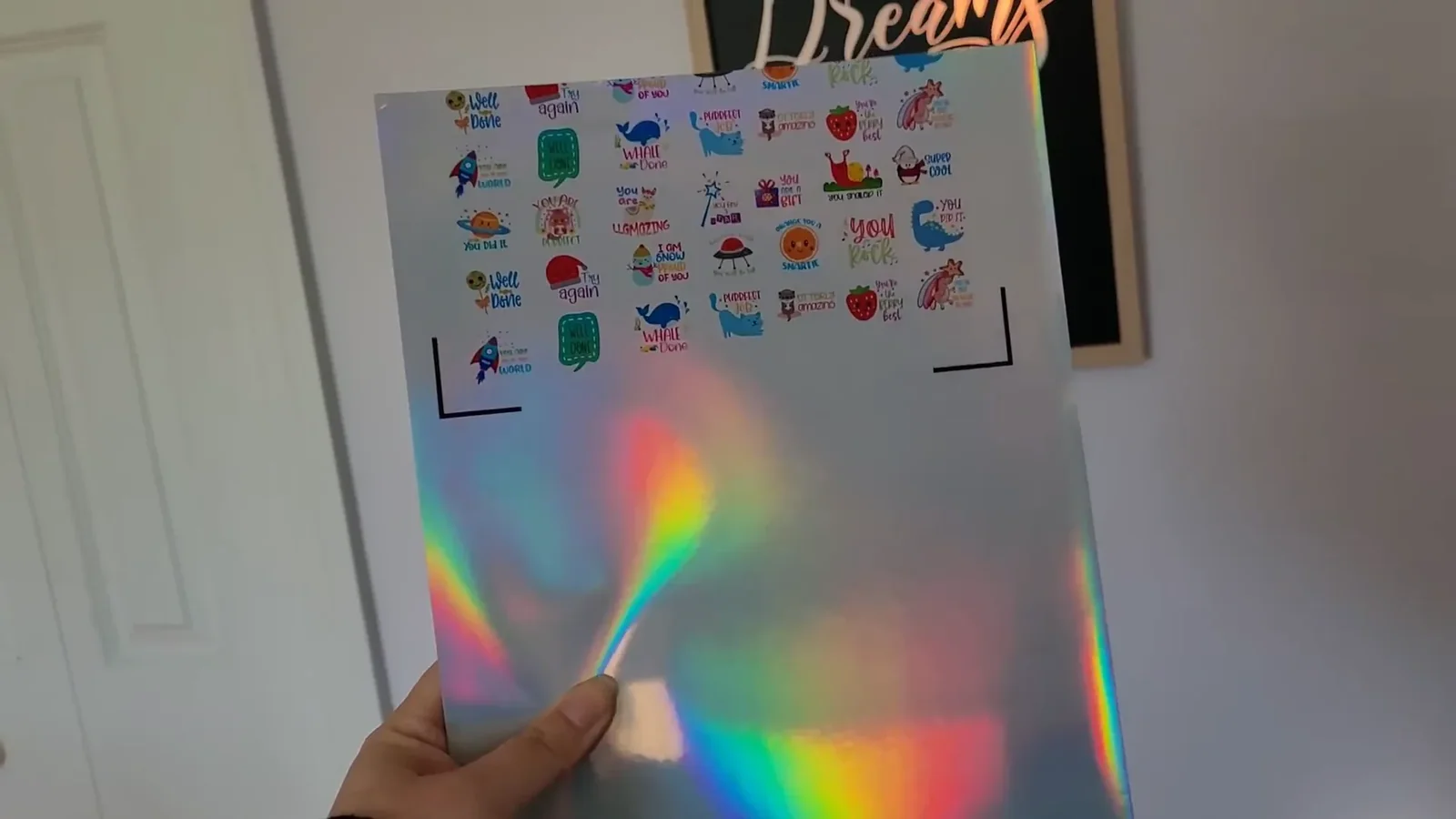
4. TeckWrap Holographic Sticker Paper: Beautiful but Frustrating
Price: About 53 cents per sheet
What I Loved:
- Stunning holographic effect that looks amazing
- Unique shimmer adds a special touch to designs
What I Didn't Love:
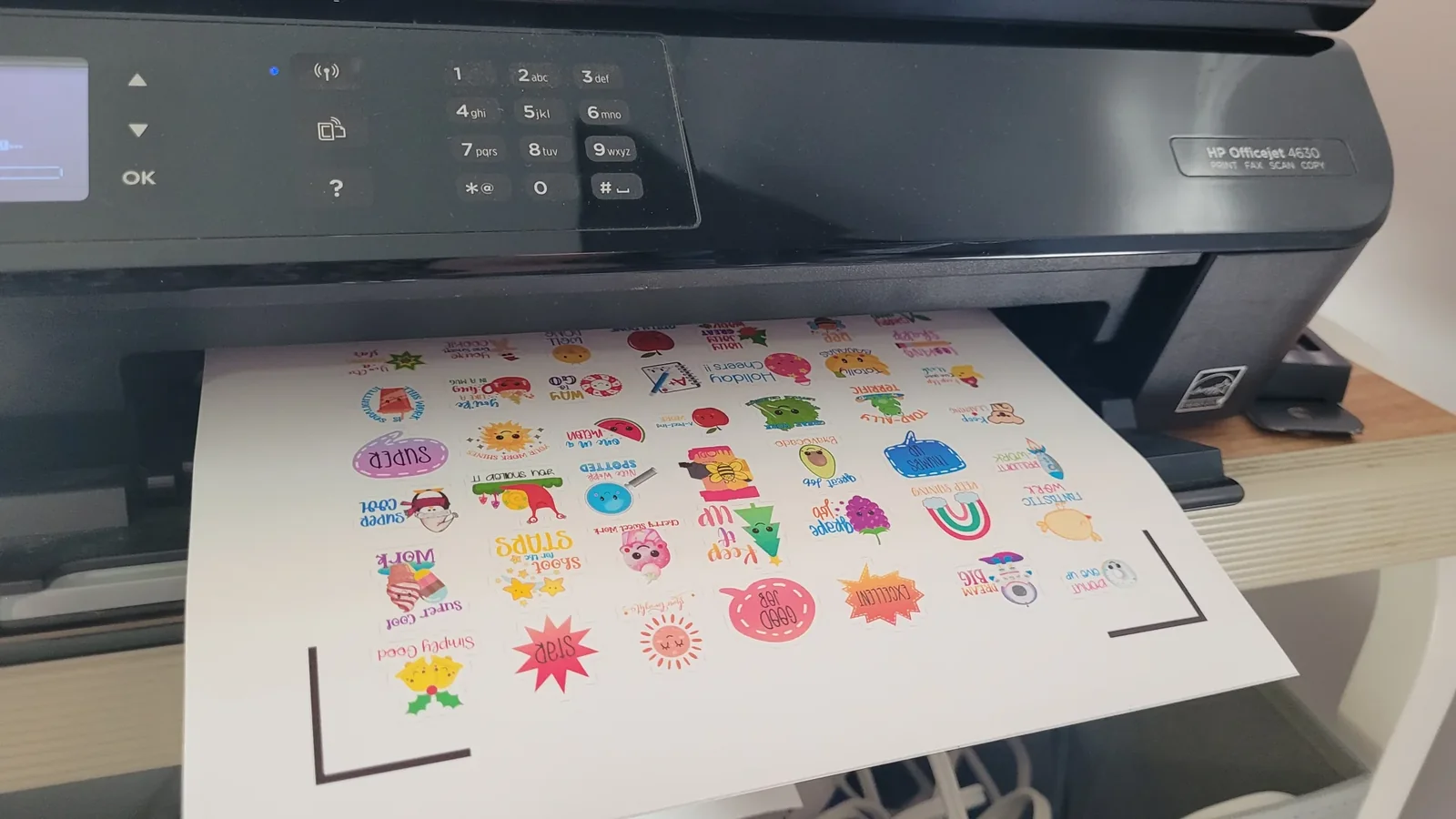
- Constantly jammed in my printer
- Half my stickers got cut off every single time
- Wasted so much paper trying to get it to work
- Too thick for most standard printers
TeckWrap's Holographic Sticker Paper looks gorgeous, but I can't recommend it unless you have a specialized printer or a lot of patience.
No matter how many times I tried, I couldn't get consistent results. The paper is just too thick for most home printers.
If you absolutely need that holographic look, be prepared for frustration and wasted sheets.
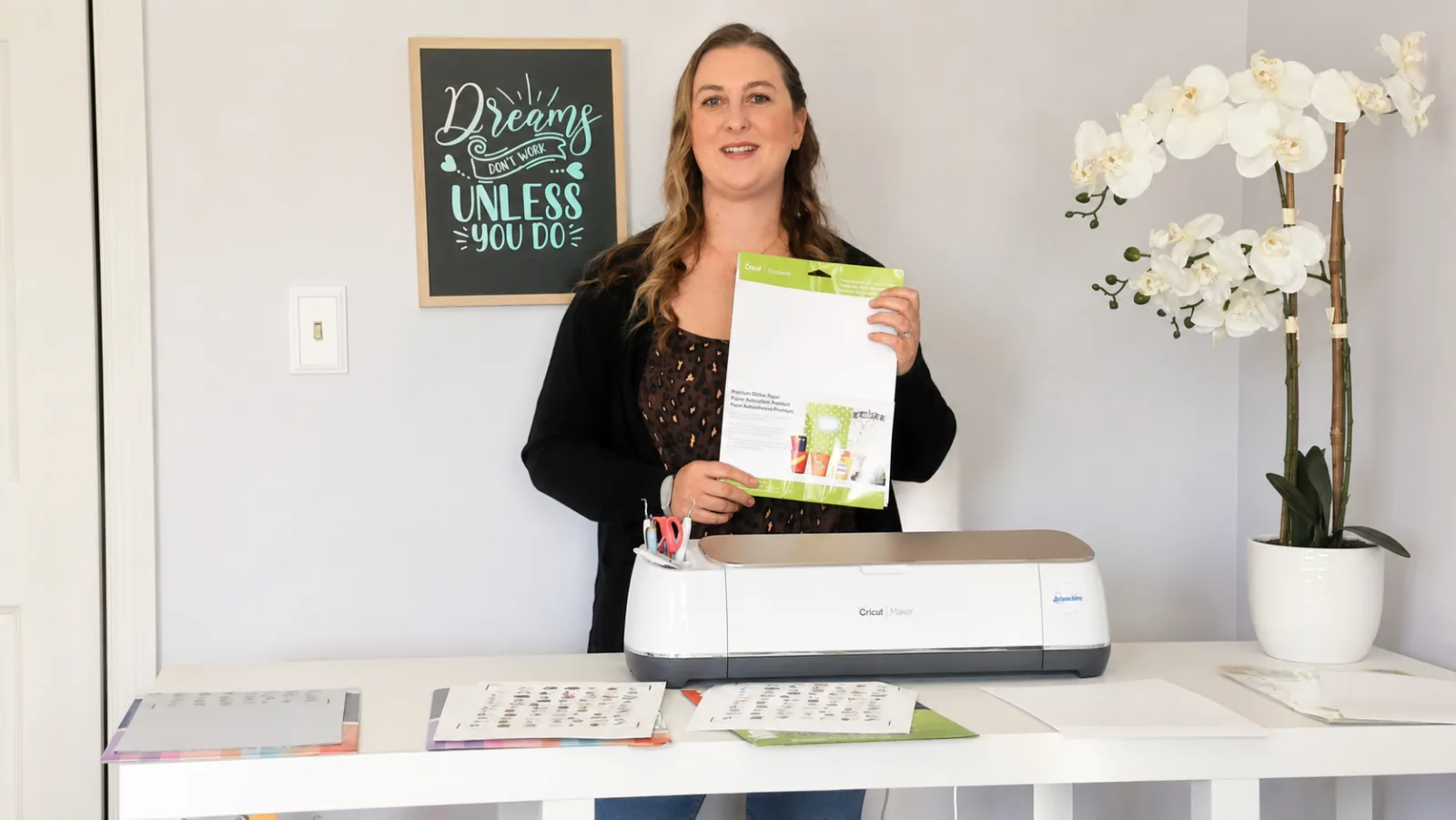
5. Cricut Printable Sticker Paper: A Total Disappointment
Price: About 60 cents per sheet
What I Loved:
- Nothing – I couldn't even get it to print
What I Didn't Love:
- Extremely thick, almost like cardstock
- Jammed in my printer constantly
- So stiff it wouldn't even bend when I held it
- Nearly impossible to use
Cricut Printable Sticker Paper was the worst performer in my entire test. The paper is so thick and stiff that my printer refused to feed it properly.
I tried multiple times and couldn't get a single successful print. If you've had better luck with newer versions of this paper, let me know in the comments – but based on my experience, I'd skip this one entirely.
One thing worth knowing before you toss the pack: the thickness that ruined this paper in my inkjet turned out to be a non-issue in a laser. When I tested making stickers with a laser vs. Cricut Print Then Cut, this same stiff Cricut paper finally worked. So if you already own a laser, hang onto it.
Which Sticker Paper Is Best?
My Top Pick: Joyeza Vinyl Sticker Paper
For the best combination of quality and price, Joyeza wins hands down. At just 51 cents per sheet, it delivers professional results without breaking the bank.
Runner-Up: TeckWrap Printable Sticker Vinyl is a close second if you want larger sheets.
Brand Name Option: Cricut Printable Vinyl works well if you prefer staying in the Cricut ecosystem, but you'll pay more.
Skip These: TeckWrap Holographic Paper and Cricut Printable Sticker Paper both caused too many printing problems to recommend.
Pro Tips for Printing Stickers with Cricut
New to the craft? Start with my more beginner Cricut tips before you dive in.
Avoid Thick Papers If your sticker paper feels like cardstock, it's going to jam. Go for thinner, more flexible options like the Joyeza or TeckWrap vinyl.
Use Photo Paper Settings Always set your printer to “Photo Paper” or “Glossy Photo Paper” mode for the best print quality and color vibrancy.
Printing your own pictures as stickers? My photo sticker tutorial walks through turning a photo into a sticker design, step by step.
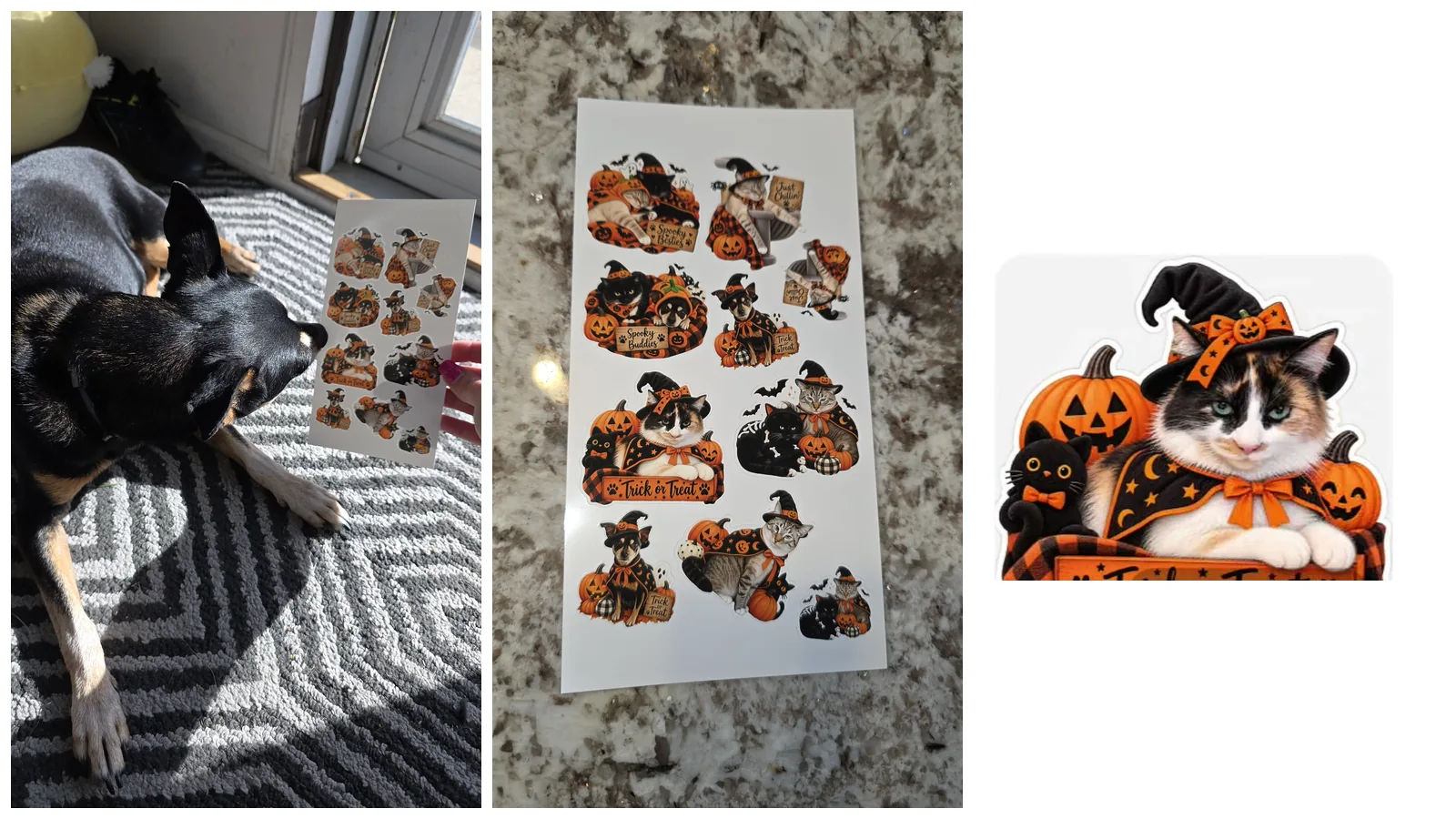
Need a few designs to test your sticker paper with? Download my free Halloween sticker sheet.
Resize Smartly in Cricut Design Space When uploading multiple sticker designs, group them all together so you can resize them at once. This saves tons of time! Learn more in my Cricut Design Space tutorial.
Test Before You Print Run a test print on regular paper first to make sure your colors and layout look right before using your expensive sticker paper.
Let Ink Dry Completely Wait a few minutes after printing before touching or cutting your stickers. This prevents smudges and keeps your colors crisp.
How Do You Make Stickers Waterproof?
Want your stickers to last longer and resist water? Adding a laminate overlay is the way to go!
Benefits of Laminating:
- Waterproofing – Moisture won't damage your sticker
- Scratch Protection – Guards against scratches and fading
- Increased Durability – Your stickers survive longer in tough conditions
How to Apply Laminate:
- Clean the Sticker – Make sure it's completely clean and dry
- Cut the Laminate – Cut slightly larger than your sticker for easier application
- Apply Carefully – Smooth out bubbles as you apply it to the surface
- Seal the Edges – Press down firmly around all edges
Want to dive deeper into waterproofing techniques? Check out my complete guide on how to make waterproof stickers!
FAQ
Q: Can I use printable sticker paper in any inkjet printer? A: Most modern inkjet printers work fine with sticker paper, but always check your printer's manual first. Avoid papers that feel like cardstock – they're more likely to jam.
Q: What's the difference between printable vinyl and printable sticker paper? A: Printable vinyl is typically more durable and water-resistant than paper-based sticker sheets. Vinyl gives you that professional, long-lasting finish. One important exception: if you're cutting with a laser instead of a Cricut, never run printable vinyl through it unless it's labeled laser-safe or PVC-free – PVC gives off chlorine gas that damages both you and your machine. Use a paper-based sheet instead, and see how to make stickers with a laser.
Q: How do I prevent my sticker paper from jamming? A: Use thinner, flexible papers and make sure your printer settings are correct. Load the paper correctly with the printable side facing the right direction, and don't overload your paper tray.
Q: Are these sticker papers safe for outdoor use? A: For outdoor stickers, you'll want to use vinyl-based sticker paper and add a laminate overlay for extra protection. The Joyeza and TeckWrap vinyl options work well for this!
Q: Can I sell stickers made with these papers? A: Absolutely! Just make sure you're using designs you have commercial rights to. Creative Fabrica offers unlimited downloads with commercial licenses for just $3.99/month – perfect for sticker makers!
Q: How long do I need to wait before cutting my printed stickers? A: Wait at least 2-3 minutes for the ink to dry completely. Cutting too soon can cause smudging and ruin your hard work.
Community Invite
Now it's your turn!
Grab some Joyeza Vinyl Sticker Paper and start creating beautiful stickers for your projects or shop. I'd love to see what you make!
Tag @KerriCraftsIt on Instagram or share your creations in the Kerri Crafts It Facebook Group. Let me know which sticker paper you love or if you've tried any of these brands!
Ready to learn the complete process? Watch my step-by-step sticker making tutorial for everything you need to know about Cricut Print Then Cut!
More Projects You'll Love
- How to Make Stickers with Cricut Print Then Cut
- How to Make Waterproof Stickers with Laminate Film
- How to Make Vinyl Decals with Cricut
- How to Get Better Pictures of Your Cricut Projects
- 10 Biggest Mistakes New Cricut Owners Make
Connect with Me: