If you've ever wondered whether Cricut Access is worth the money, you're not alone. It's one of the most common questions I get from new Cricut owners.
When I first started crafting with my Cricut, I wasn't sure if I needed a subscription. I already had the machine – did I really need to pay more every month? After years of using both free and paid options, I finally have a clear answer for you.
In this guide, I'll break down exactly what you get with each Cricut Access tier, help you decide if it's right for your crafting style, and share some alternatives that might work even better for your needs. I cover this topic in depth in my book Cricut For Dummies, but here's everything you need to know right now.
Quick Links
- What Is Cricut Access?
- Free Tier Features
- Standard Subscription ($9.99/month)
- Premium Subscription ($119.88/year)
- Exclusive Design Features
- Is Cricut Access Worth It?
- Alternatives to Cricut Access
- FAQ
- More Resources
What Is Cricut Access?
Cricut Access is a paid subscription within Cricut Design Space that gives you access to premium images, fonts, projects, and exclusive design features. Think of it like an all-you-can-craft buffet.

Here's the thing – you don't need Cricut Access to use your Cricut machine. Design Space is free, and you can upload your own designs without paying a dime. But the subscription does unlock some nice perks that can make your crafting life easier. Fonts work the same way: anything you install on your own computer shows up in Design Space for free. If you want a starting point, here are the fonts I install on every machine.
Let me break down each tier so you can see exactly what you're getting.
Free Tier: What You Get Without Paying
Every Cricut account comes with free access to some resources. Here's what's included:
- 3,000+ images – A solid selection to get you started
- 100+ fonts – Enough variety for basic projects
- 250+ ready-to-make projects – Predesigned projects you can customize
- Up to 5 collections – Organize your favorite designs
- A la carte purchases – Buy individual images and fonts as needed
- 10% off Cricut.com purchases – Including machines (up to $50 savings per item)
- $10 coupon every 3 months – Includes free shipping
💡 Pro Tip: You can filter by “Free” under the Images, Projects, and Fonts tabs in Design Space to quickly find options that don't require a subscription or purchase.
The free tier is perfect if you're just getting started or prefer uploading your own designs. If you only need a few designs here and there, buying them individually might be more cost-effective than subscribing.
Standard Subscription ($9.99/month)
The standard Cricut Access subscription is the most popular option. Here's what you get:
Design Library:
- 1,500,000+ premium images – Massive library of cut-ready designs
- 1,000+ professionally designed fonts – Way more variety than free
- 100,000+ ready-to-make projects – Customizable project ideas
- Unlimited collections – Organize without limits
- 10% off licensed images – Disney, Star Wars, Marvel, and more
Savings:
- 10% off Cricut.com purchases – Including machines (up to $50 savings)
- $10 coupon every 3 months – With free shipping
Pricing Options:
- $9.99 per month (cancel anytime)
- $95.88 per year (saves you $24)
The annual plan breaks down to about $8 per month, which is a decent savings if you know you'll use it consistently.
Premium Subscription ($119.88/year)

The premium tier includes everything in the standard plan, plus extra savings for serious crafters:
Everything in Standard, PLUS:
- 20% off all Cricut materials – Instead of just 10%
- Free economy shipping on orders over $50
Pricing:
- $119.88 per year (must be purchased annually)
- Only available on Cricut.com
The premium plan makes sense if you buy a lot of supplies directly from Cricut. That extra 10% discount on materials adds up fast when you're stocking up on vinyl, iron-on, and blades.
Exclusive Design Features for Subscribers
One of the biggest reasons to consider Cricut Access is the exclusive tools you get in Design Space. These features are only available to Standard and Premium subscribers:
Automatic Background Remover
This is a huge time-saver. With one click, you can remove backgrounds from uploaded images without using other apps or manually erasing. I use this constantly when uploading photos or images with busy backgrounds.
Warped Text
Want your text to curve, arc, or bend? The Warped Text feature lets you create custom text effects without any design experience. It's perfect for making text follow the curve of a tumbler or creating arched titles.
Create Sticker Tool
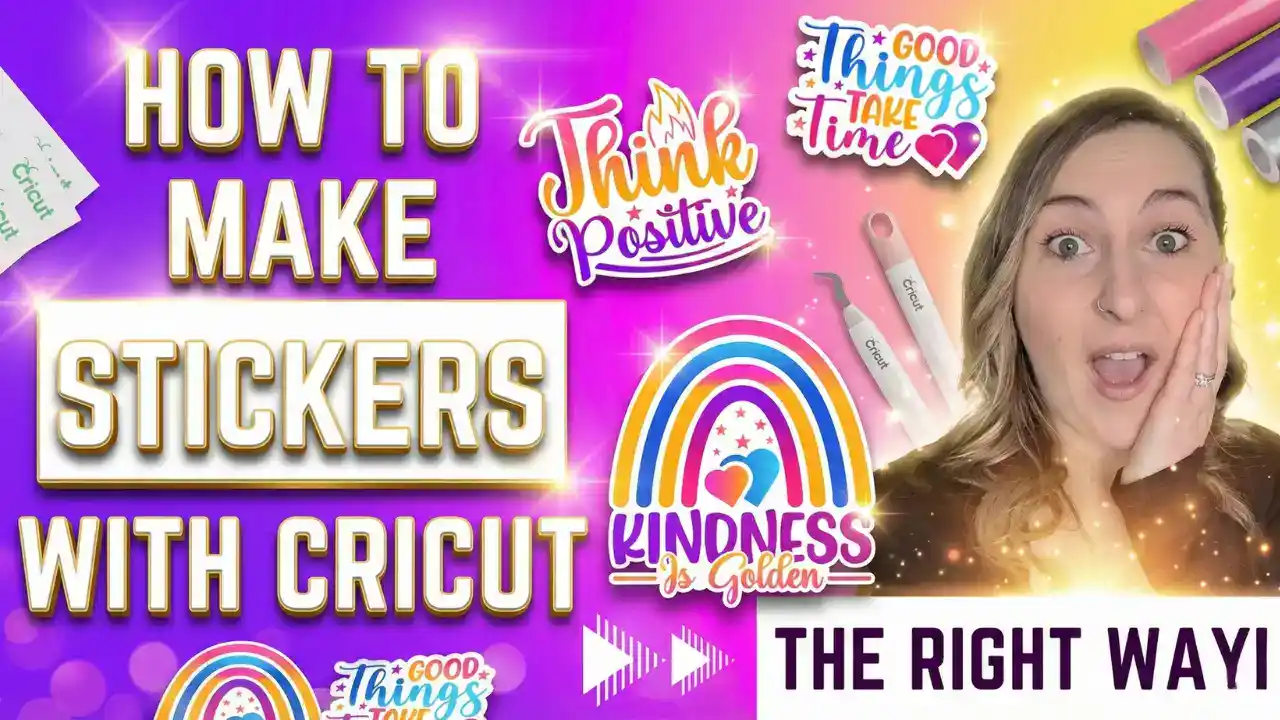
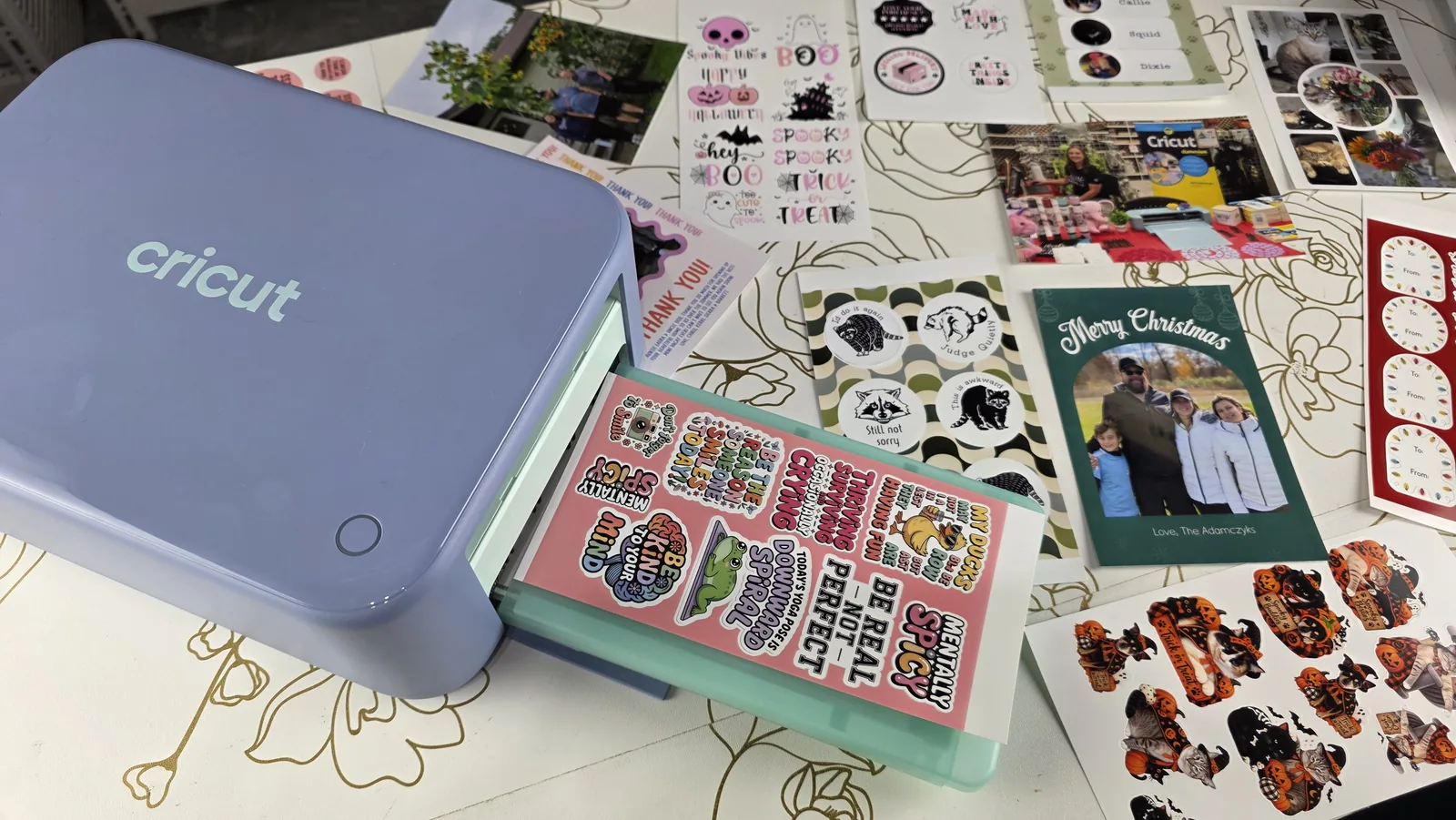
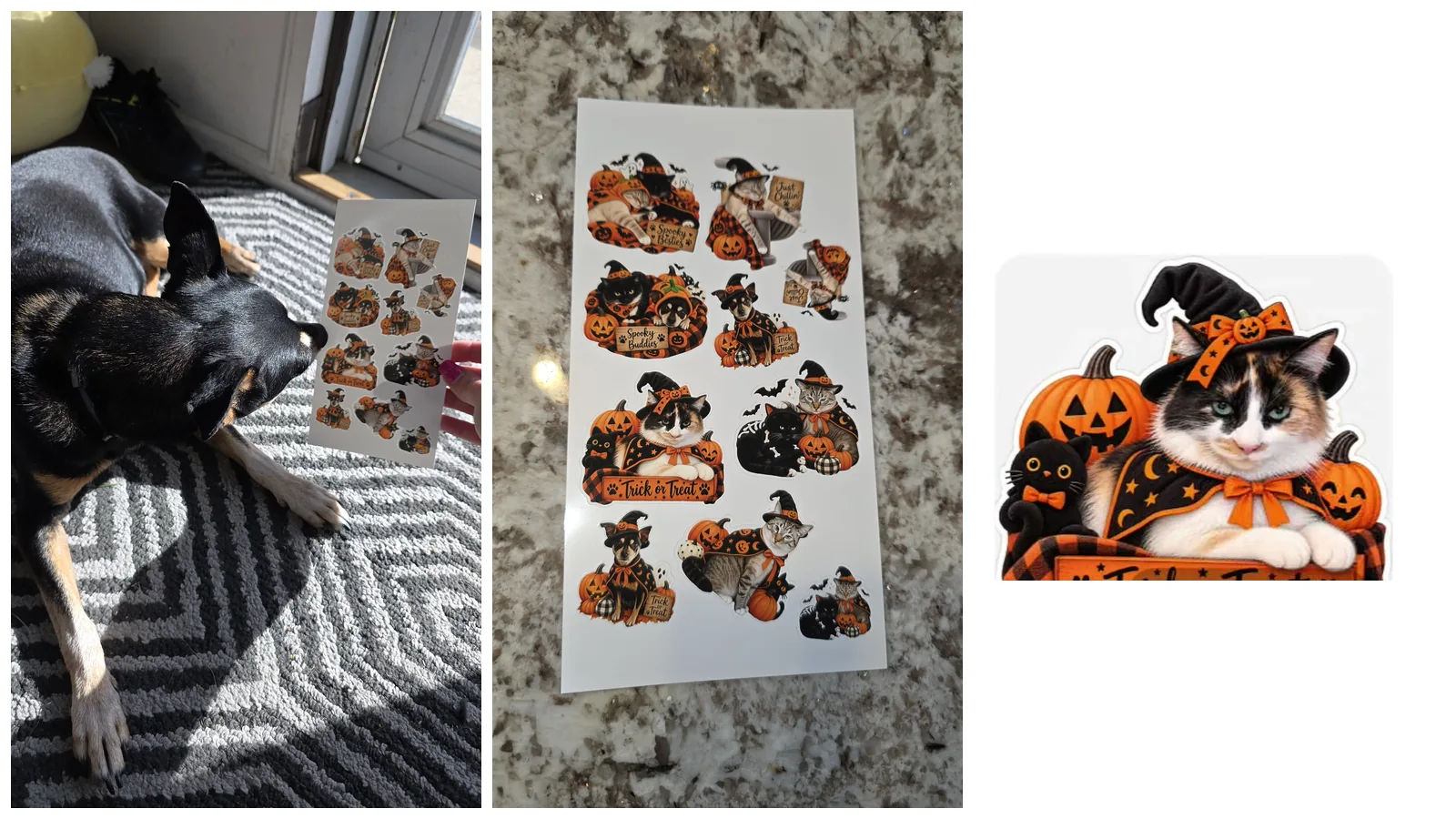
This Cricut Access-exclusive tool makes creating Print Then Cut stickers super simple. It comes with preset settings that take the guesswork out of sticker-making, whether you're creating one sticker or a full sheet.
If you love making stickers, check out my tutorial on how to make stickers with your Cricut for step-by-step instructions.
Multiple Layers (Convert to Layers)
This feature automatically separates a multicolored image into up to nine individual layers by color. It's incredibly helpful for turning complex images into organized, editable designs for vinyl projects.
Priority Member Support
Need help? Cricut Access members get priority support, which means you can skip the line and chat with a Member Care representative faster during support hours.
Is Cricut Access Worth It?
Here's my honest take after years of crafting:
Cricut Access IS worth it if you:
- Craft regularly (at least a few times per month)
- Like browsing for design inspiration in Design Space
- Want the exclusive tools like Background Remover and Warped Text
- Buy supplies from Cricut.com frequently
- Don't want to hunt for designs on other websites
Cricut Access is NOT worth it if you:
- Prefer uploading your own designs or using free SVGs
- Only craft occasionally
- Already have a subscription to another design site
- Mainly use licensed characters (Disney images still cost extra even with Access)
⚠️ Important: Even with Cricut Access, licensed images from brands like Disney, Star Wars, and Marvel are not free. You get 10% off, but you still have to purchase them separately. And remember – licensed images are for personal use only. You cannot sell items made with Disney designs.
Commercial Use and the Angel Policy
If you're planning to sell your Cricut creations, you need to understand Cricut's Angel Policy.
You can use Cricut Access fonts and images for commercial projects, but there are limits on how many items you can sell before needing a separate license. The rules change periodically, so always check the latest version of Cricut's Angel Policy before selling anything.
For detailed guidance on licensing and selling your crafts, I recommend reading my post on how to start a Cricut business.
Alternatives to Cricut Access
If Cricut Access doesn't feel right for you, here are some alternatives I personally use and recommend:
Creative Fabrica (My Top Pick for Commercial Use)
Creative Fabrica is my go-to for fonts and designs. For just $3.99 per month (or $47 per year), you get unlimited downloads of millions of designs – and they all include a commercial license.
The downside? You don't get the Cricut-specific features like Background Remover or Warped Text. But if you mainly need designs for cutting, it's an incredible value.
I talk more about finding great designs in my post on where to get the best fonts and graphics.
Free Design Resources
- DaFont.com – Tons of free fonts (most are personal use only)
- Picsvg.com – Free tool for converting images to SVGs
- Facebook crafting groups – Crafters share free designs, but always check licensing
Other Paid Options
- Design Bundles – $24.99/month or $239/year, includes commercial licenses
- Etsy – Great for buying individual SVG files without a subscription
- Font Bundles – Specifically for fonts with commercial licenses
- The Hungry JPEG – Bundles, individual purchases, and occasional freebies
Comparison Chart: Cricut Access vs Alternatives
| Feature | Cricut Access Standard | Cricut Access Premium | Creative Fabrica |
|---|---|---|---|
| Monthly Cost | $9.99 | $9.99 (annual only) | $3.99 |
| Annual Cost | $95.88 | $119.88 | $47 |
| Images/Designs | 1.5 million+ | 1.5 million+ | Millions |
| Commercial License | Limited (check Angel Policy) | Limited (check Angel Policy) | Full commercial |
| Cricut.com Discounts | 10% | 20% | None |
| Exclusive Design Tools | Yes | Yes | No |
| Free Shipping | No | On $50+ orders | N/A |
FAQ
Q: Can I try Cricut Access before committing? A: Cricut occasionally offers free trials, especially when you register a new machine. Check your account for any available trial offers.
Q: Can I cancel Cricut Access anytime? A: Yes, the monthly plan can be canceled anytime. Annual plans are paid upfront and last the full year.
Q: Do I lose my projects if I cancel? A: No. Any projects you've saved in Design Space stay in your account. You just won't have access to the premium images and fonts anymore.
Q: Are Disney images included with Cricut Access? A: No. Licensed images from Disney, Marvel, Star Wars, and other brands require separate purchase. You do get 10% off these images with a subscription.
Q: Can I use Cricut Access designs to sell on Etsy? A: There are limits. Check Cricut's Angel Policy for current guidelines on commercial use and selling limits.
Can I use Cricut Access designs for my small business?
Yes, within limits. Cricut Access includes a commercial license for many of its designs under Cricut's Angel Policy, which is what makes it genuinely useful if you sell what you make. Check the policy for the annual limits before you scale up.
Are Cricut Access designs available offline?
Not really. The designs live in Cricut Design Space and you need an internet connection to browse and load them. Once a project is loaded you can finish the cut, but plan on being online when you sit down to design.
What if I only need Cricut Access for a short time?
Take the monthly plan instead of annual. If you have one big project or a busy season coming up, paying month to month and cancelling afterward is often cheaper than committing to a year.
Can I use Cricut Access on my phone or tablet?
Yes. Cricut Access works in both the desktop and mobile versions of Design Space, so your fonts and images follow you across devices.
Want to Learn More?
I cover Cricut Access and so much more in my book Cricut For Dummies. It's packed with everything you need to know about choosing the right machine, setting it up, using Design Space, and creating amazing projects.
Whether you're brand new to Cricut or looking to level up your skills, this book walks you through it all step by step.
Watch my video to see what's inside the book and get some beginner project ideas:
Beginner Cricut Guide: What's in Cricut For Dummies + Project Ideas
Community Invite
Still not sure if Cricut Access is right for you? I'd love to help you decide! Drop a comment with your crafting style, and I'll give you my honest recommendation.
Already using Cricut Access? Share your favorite features – I'd love to hear what you think is worth the subscription!
Find me on all platforms: linktr.ee/kerricraftsit
Connect with me:
- Subscribe on YouTube
- Follow on Facebook
- Follow on Instagram
- Follow on TikTok
- Follow on Pinterest
- Shop on Etsy