Making waterproof stickers with your Cricut is easier than you might think. In this tutorial, you’ll learn exactly how to apply laminate film over printable vinyl to protect your designs from water and wear. The paper you print on matters as much as the film – I tested five brands in my sticker paper comparison.
If you’ve ever struggled with bubbles or crooked film, you’re going to love this method — and the Dollar Tree tool that makes it foolproof.
🎥 Watch the video below to see the full process step by step:
What is Laminate Film?
Laminate film is a thin, transparent, self-adhesive layer that seals and protects printed stickers. It’s waterproof, flexible, and doesn’t require a laminator.
You don’t print on the laminate film — it’s applied on top of your sticker sheet as a protective overlay. You might also hear it called overlay film, transparent overlay, or laminate vinyl, but all refer to the same thing.
Laminate sheets come in different finishes, such as:
Holographic: A colorful, shimmering overlay for extra style.
Crystal Clear: A smooth, glossy waterproof finish.
Materials Needed to Make Waterproof Stickers
Gather these supplies before starting:
- Cricut Machine with print and cut capabilities (Explore Air 2, Explore 3, Maker, Maker 3 or Cricut Joy Xtra)
- Printable vinyl sticker paper
- Inkjet printer, such as the HP ENVY Inspire 7255e Wireless Color Inkjet Printer
- Teckwrap holographic vinyl laminate film
- Blue LightGrip mat
- Scissors
- Weeding tool (if needed, such as this nice basic tool set)
- Scraper tool (Dollar Tree's painting shield works wonders)”
How to Apply Laminate Film

After printing your stickers, apply laminate film carefully to avoid covering Cricut’s registration marks.
- Trim the film so it fits inside the registration marks, with grid lines facing up.
- Peel back about one inch of the backing and line up the film just under the top marks.
- Use a scraper tool to press the film down slowly, smoothing bubbles and wrinkles as you go.
💡 Pro Tip: Apply laminate in short sections instead of all at once. It gives you more control and prevents trapped air.
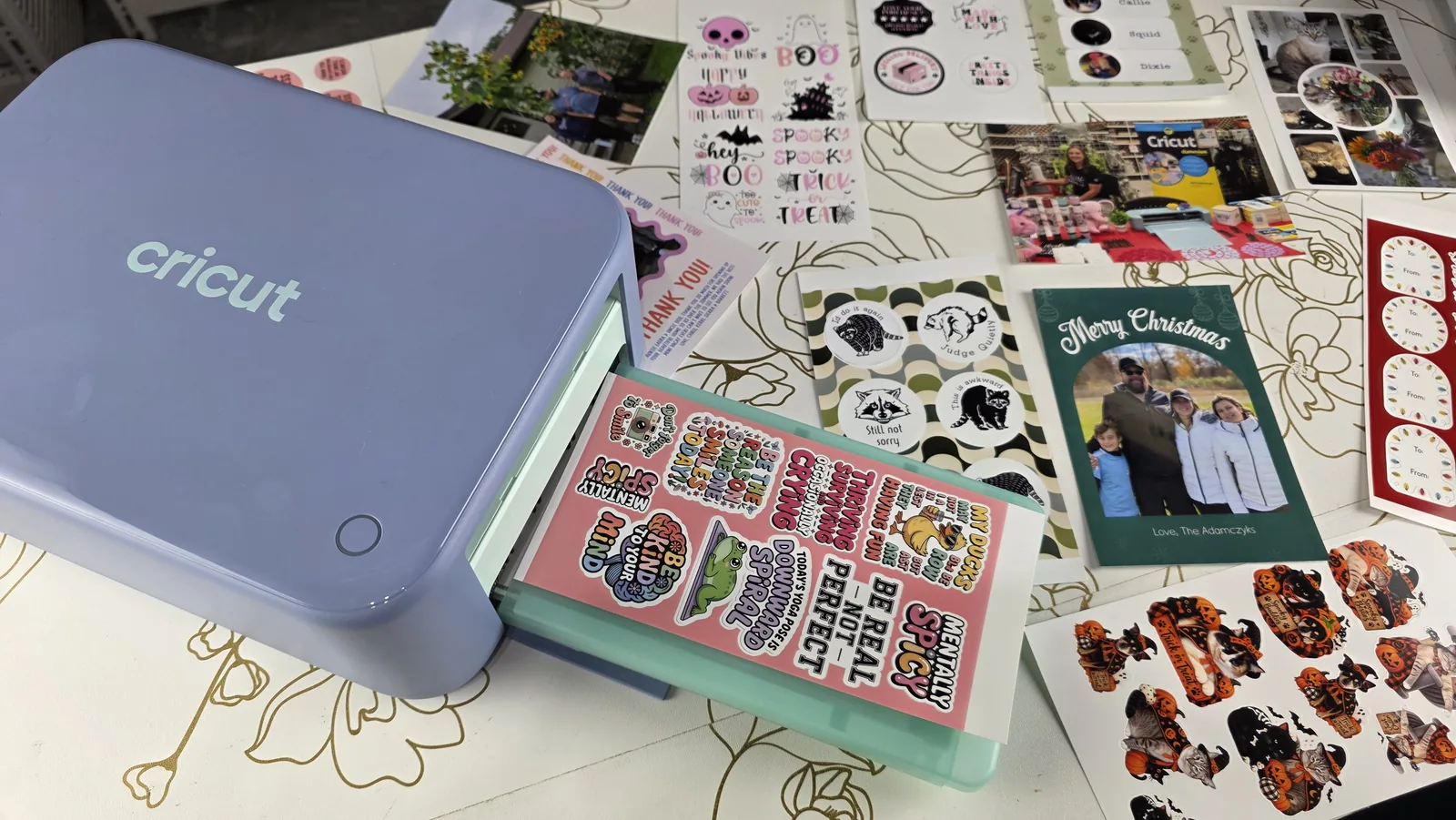
Not a fan of laminating by hand? Cricut's new StickerPix machine adds a clear protective layer automatically while it prints, so it skips this whole step. Cricut calls the finish water-resistant rather than waterproof, but when I tried to destroy StickerPix stickers they survived a week in the shower, a dishwasher cycle and a load of laundry. Here is my StickerPix durability test.
I would strongly recommend watching the YouTube tutorial that goes along with this post so you can see this process.
How to Cut Laminated Stickers with Cricut Print then Cut

Place the laminated sticker sheet in the upper-left corner of your blue LightGrip mat.
In Cricut Design Space, choose Holographic Vinyl as your material setting.
Load the mat and press the blinking “C” button to start cutting.
This combination of settings produces perfectly cut, waterproof stickers without misreads or tearing.
Mistakes to Avoid – What NOT Common Mistakes to Avoiddo when using Sticker Overlays
THere are a few things that can go wrong — and how to avoid them:
- ❌ Peeling laminate like transfer tape: It folds and sticks to itself.
- ❌ Sticking the film to your StandardGrip mat: The paper backing tears and ruins your mat.
- ❌ Applying the film on your table: It can lift paint or damage the surface.
Everyone makes a few mistakes at first. Practicing this method once or twice will give you consistently smooth results.
And that’s it — your complete guide to making waterproof stickers with laminate film using your Cricut. This method keeps your designs bright, durable, and ready for daily use.
If you enjoyed this tutorial, check out my book Cricut For Dummies for more step-by-step Cricut projects and troubleshooting tips.
📘 Grab your copy on Amazon
What to Read Next
Now that you know how to make waterproof stickers with laminate film, check out these popular Cricut tutorials and project guides:
Which Cricut Should I Buy in 2025? Complete Buying Guide – Compare Cricut machines and find the one that fits your crafting style and budget.
Cricut Tips for Beginners: 10 Must-Know Tricks to Start Crafting with Confidence – Learn the essential tips every Cricut beginner should know to save time and materials.
How to Use Product Mockups to Make Your Cricut Projects Look Professional – Discover how to use mockups to photograph your projects beautifully for Etsy or social media.
How to Engrave Photos on Metal with the WeCreat Vista 2W IR Laser – Try something new and learn how to engrave detailed photo designs on metal using the WeCreat Vista laser.
Frequently Asked Questions About Making Waterproof Stickers
If you’re learning how to make waterproof stickers with laminate film, these frequently asked questions will help you troubleshoot and get the best results.
Q: Do I need a laminator to make waterproof stickers?
No! You don’t need a laminator for this method. Self-adhesive laminate film works just as well. Simply apply it over your printed sticker sheet before cutting with your Cricut.
Q: Can I make waterproof stickers with any printer?
You’ll need an inkjet printer that’s compatible with printable vinyl sticker paper. Laser printers aren’t ideal because they can melt or damage the sticker material.
Q: Why won’t my Cricut read the registration marks after adding laminate?
The laminate film can sometimes reflect light and confuse the Cricut’s sensor. To fix this, make sure the laminate stays inside the black registration marks and avoid glossy film types that cause glare.
Q: What type of laminate film works best?
For clear waterproof stickers, use a crystal-clear laminate film. For fun effects, try holographic laminate sheets — just be sure to adjust your material setting to Holographic Vinyl before cutting.
Q: Are these stickers dishwasher safe?
Laminate film makes your stickers water-resistant and durable, but not fully dishwasher safe. For long-lasting results, hand wash items instead.