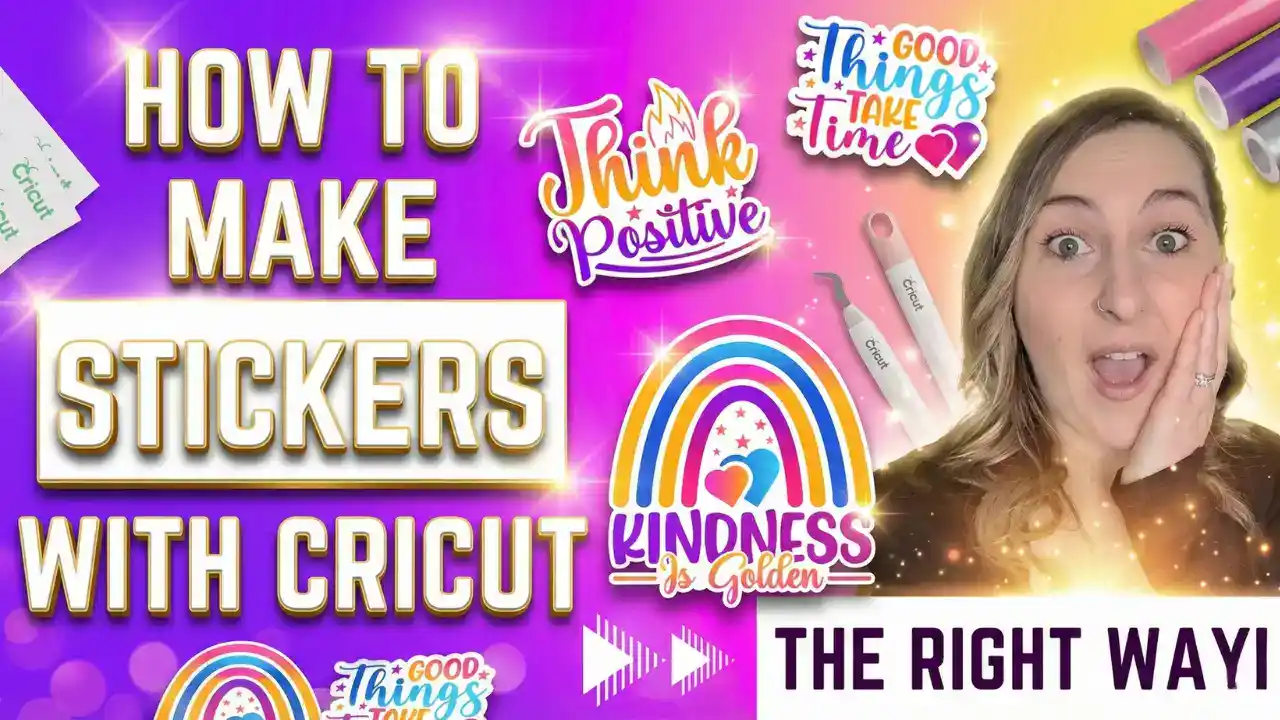
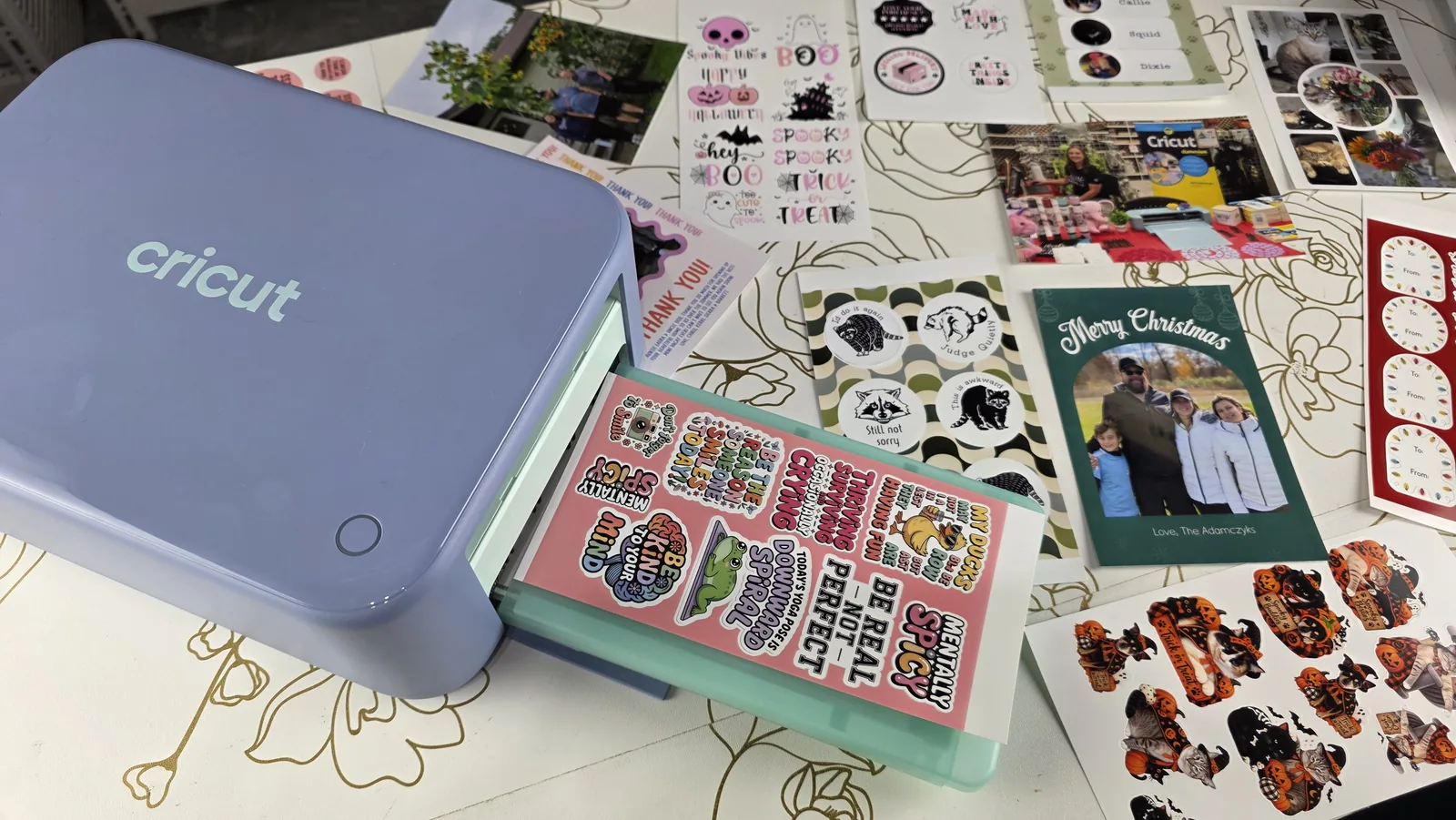
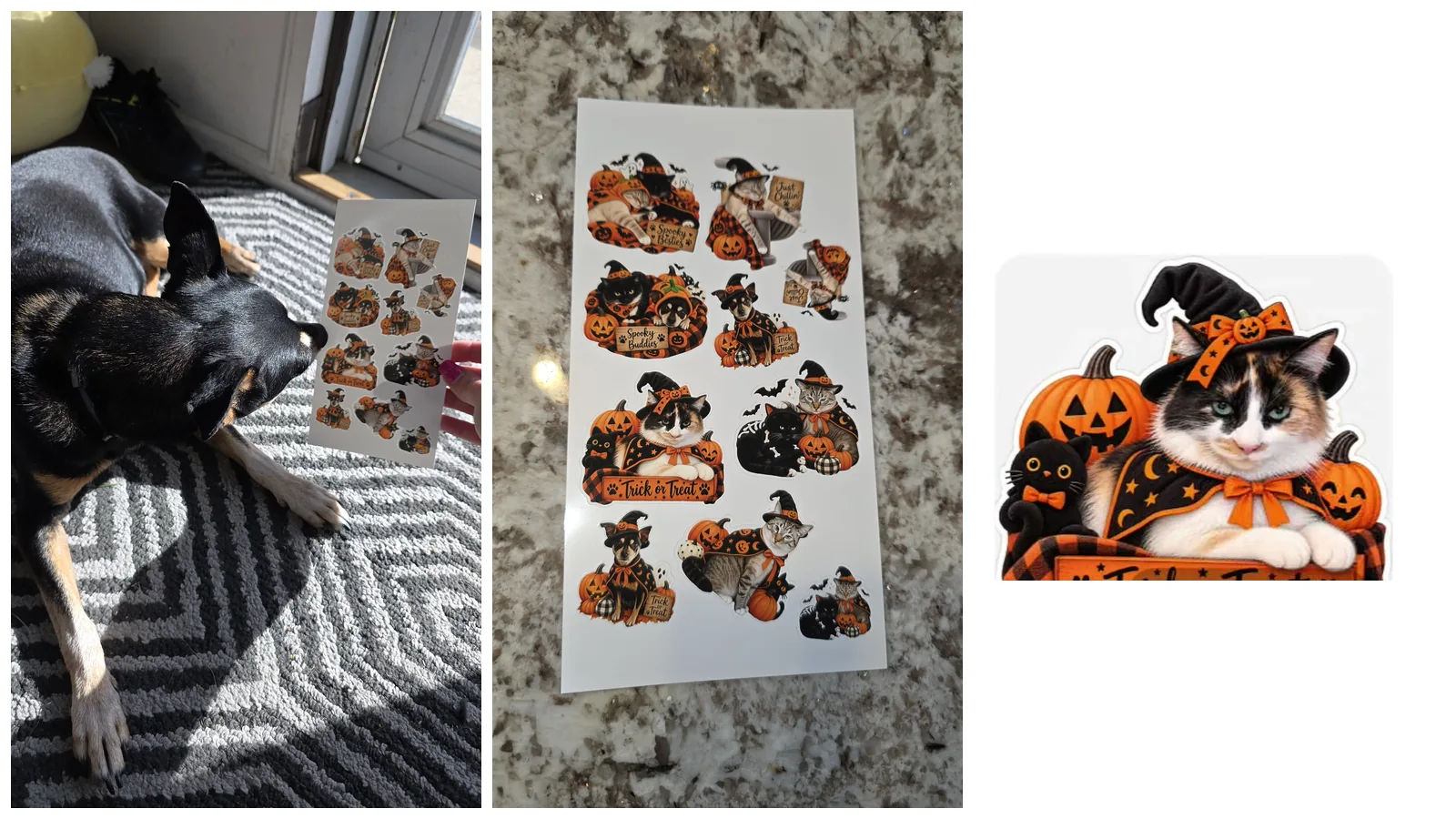
These free printable Halloween stickers come in two sets of 12: a Cute Halloween set and a Spooky Pets set. Every sticker is a transparent PNG with the white border already built in, so you can print and cut them with Cricut Print Then Cut, the new Cricut StickerPix, or even a pair of scissors.
I designed these with a little help from AI, the same way I turned my own pets into Halloween stickers, and I think they came out absolutely adorable. Pop your email in below and I'll send you all 24.
This post contains affiliate links. If you buy through them, I may earn a small commission at no extra cost to you.
Key Takeaways
- You get 24 free printable Halloween stickers in two sets of 12. The Cute Halloween set has ghosts, pumpkins and bats, and the Spooky Pets set has cats and dogs in costumes.
- Every sticker is a transparent PNG with a white border built in. In Cricut Design Space, upload it as a Print Then Cut image and it cuts right around that border.
- A sticker 2 to 3 inches wide is a good size. Print Then Cut fits a sheet up to about 9.25 by 6.75 inches on letter paper, so you can fit plenty on one page.
- They also work on a Cricut StickerPix. Drag the Border setting down to its smallest, because the white edge is already in the design.
- The files are for personal use and small handmade gifts. Please don't resell or share the files themselves.
Quick Links
- Key Takeaways
- What's in the Free Halloween Sticker Set
- Get Your Free Halloween Stickers
- What You'll Need
- How to Print Halloween Stickers With Cricut Print Then Cut
- How to Print Them on a Cricut StickerPix
- Fun Ways to Use Your Halloween Stickers
- Make Halloween Stickers of Your Own Pets
- FAQ
What's in the Free Halloween Sticker Set
Set 1: Cute Halloween
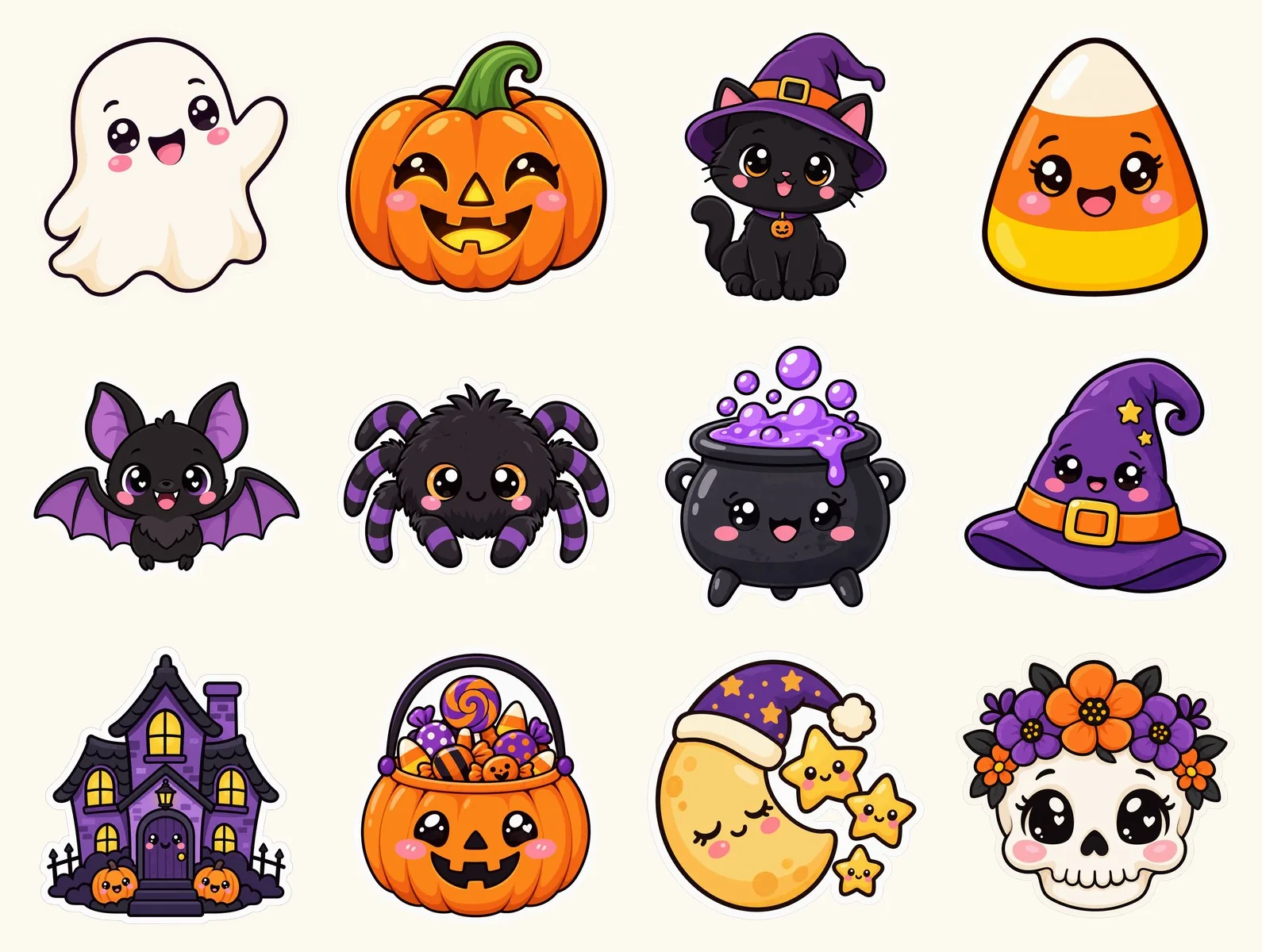
A smiling ghost, a happy jack-o-lantern, a black cat in a witch hat, candy corn, a bat, a fuzzy spider, a bubbling cauldron, a witch hat, a haunted house, a trick-or-treat bucket full of candy, a sleepy moon with stars, and a flower crown skull. They're all sweet rather than scary, so they're perfect for kids.
Set 2: Spooky Pets
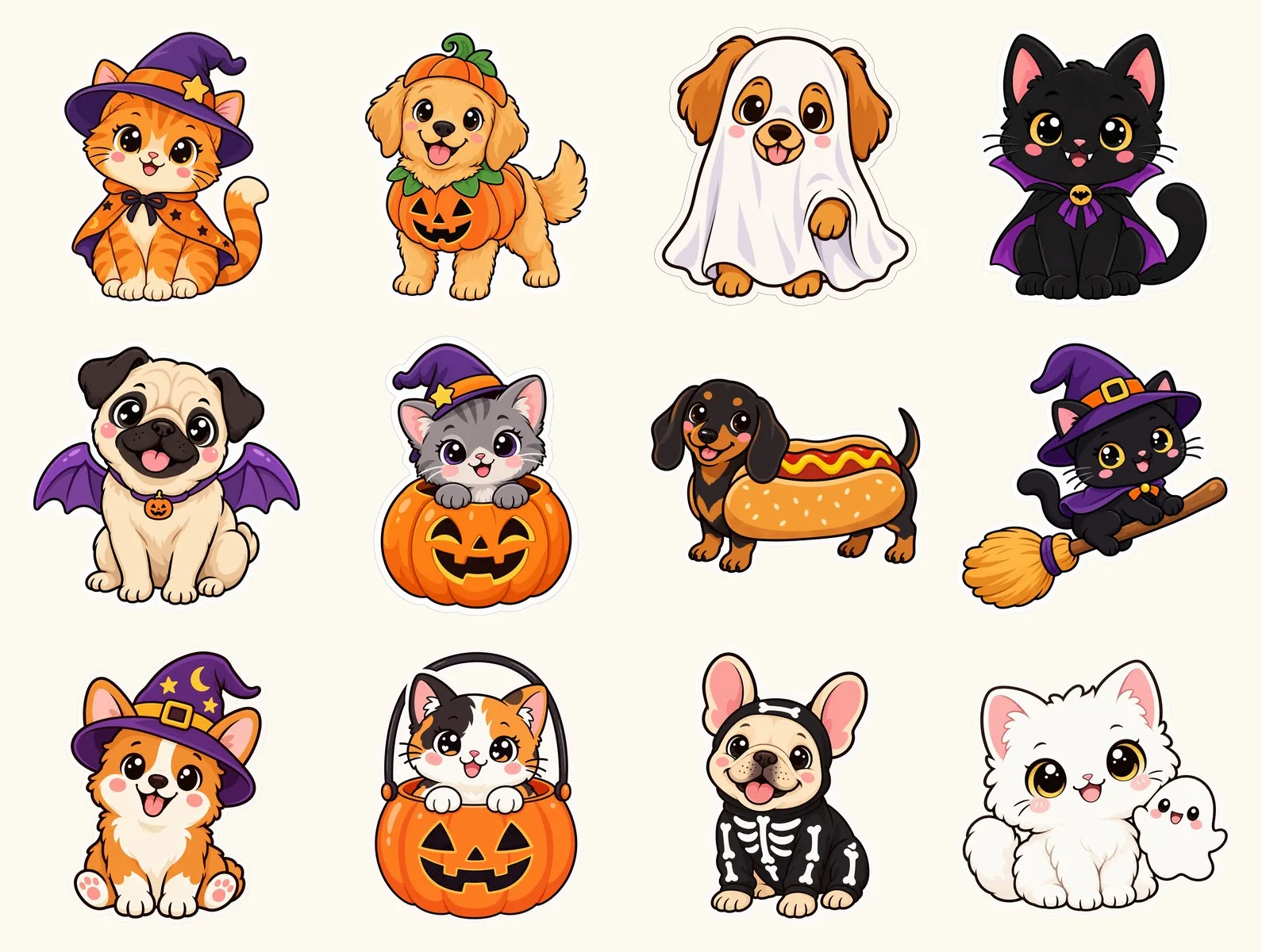
This is the set I'm most excited about. A tabby in a witch hat, a puppy in a pumpkin costume, a dog dressed as a ghost, a vampire cat, a pug with bat wings, a kitten in a jack-o-lantern, a hot dog dachshund, a cat on a broomstick, a witch corgi, a calico in a candy bucket, a skeleton Frenchie, and a fluffy white cat with a tiny ghost friend.
Get Your Free Halloween Stickers
Pop your name and email in below and the download link appears right away. The ZIP also includes a quick “READ ME FIRST” sheet with the steps for Print Then Cut and StickerPix.
What You'll Need
- Cricut machine – any model that does Print Then Cut
- Inkjet printer – I use an HP ENVY Inspire 7255e
- Joyeza printable vinyl sticker paper – my top pick when I tested five brands
- Blue LightGrip mat – holds the sheet while it cuts
- Or a Cricut StickerPix Print + Cut – prints, laminates and cuts with no mat or printer
Some of the links above are affiliate links. If you buy through them I earn a small commission at no extra cost to you, and it helps me keep making these tutorials.
How to Print Halloween Stickers With Cricut Print Then Cut
- Unzip the download. You'll see two folders, Cute Halloween and Spooky Pets.
- Upload a sticker to Design Space. Click Upload, choose a PNG, pick Complex, and click Continue.
- Keep the background as it is. It's already transparent, so just click Apply & Continue.
- Save it as a Print Then Cut image and click Upload. Repeat for every sticker you want.
- Resize and arrange. 2 to 3 inches wide works well. On letter paper, Print Then Cut handles up to about 9.25 by 6.75 inches, so fill that space.
- Click Make. Print on sticker paper, put the sheet on your LightGrip mat, and let your Cricut read the registration marks and cut.
When I tested five sticker papers, Joyeza came out on top at about 56 cents a sheet. If you want your stickers to hold up to splashes, add laminate film before you cut. For every Print Then Cut setting, see my full Cricut Print Then Cut sticker tutorial.
How to Print Them on a Cricut StickerPix
- In the Design Space app, tap Upload and choose a sticker PNG.
- Tap Border and drag it down to the smallest setting. The white edge is already part of the design.
- Resize, keep uploading, and fill the whole 4×7 inch sheet.
- Tap Make. The StickerPix prints, laminates and cuts them for you.
Tip: Fill the sheet! Every StickerPix print uses the same amount of ink ribbon whether there's one sticker on it or ten. Here's my full Cricut StickerPix review if you're thinking about getting one.
Fun Ways to Use Your Halloween Stickers
- Trick-or-treat bags for kids who come to the door
- Candy and treat bag seals for classroom parties
- Reward stickers for teachers in October
- Planners and journals
- Water bottles and lunch boxes, laminated so they hold up
- Halloween cards, stuck right on the front
Make Halloween Stickers of Your Own Pets
The Spooky Pets set is cute, but nothing beats your own pets. I uploaded pictures of my cats and my dog to ChatGPT, typed “Make this cat a Halloween sticker”, and got designs I love. Then I printed and cut them on my StickerPix.
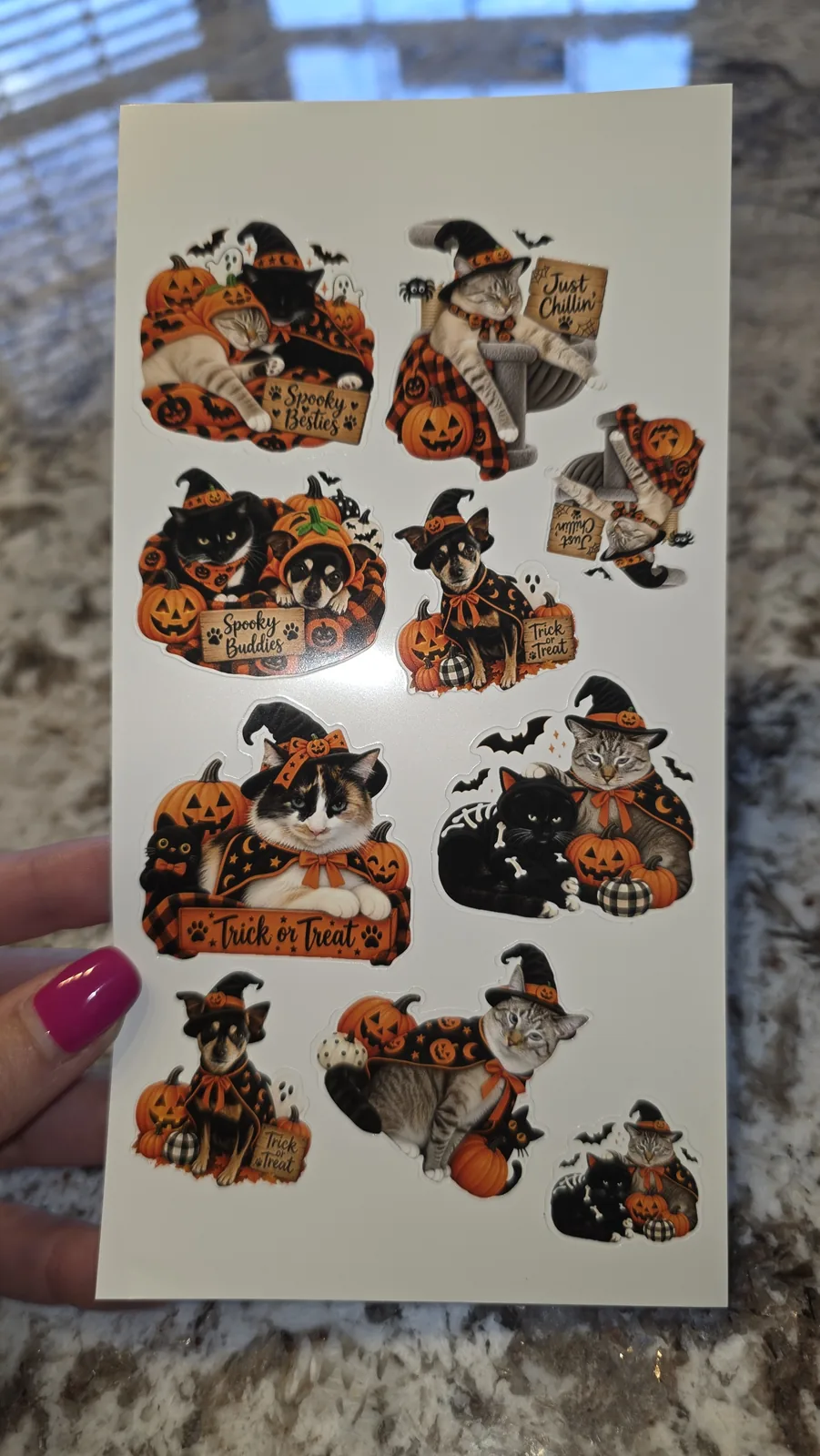
Here's my step-by-step guide to turning your own photos into stickers, including the exact prompts I used.
FAQ
Are these Halloween stickers really free?
Yes. Enter your name and email in the form above and the download link appears right away. I'll also email you a copy.
Are these SVG files?
No. They're PNG files with transparent backgrounds, made for printing and cutting. In Cricut Design Space, upload them as Print Then Cut images.
Do I need a Cricut to use them?
No. You can print them on sticker paper with any inkjet printer and cut them out with scissors along the white border. A Cricut or a StickerPix just does the cutting for you.
What size should I print Halloween stickers?
I like 2 to 3 inches wide for most stickers. Go smaller for planner stickers and treat bag seals.
Can I sell stickers I make with these?
These are for personal use and small handmade gifts. Please don't sell them or share the files themselves. Send friends to this page instead so they can grab their own copy.
Why didn't my download email arrive?
Check your spam or promotions folder. If it still isn't there, email me at [email protected] and I'll send it over.