If you're new to Cricut crafting, you might be wondering: What should I make first?
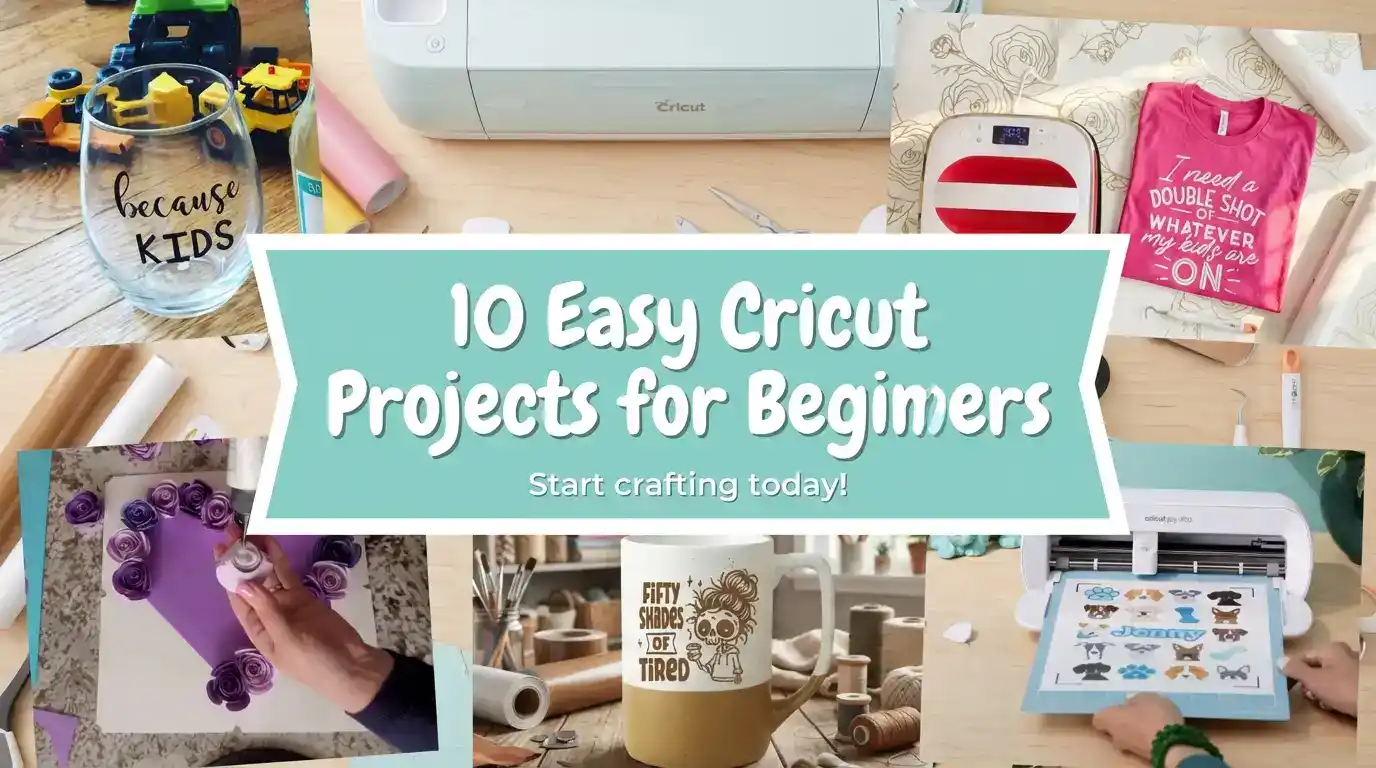
With so many materials and tools to choose from, it can feel a little overwhelming. That's exactly why I put together this list of 10 easy Cricut projects for beginners. These are fun, simple ideas that will help you learn your machine while making things you can actually use or give as gifts.

Whether you just got a new Cricut machine or have one sitting in the box (we've all been there!), these beginner projects will help you dive in and start crafting with confidence. And if you're not sure about the difference between vinyl and HTV, don't worry — I'll walk you through what materials you need for each project.

Hi, I'm Kerri! 👋
I wrote Cricut For Dummies to help beginners like you master your machine! It's packed with step-by-step tutorials, project ideas, and all my best tips from years of crafting.
📚 Get Your Copy on AmazonIf you're curious about the newest machine, be sure to check out my post on the Cricut Maker 4 Setup for all the latest features!
✨ What You'll Learn
- 10 beginner-friendly Cricut projects you can make today
- Which materials to use for each project
- Tips and tricks to get professional results
- Video tutorials to guide you step-by-step
Quick Links
Materials You'll Need
Here's a quick overview of supplies that cover most beginner Cricut projects: For the complete list, including the things you can safely skip, see my Cricut beginner supplies guide.
Vinyl & Transfer Supplies
- ✂️ Permanent Adhesive Vinyl – for decals, mugs, labels
- 👕 Siser EasyWeed HTV – for t-shirts and tote bags
- 📋 Transfer Tape – essential for applying vinyl
- 📐 Standard Grip Cutting Mat – for most projects
Paper Crafting
- 📄 Cardstock – for cards and paper flowers
- 💌 Cricut Insert Cards – for quick greeting cards
- 🌀 Quilling Tools – for rolling paper flowers
Heat Press Options
- ⭐ HTVRont Auto Heat Press – my favorite!
- 💰 VEVOR 8-in-1 Heat Press – budget-friendly
Sticker Making
- 📝 Printable Sticker Paper – for Print Then Cut
- 🖨️ Inkjet Printer – required for stickers
Blanks
- 👜 Blank Tote Bags – affordable practice blanks
- 🔑 Acrylic Keychain Blanks – fun small projects
Essential Tools
- 🧰 Cricut Basic Tool Set – weeder, scraper & more
- 📌 Weeding Tools with Pin Pen – makes weeding easy
1. Personalized Vinyl Decals
One of the easiest ways to get started is by making simple vinyl decals. You can stick them on water bottles, laptops, phone cases, notebooks, and more.

What you'll need:
- Permanent Adhesive Vinyl
- Transfer Tape
- A blank surface (like a cup or notebook)
- Standard Grip Mat
💡 Pro Tip: Start with simple shapes or words in an easy-to-read font. Once you're comfortable, try layering multiple vinyl colors!
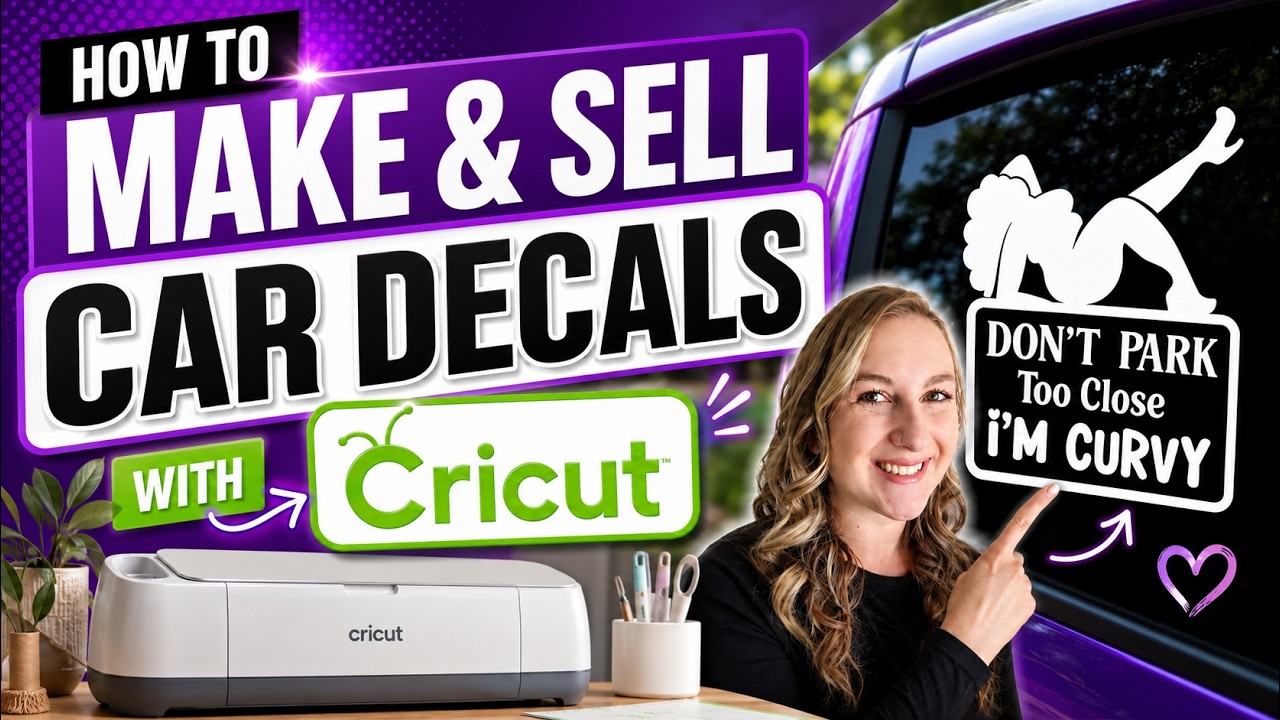
Want to see this in action? I have a full step-by-step video on how to make and sell car decals with your Cricut machine! It's a great beginner-friendly project that can also turn into a fun side hustle.
For a complete guide on working with adhesive vinyl, check out my post on Cricut Vinyl Projects for Beginners.
2. Custom T-Shirts with Iron-On Vinyl (HTV)
Heat Transfer Vinyl (HTV) is perfect for making fun t-shirts, tote bags, and even hats. This is one of the first projects many Cricut beginners try — and it's easier than you think! For a specific project to start with, try my Father's Day fist bump t-shirt.
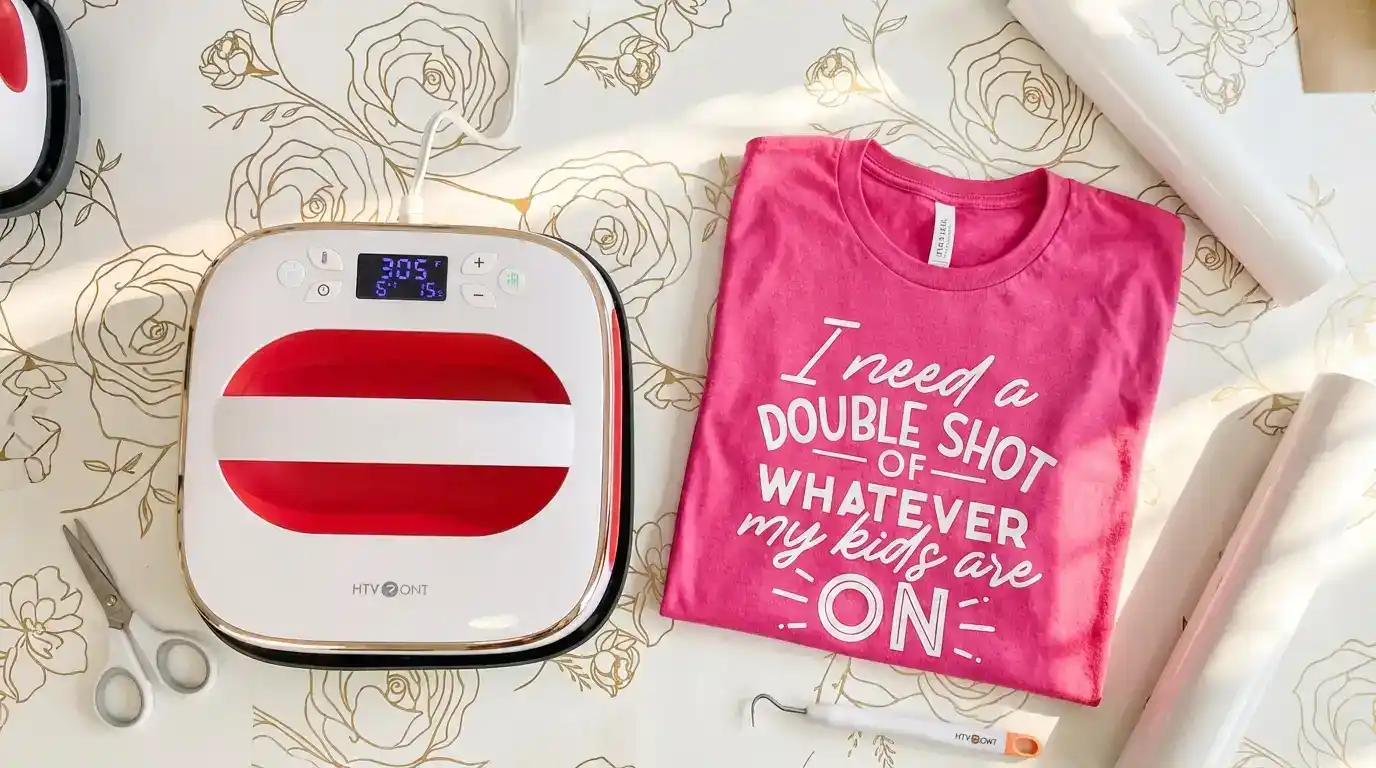
What you'll need:
- Siser EasyWeed HTV
- A blank t-shirt or tote bag
- HTVRont Auto Heat Press or household iron
⚠️ Important: Remember to mirror your design before cutting HTV! This is the #1 beginner mistake.
Not sure how big to make the decal for your shirt? I've got you covered: What Size Should My Decal Be for a T-Shirt?
For a complete walkthrough, watch my Beginner-Friendly Cricut HTV Tutorial — it covers everything from cutting to pressing.
3. Greeting Cards
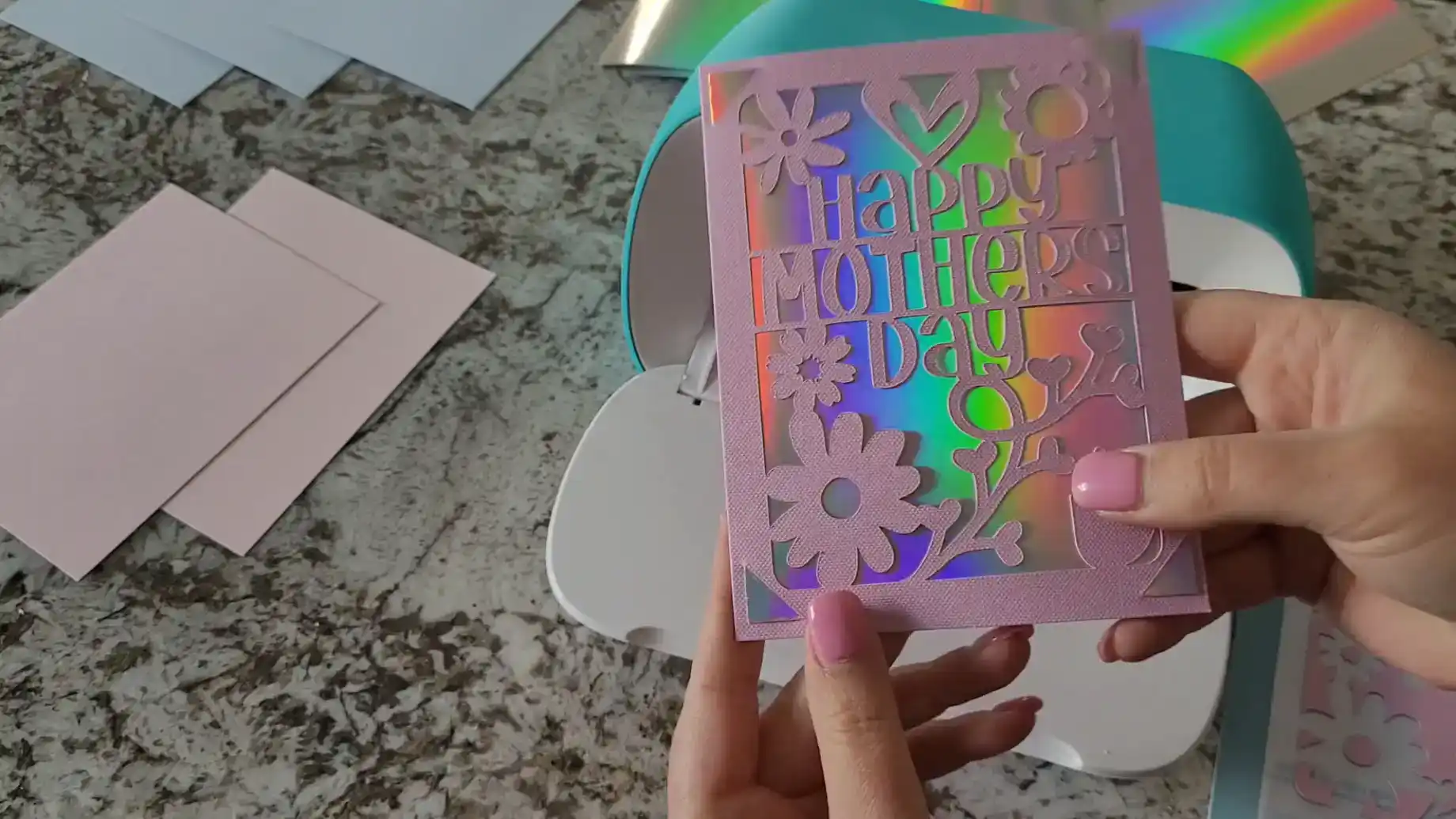
The Cricut is fantastic for making custom cards. You can make birthday cards, thank-you cards, or even wedding invitations.
What you'll need:
- Cardstock or Cricut Insert Cards
- Cricut Pens (optional for writing or drawing)
- Bearly Art Precision Craft Glue
- LightGrip Cutting Mat
💡 Pro Tip: Explore Insert Cards in the Projects library in Cricut Design Space for ready-to-go designs. They make professional-looking cards in minutes!
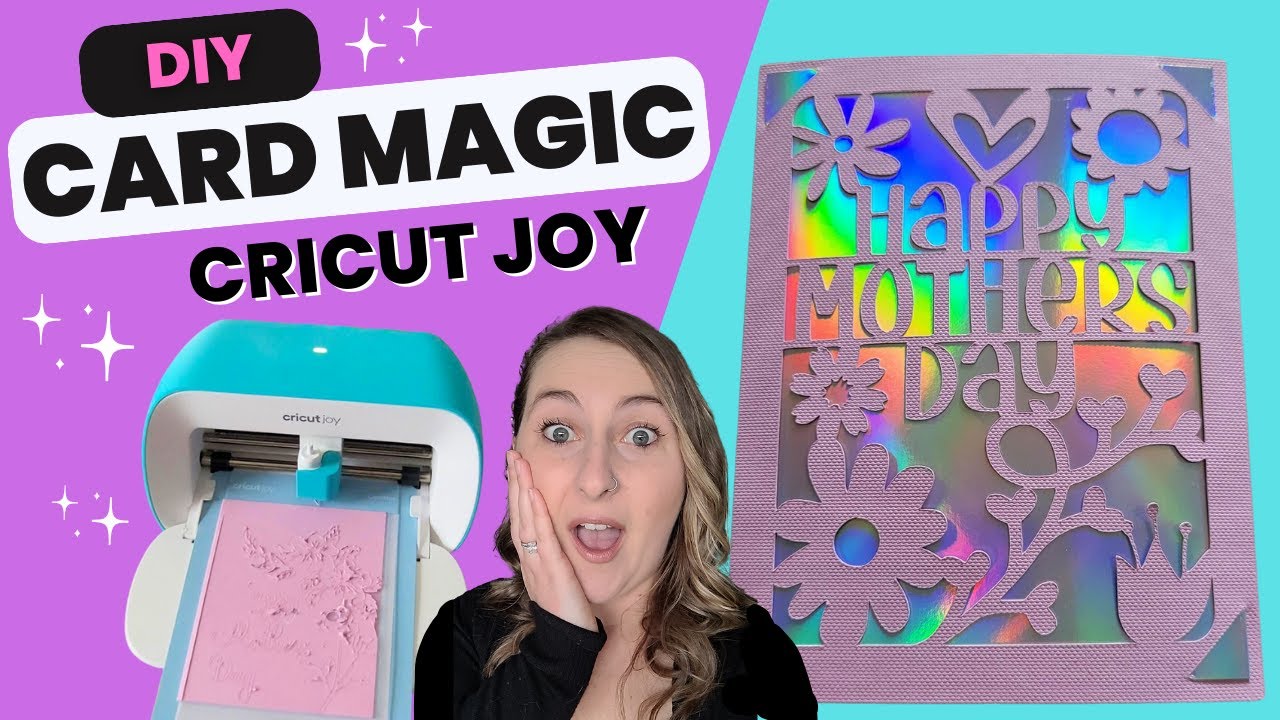
Want to make a beautiful card? I have a quick video showing how to make a Mother's Day card using Cricut Insert Cards with the Cricut Joy. It's a great beginner project!
4. Paper Flowers
Rolled paper flowers are a fun project that teaches you how to cut and assemble layered designs. Once you master a few, you can create flower bouquets, shadow boxes, and more!

What you'll need:
- Cardstock
- Quilling Tools or tweezers
- Bearly Art Precision Craft Glue
Want to learn exactly how to make rolled paper flowers? I have a full video tutorial showing you how to cut, roll, and arrange paper flowers into a heart shape inside a shadowbox. You'll see exactly how I roll the flowers and position them step by step.
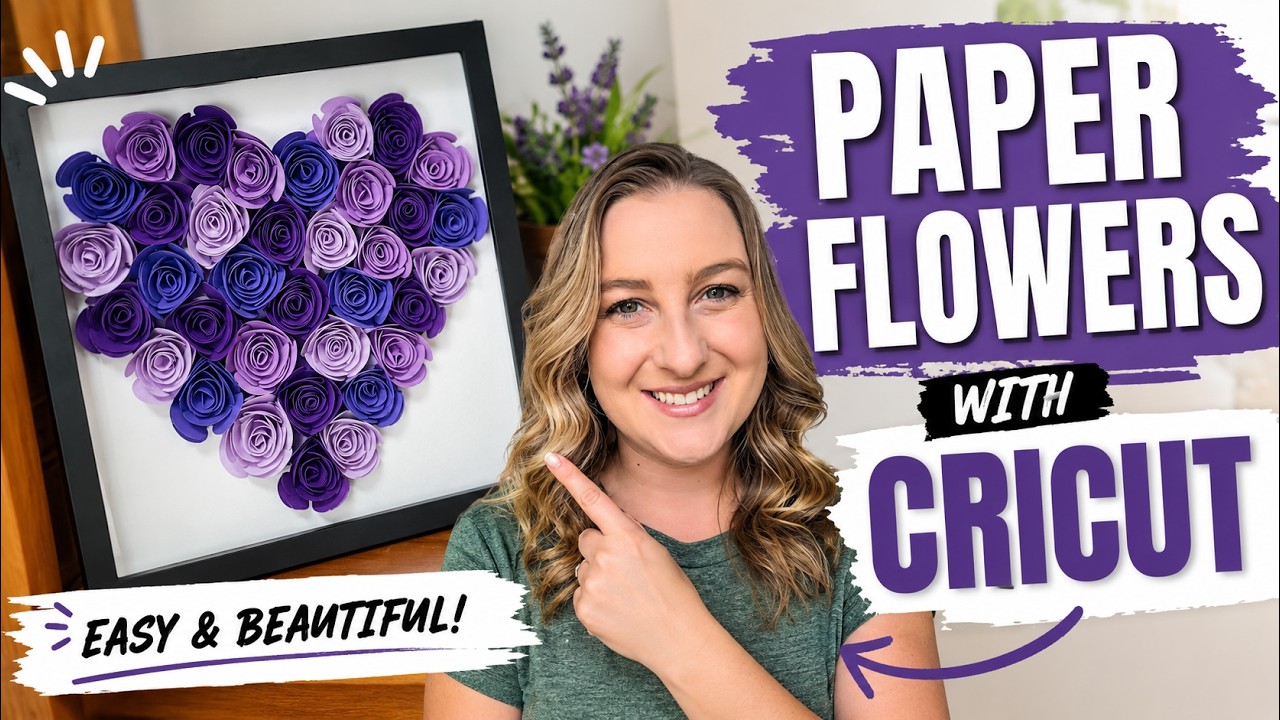
For a complete written guide, check out my Rolled Paper Flower Cricut Tutorial.
5. Personalized Mugs
Use permanent vinyl to make personalized mugs. This is a great beginner project and makes a perfect gift!
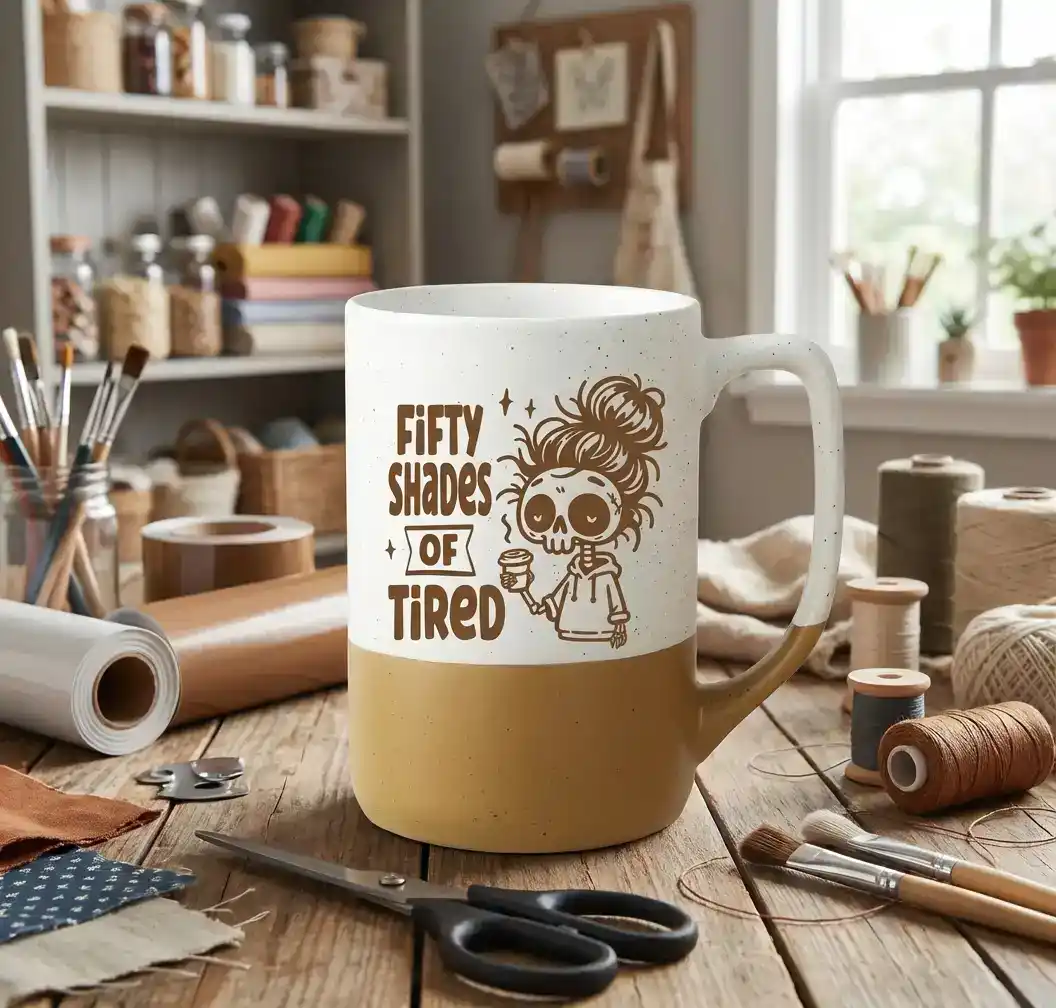
What you'll need:
💡 Pro Tip: Gently hand-wash your vinyl mugs to help the design last longer. Vinyl can peel if soaked in hot water or put in the dishwasher.
For a more permanent result, consider sublimation! You can learn more about it in my Beginner's Guide to Sublimation.
6. Labels for Organization
Get organized with custom labels for your kitchen, bathroom, office, or craft room. This is such a satisfying project!
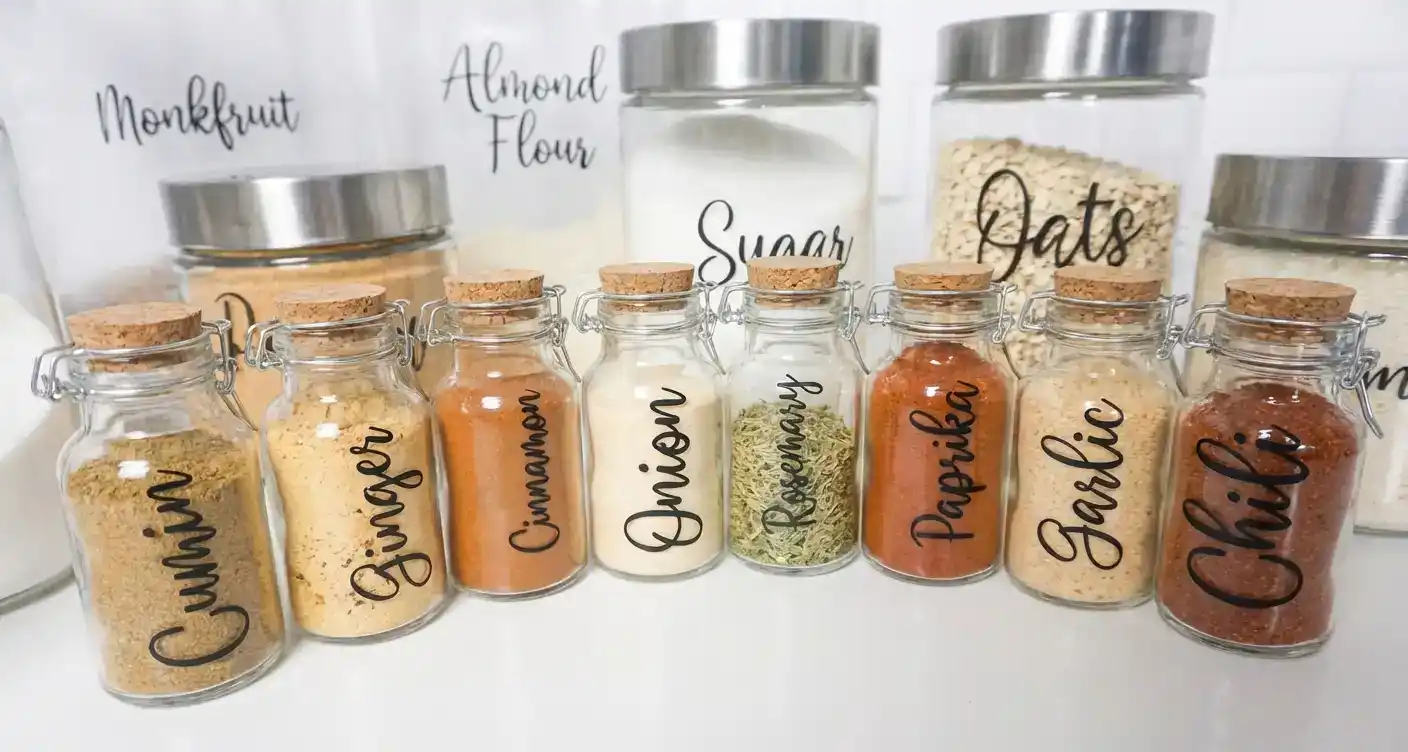
What you'll need:
- Permanent Adhesive Vinyl
- Transfer Tape
- Containers, bins, jars, etc.
💡 Pro Tip: Use a clear, easy-to-read font for labeling projects. Script fonts look pretty but can be hard to read on small labels.
7. Wall Art
Make your own custom wall art by cutting vinyl and applying it to canvas, wood, or acrylic blanks.

What you'll need:
- Permanent Adhesive Vinyl or HTV (depending on your material)
- Canvas, wood round, or other blank
- Transfer Tape
💡 Pro Tip: Pair a quote with fun graphics or shapes for an eye-catching design. You can find unlimited fonts and graphics at Creative Fabrica for just $3.99/month (includes commercial license).
Want more ideas? Check out my Wood Sign Hack for a cool 3D text effect without cutting wood!
8. Keychains
Acrylic keychains are small, inexpensive blanks that are perfect for Cricut beginners.

What you'll need:
💡 Pro Tip: Add a tassel or bead for extra charm. These make great gifts and sell well at craft fairs!
9. Stickers
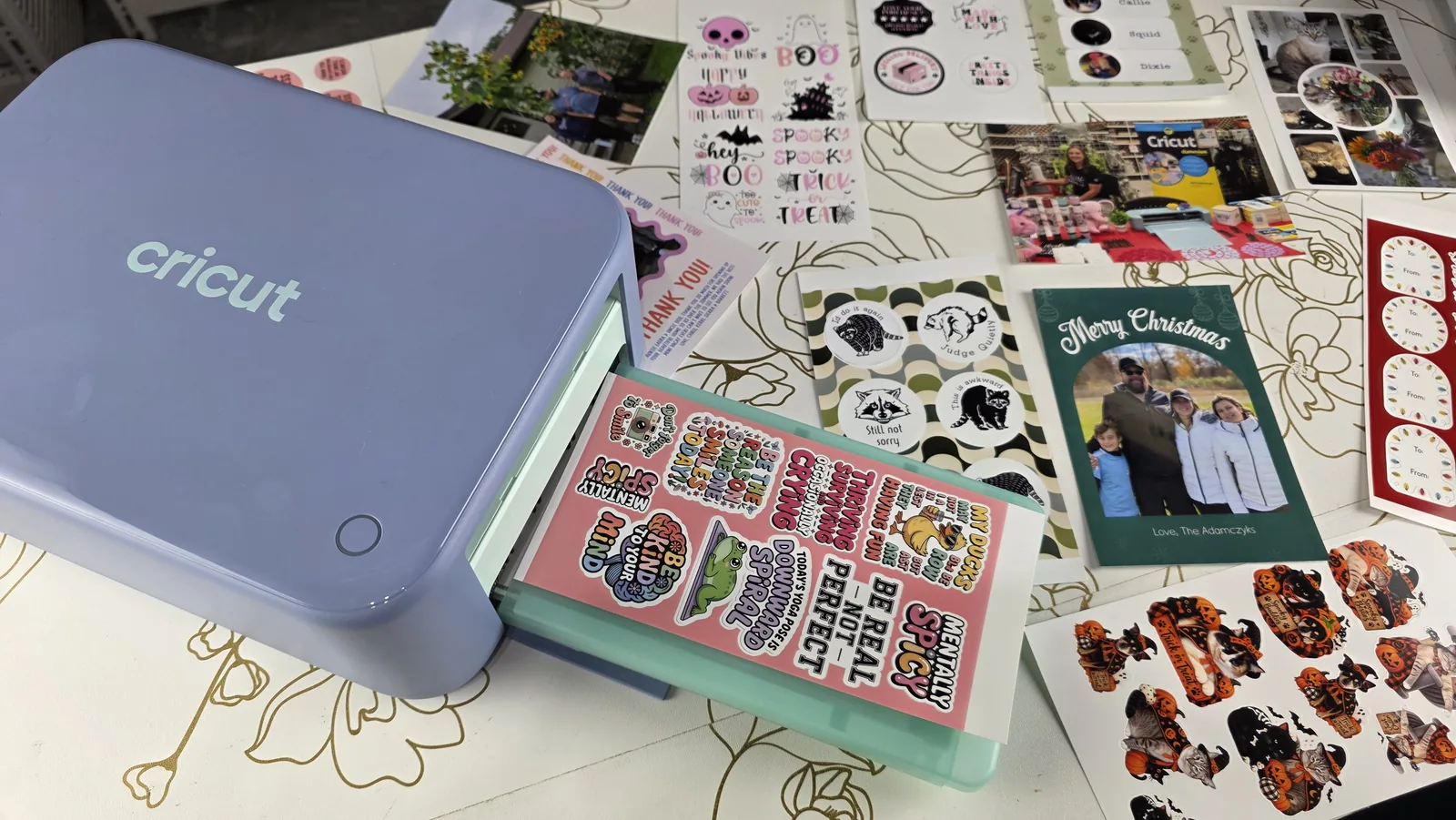
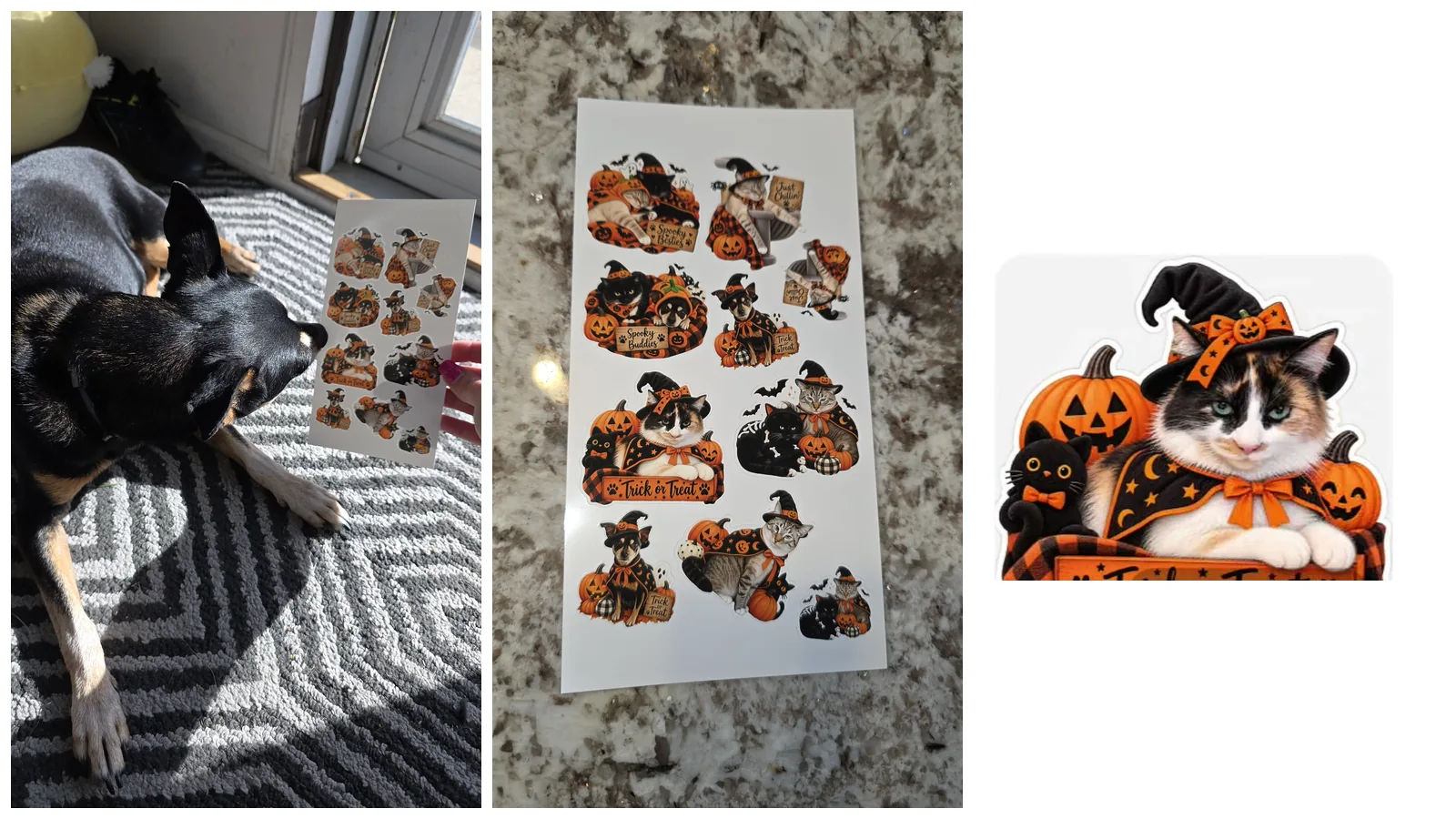
Making stickers with your Cricut is so much fun! You'll use the Print Then Cut feature to create colorful sticker designs.

What you'll need:
- Printable Sticker Paper
- Inkjet Printer
- Cricut machine (Print Then Cut compatible)
💡 Pro Tip: Turn on Bleed in Design Space to avoid white edges on your stickers.
Want a full step-by-step guide? Be sure to check out my detailed post on How to Make Stickers with Cricut. It walks you through the entire process with lots of tips for getting great results!
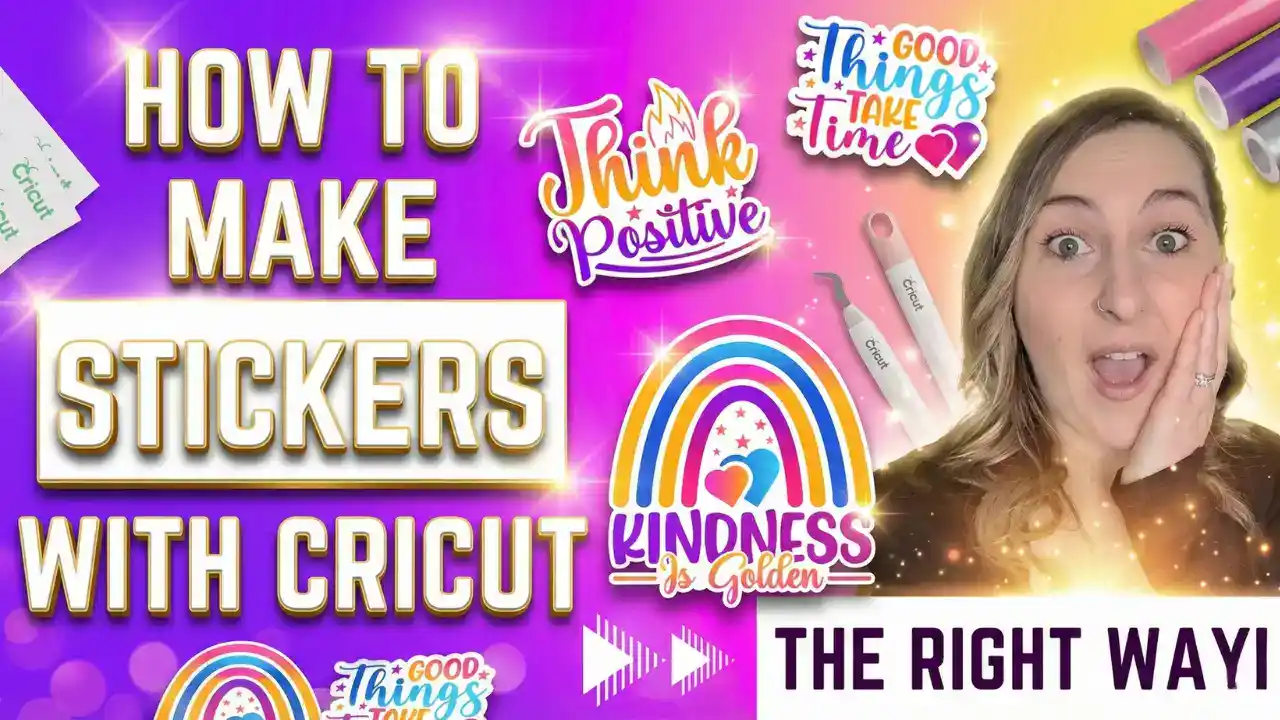
For waterproof stickers, see my guide on Waterproof Stickers.
10. Simple Tote Bags
Tote bags are another beginner-friendly HTV project. They're affordable and make great gifts! Start with a blank canvas or find some to customize with designs already printed on them!
What you'll need:
💡 Pro Tip: Tote bags are perfect for experimenting with fun fonts and simple graphics. They're also a great item to sell at craft fairs!
Tips & Troubleshooting
Here are some tips I wish I knew when I first started:
- Vinyl not sticking? Make sure your surface is clean and dry. Wipe it with rubbing alcohol first.
- HTV peeling off? You might need more heat or pressure. Try pressing for a few extra seconds.
- Intricate designs tearing? Slow down your cutting speed or use a fresh blade.
- Print Then Cut not working? Make sure you have good lighting and a white background around your design.
For more troubleshooting help, check out my post on Top 10 Cricut Problems and how to fix them.
💡 Pro Tip: Always do a test cut before cutting a full project. This saves so much material!
FAQ
Q: What Cricut machine should I buy as a beginner? A: I recommend the Cricut Maker 4 or Cricut Explore 4 for beginners. They're versatile and can handle all the projects in this list. Check out my Which Cricut Machine Should I Buy guide for more help!
Q: Do I need Cricut Access? A: It's not required, but it gives you access to thousands of fonts, images, and ready-to-make projects. I find it helpful! Learn more in my post about Cricut Access.
Q: What's the difference between permanent vinyl and HTV? A: Permanent vinyl has adhesive backing and sticks directly to smooth surfaces. HTV (heat transfer vinyl) requires heat to bond to fabric. See my full comparison: Vinyl vs HTV Vinyl.
Q: How do I learn Cricut Design Space? A: I have a full tutorial! Check out How to Use Cricut Design Space.
Ready to Start Crafting?
If you're ready to learn even more about what your Cricut machine can do, be sure to check out my book, Cricut For Dummies! It's packed with beginner tips, step-by-step tutorials, and tons of project ideas to help you make the most of your machine.
Community Invite
Ready to share your creation? Tag me on Instagram @kerricraftsit or join my Facebook community to show off your work!
Find me on all platforms: linktr.ee/kerricraftsit
Social Links:
- Visit YouTube
- Follow on Facebook
- Follow on Instagram
- Follow on TikTok
- Follow on Pinterest
- Shop on Etsy