If you’re making custom shirts—whether it’s with HTV, DTF printing, sublimation printing, or another method—one of the first questions that pops up is: Not sure which material to reach for? Adhesive vinyl vs heat transfer vinyl breaks down the difference.
What size should my decal be for a t-shirt?

Getting the size right can make the difference between a shirt that looks professionally made and one that feels a little… off. Once it is sized, make sure the vinyl goes down the right way.
That’s why I put together this beginner-friendly t-shirt decal size guide—plus a free Cricut cheat sheet you can download at the end! It covers the most common shirt types and includes tips for perfect placement, no matter how you’re applying your design.
T-Shirt Decal Sizing Chart: Standard Measurements
Whether you’re using vinyl, DTF transfers, or sublimation paper, these are general decal sizes that work well for each shirt type:
| Shirt Type | Design Size (W x H) |
|---|---|
| Baby Onesie | 3.5″ x 3.5″ |
| Toddler Shirt | 5″ x 5″ |
| Youth Small | 6.5″ x 6.5″ |
| Youth Medium | 7″ x 7″ |
| Adult Small | 8.5″ x 9″ |
| Adult Medium | 9″ x 9.5″ |
| Adult Large+ | 10″ x 10.5″ |
| Hoodie Front | 7″ x 7″ |
| Pocket Design | 3.5″ x 3.5″ |
| Back of Shirt | 10″ x 12″ |
💡 Pro tip: Shirts from different brands can vary in width—always measure your shirt if you're unsure!
Where to Place the Decal on the Shirt
Size is only half of it. Placement is what makes a shirt look store-bought instead of homemade. Measure down from the collar seam, not from the shoulder:
- Baby and toddler shirts: 1.5″ to 2″ below the neckline
- Youth shirts: 2″ to 2.5″ below the neckline
- Adult shirts: 3″ to 3.5″ below the neckline
On a hoodie, keep the design 6″ to 8″ down so it sits above the pocket rather than disappearing into it.
Centering Your Design – A Foolproof Method
No one wants a crooked decal! Here’s an easy way to center your design, whether you’re pressing vinyl, laying down a DTF transfer, or lining up a sublimation print:
- Fold your shirt in half vertically (shoulder to shoulder) and press it for a few seconds to create a center crease.
- Fold your decal’s carrier sheet in half—just at the top and bottom edges. Don't crease the actual design! Simply pinch the top and bottom of the backing or paper to mark the center.
- Line up the marks on your decal with the shirt’s crease and place it in your desired position.
This method works for HTV, sublimation, and DTF printing, and helps ensure your design is centered every time.
Optional Tool: Use a T-Shirt Ruler Guide for Easy Alignment

Want an even easier way to line up your decals? Try using a T-shirt Ruler Guide for Vinyl Alignment like this one on Amazon.
These handy tools help you place your design the perfect distance below the collar. Just line up the ruler with the neckline, place your design underneath, and press. They work great for HTV, DTF, and sublimation shirts—and are especially helpful when you're making shirts in different sizes!
Print Your Own T-Shirt Alignment Tool at Home
Don’t want to wait for a physical ruler to arrive? You can download a printable T-shirt alignment tool right from Creative Fabrica! It’s an easy solution you can print and start using today.

Creative Fabrica is an amazing site for crafters and shirt makers. For just $3.99/month, you get unlimited access to hundreds of thousands of fonts, SVGs, graphics, and crafting tools—perfect for anyone who loves Cricut crafting, sublimation printing, screen printing, DTF transfers, or POD (Print on Demand).
Find Ready-to-Use T-Shirt Designs for Sublimation, DTF, POD & More
Looking for ready-to-use designs? Just click on Images, then Graphics, and select T-shirt Designs. There are over 1.5 million results filled with trendy, funny, cute, and stylish artwork that’s great for making and selling shirts with any method.

Whether you’re just getting started or want to level up your shirt game, Creative Fabrica is a total game-changer for DIY apparel makers.
Works with All Printing Methods
This guide on decal size for shirts is useful for all kinds of shirt-making methods, including:
- Heat Transfer Vinyl (HTV)
- DTF Printing (Direct to Film)
- Sublimation Printing
- Printable Transfers
- Screen Print Transfers
No matter how you craft your custom shirts, getting the size and placement right is key!
What’s in the Free Cricut Cheat Sheet?

Your downloadable Cricut cheat sheet includes:
- ✅ A full t-shirt decal size guide for baby, toddler, youth, adult, hoodie, pocket, and back designs
- ✅ A neckline placement guide so you know how far down to place your decal
Get the Guide Here!
Grab Your Free Sizing Cheat Sheet!
No more guessing! Get the exact sizing for t-shirts, tumblers, and more. Sent straight to your inbox.
🔒 No spam, ever. Unsubscribe anytime.
Watch My DTF Printing Tutorial on YouTube
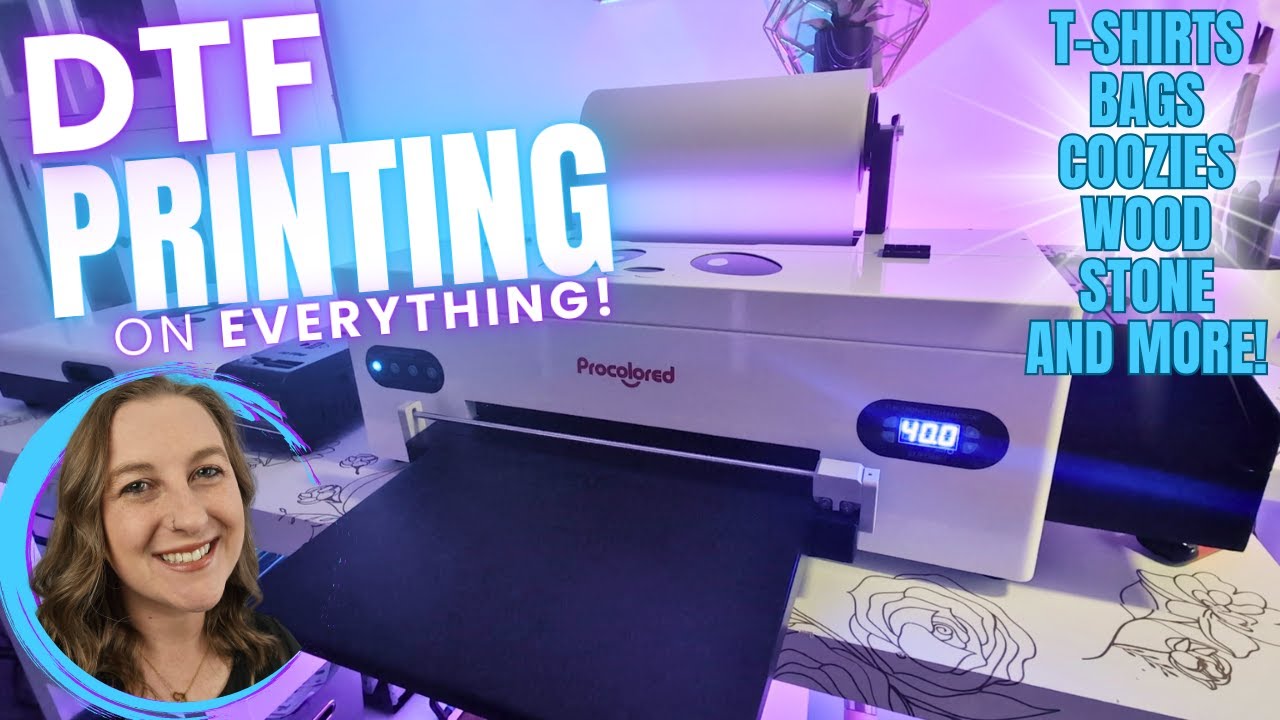
Curious about how DTF printing works or how to use DTF transfers on shirts? I’ve got a full step-by-step video on YouTube that shows you exactly how I do it—from start to finish! Prefer to read it? Start with what DTF transfers are and how the process works end to end.
You’ll learn what supplies you need, how to apply the transfers, and some helpful tips for getting crisp, long-lasting results.
🎥 Watch it here: I Tried DTF Printing on EVERYTHING with My Procolored F13 DTF Printer! (Wood, Hats, Bags & More!)
Cricut Iron-On Vinyl Tutorials – Watch the Playlist
Want to get better at using Iron-On Vinyl? Check out my full YouTube playlist packed with beginner-friendly tutorials, tips, and project ideas!
Whether you're just starting or need help with layering, pressing, or troubleshooting, these videos are here to guide you step by step.
👉 Watch the Cricut Iron-On Vinyl Tutorial Playlist: Click here to watch it on YouTube
Final Thoughts
No more guessing! Whether you’re using HTV, sublimation, or DTF transfers, this t-shirt decal size guide takes the mystery out of design sizing and placement.
With this guide (and your free cheat sheet), you’ll be making perfectly sized and perfectly placed shirts that look like they came straight from a pro shop.
🎁 Download your free Cricut cheat sheet today and pin it in your craft room for quick reference!