Time is money in the t-shirt business. If you're trying to figure out which DTF printer to buy, you're probably overwhelmed by conflicting opinions and wondering if the extra cost of a higher-end machine is actually worth it.
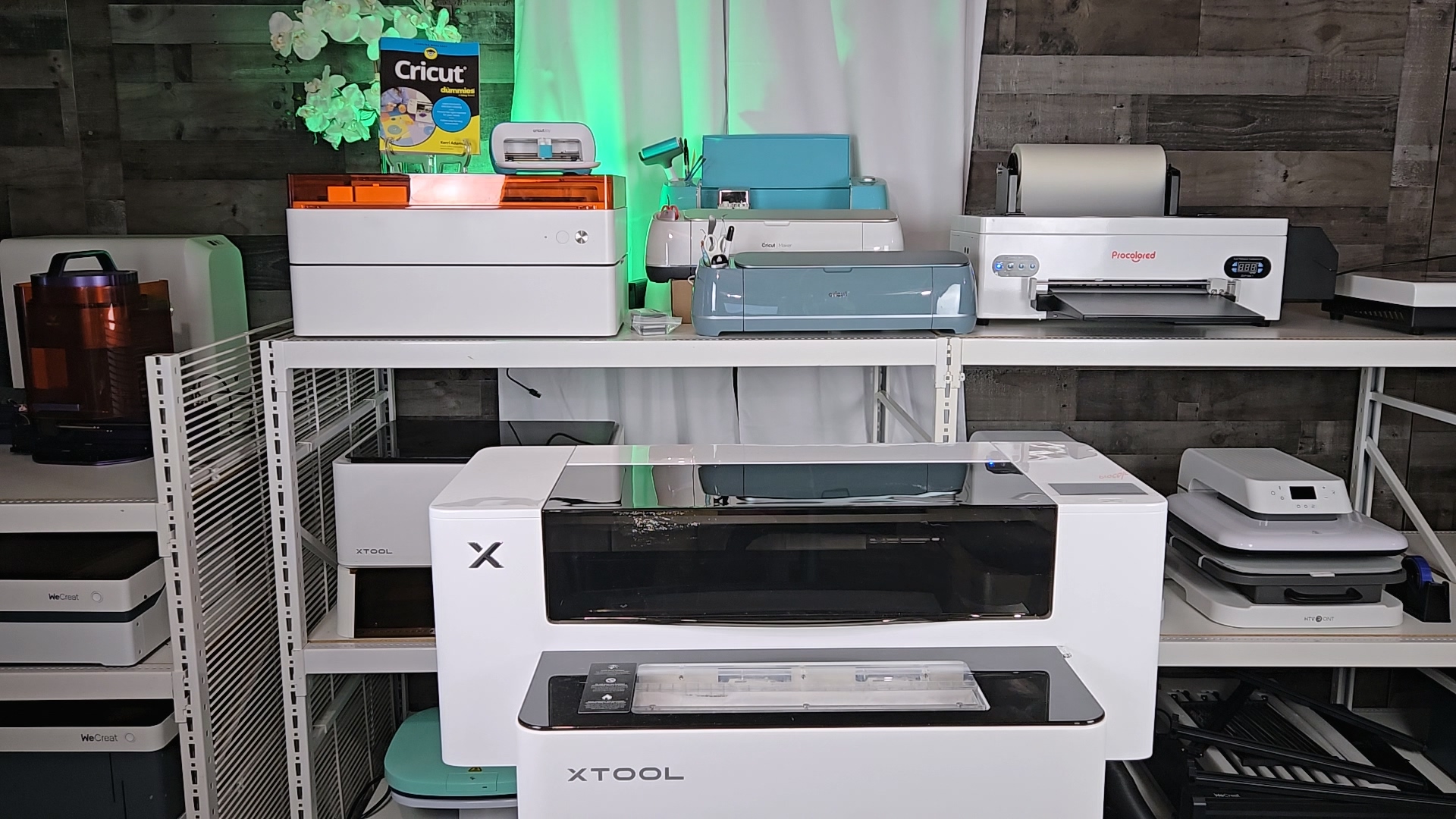
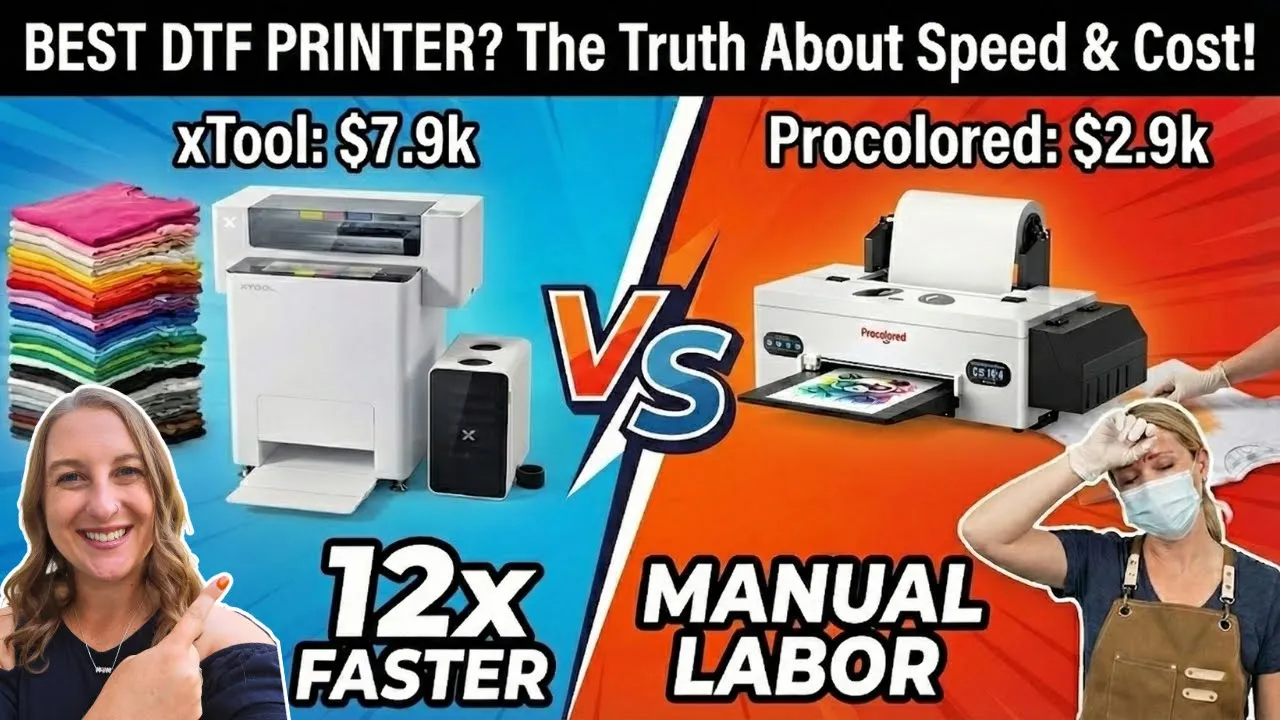
I've tested both the xTool Apparel Printer and the Procolored F13 Panda head-to-head, and the difference in speed alone will blow your mind. On paper, they both do the same thing—print DTF transfers for your shirts. But in reality, one of these machines is over one thousand percent faster than the other.
In this comparison, I'm breaking down exactly what sets them apart. We'll cover print size, software, safety features, and price so you can decide whether you need the speed of the xTool or if the steady pace of the Procolored is enough for your craft room. If you're new to DTF printing, check out my DTF Printing Tips for Beginners to get started on the right foot.
Watch the video here:
⏱️ Time: Variable depending on project 📊 Difficulty: Beginner to Intermediate
✨ What You'll Learn
- Speed Test: Dual I1600 printheads vs Epson L1800
- Workflow & Setup: Manual vs automated DTF printing
- Safety Breakdown: TVOC fumes, filtration, and air purification
- Maintenance: Preventing white ink clogs with SmartCycle cleaning
- Software Showdown: xTool Studio AI vs Procolored Pro RIP
- Price & ROI: Hobby vs business-level DTF printers
Quick Links
Materials You'll Need
Here's everything you'll need for DTF printing, depending on which printer you choose:
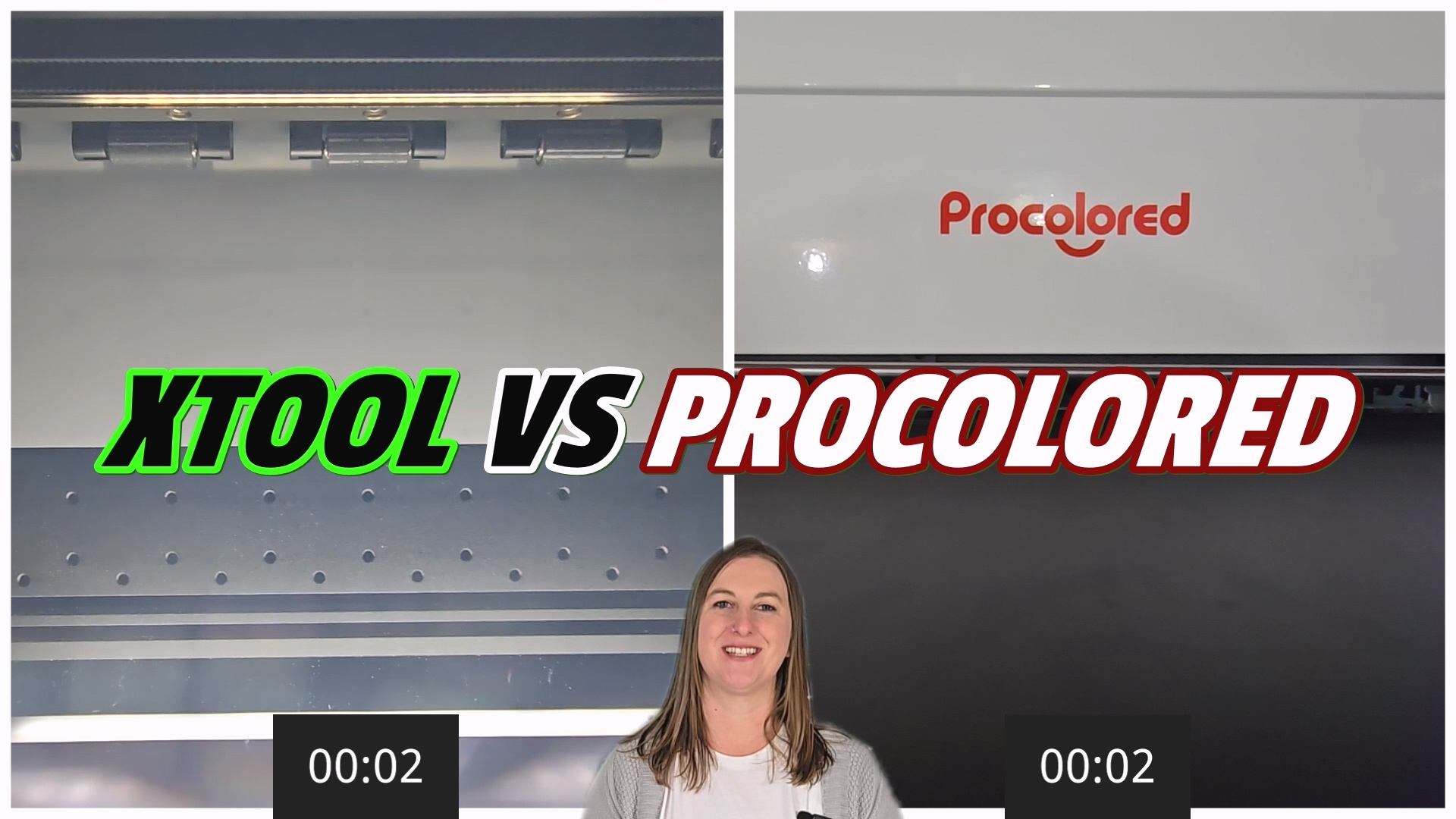
For the xTool Apparel Printer:
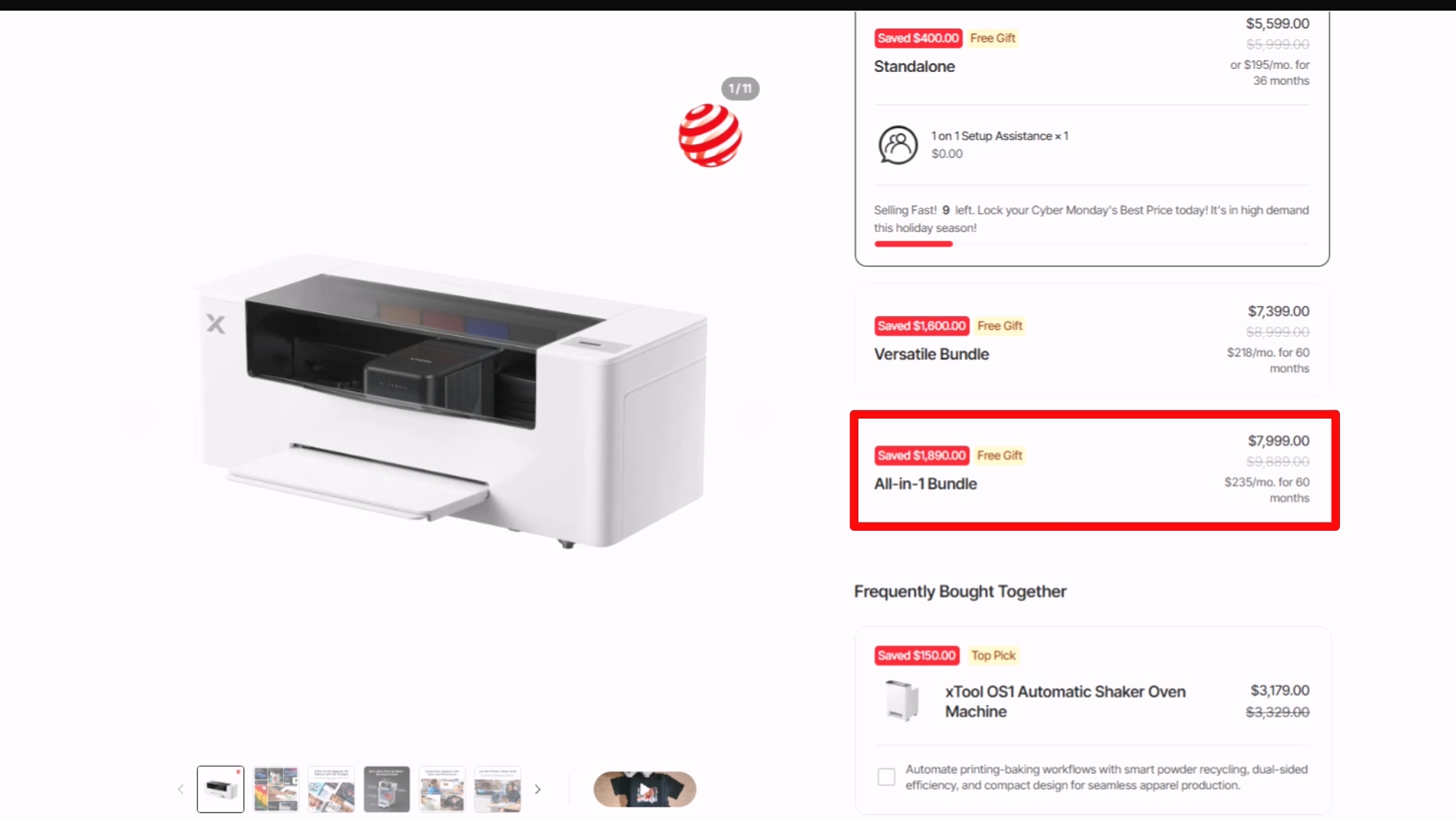
- xTool Apparel Printer All-in-One Bundle – includes printer, automated shaker oven, and AP2 purifier
- HTVRONT Auto Heat Press – for pressing your transfers
- Jiffy Blank T-Shirts – quality blanks for professional results
- Teflon Sheet – protects your transfers during pressing
- Creative Fabrica Subscription – unlimited designs with commercial license
For the Procolored F13 Panda:
- Procolored F13 Panda DTF Printer with Smokeless Oven – budget-friendly option
- Procolored DTF Transfer Roll Film
- Procolored DTF Ink
- Procolored DTF Powder
- Heavy-duty respirator, gloves, and goggles – essential safety gear for manual powdering
What is DTF Printing?
If you're new here, you might be asking, “What is DTF printing?” It stands for Direct-to-Film printing. Here's how it works: you print a special ink onto a film, melt a powder onto the back, and heat press it onto your fabric.
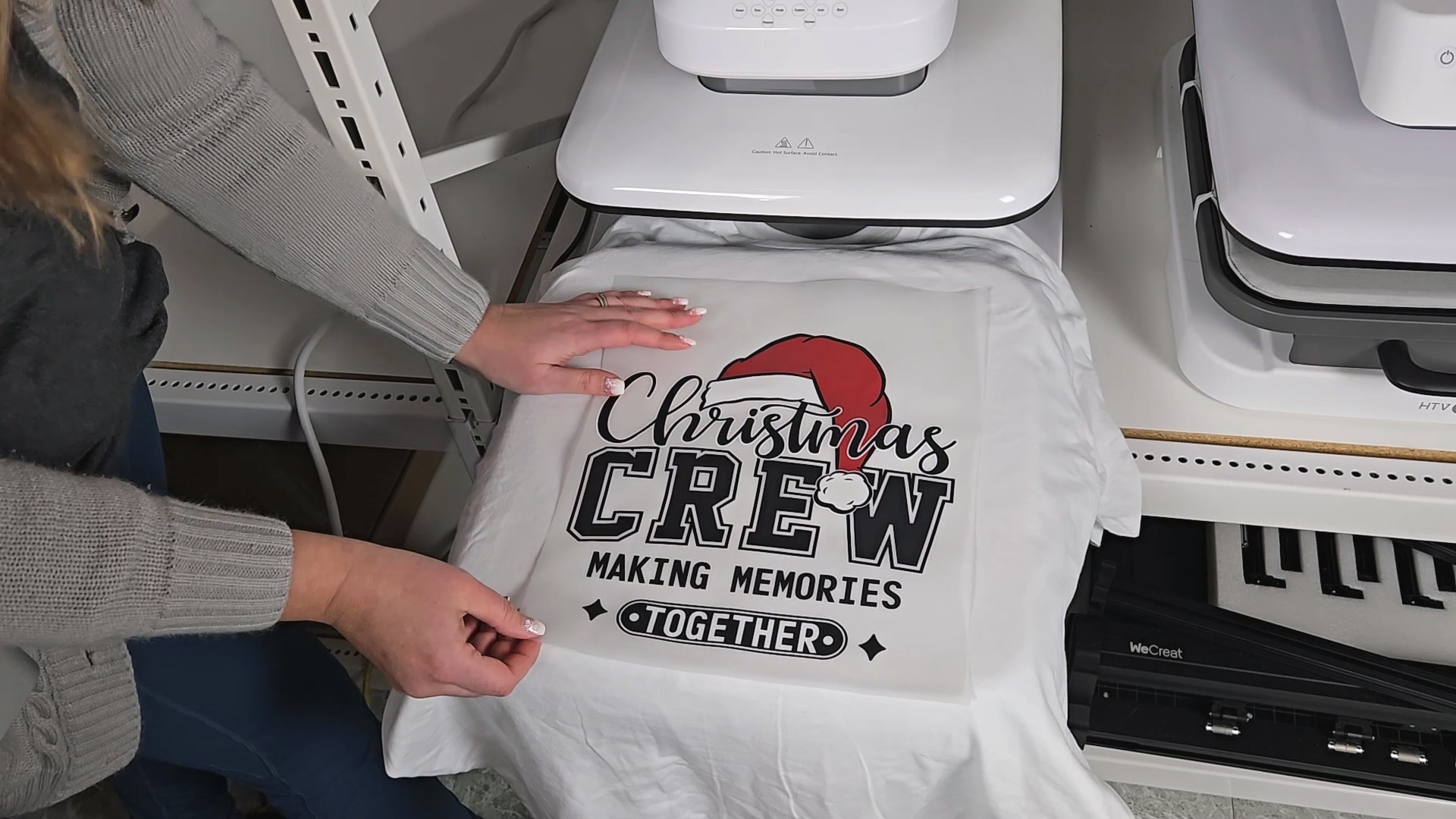
The beauty of DTF printing is that it works on cotton, dark fabrics, and almost anything else. Both of these machines do this, but they do it very differently—and that's what we're going to explore.
Workflow & Space Comparison
If you're figuring out how to print DTF at home, space is a huge factor. Let me break down the differences.
xTool Apparel Printer
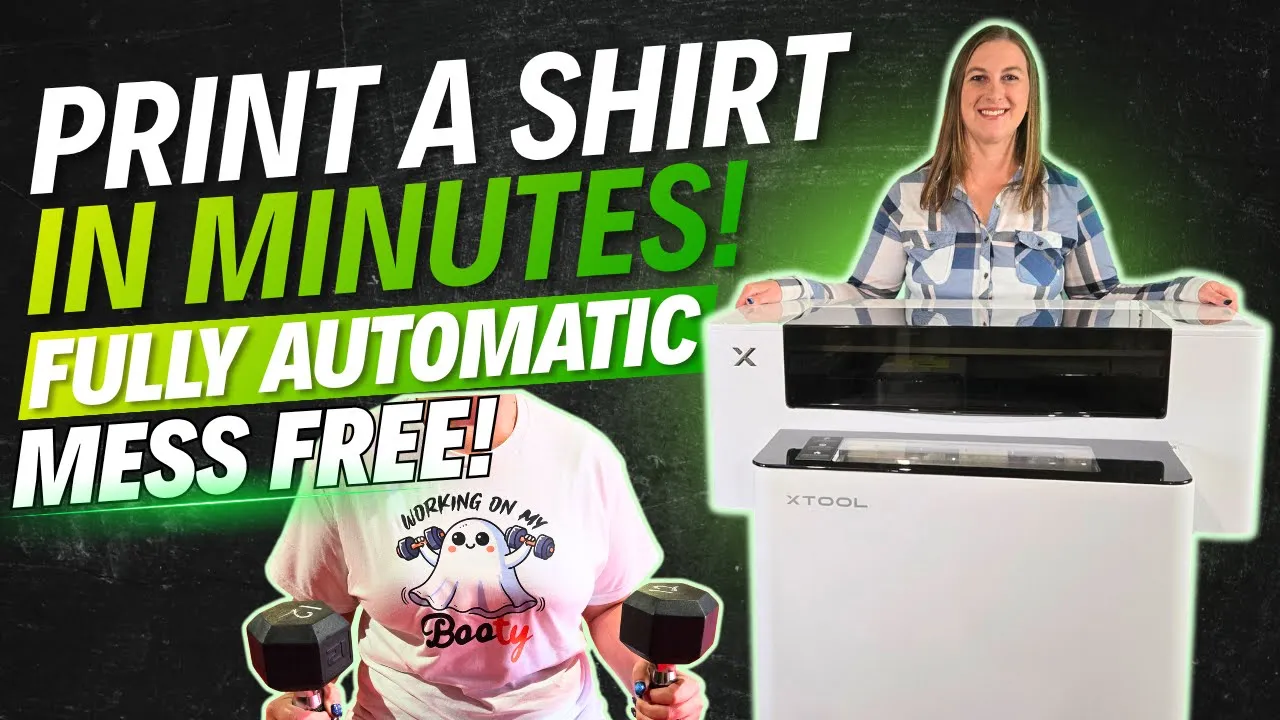
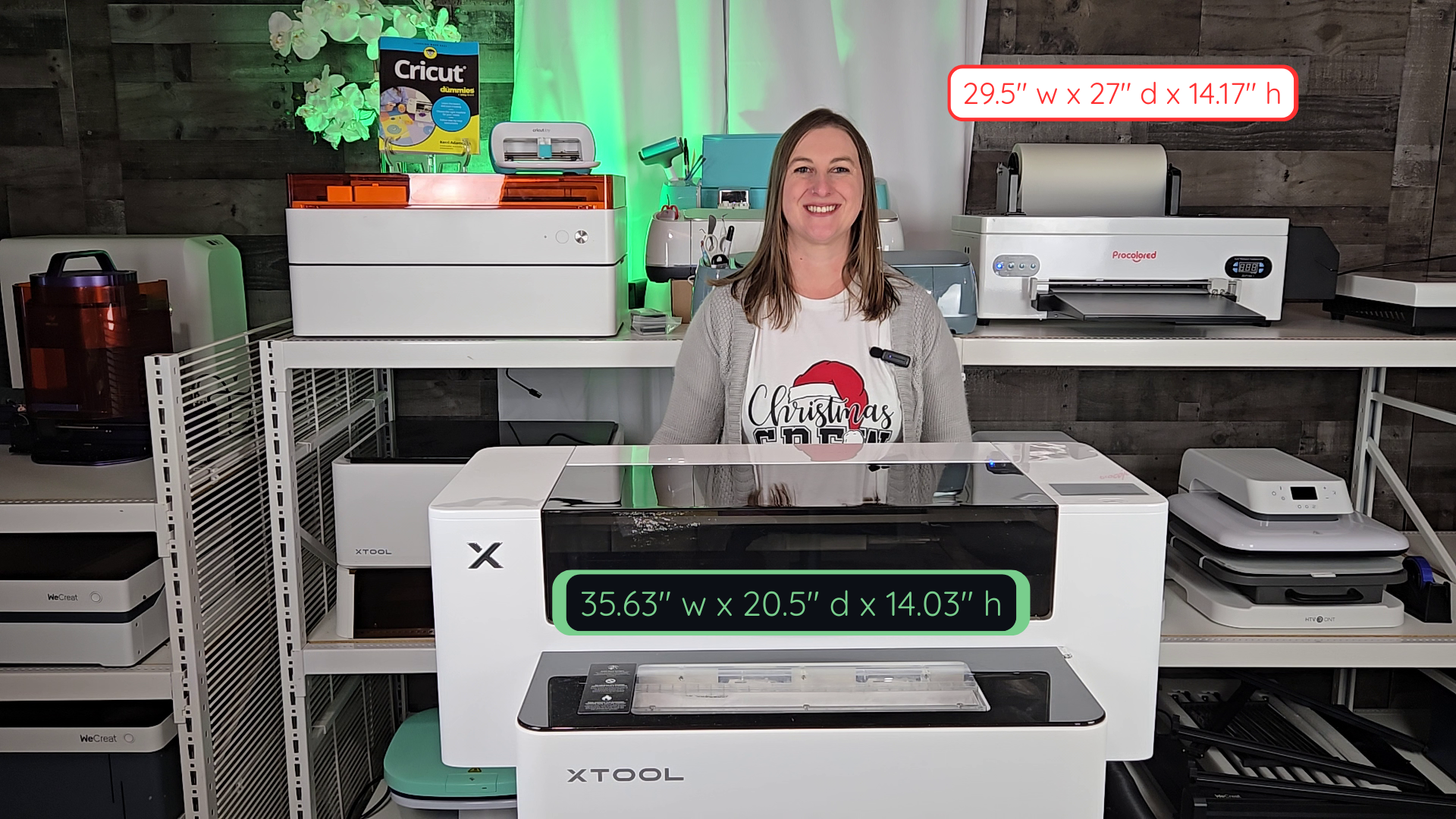
The xTool Apparel Printer is about the size of a standard washing machine or dishwasher. It takes advantage of vertical space because the printer stacks right on top of the shaker oven as one unit.
Here's the game-changer: it's fully automated. You just push one button and the machine does the rest. It prints, cuts, powders, shakes, and bakes the DTF printing film all by itself. By the time the back of your design is finishing printing, the front is already being cured in the oven.
Procolored F13 Panda
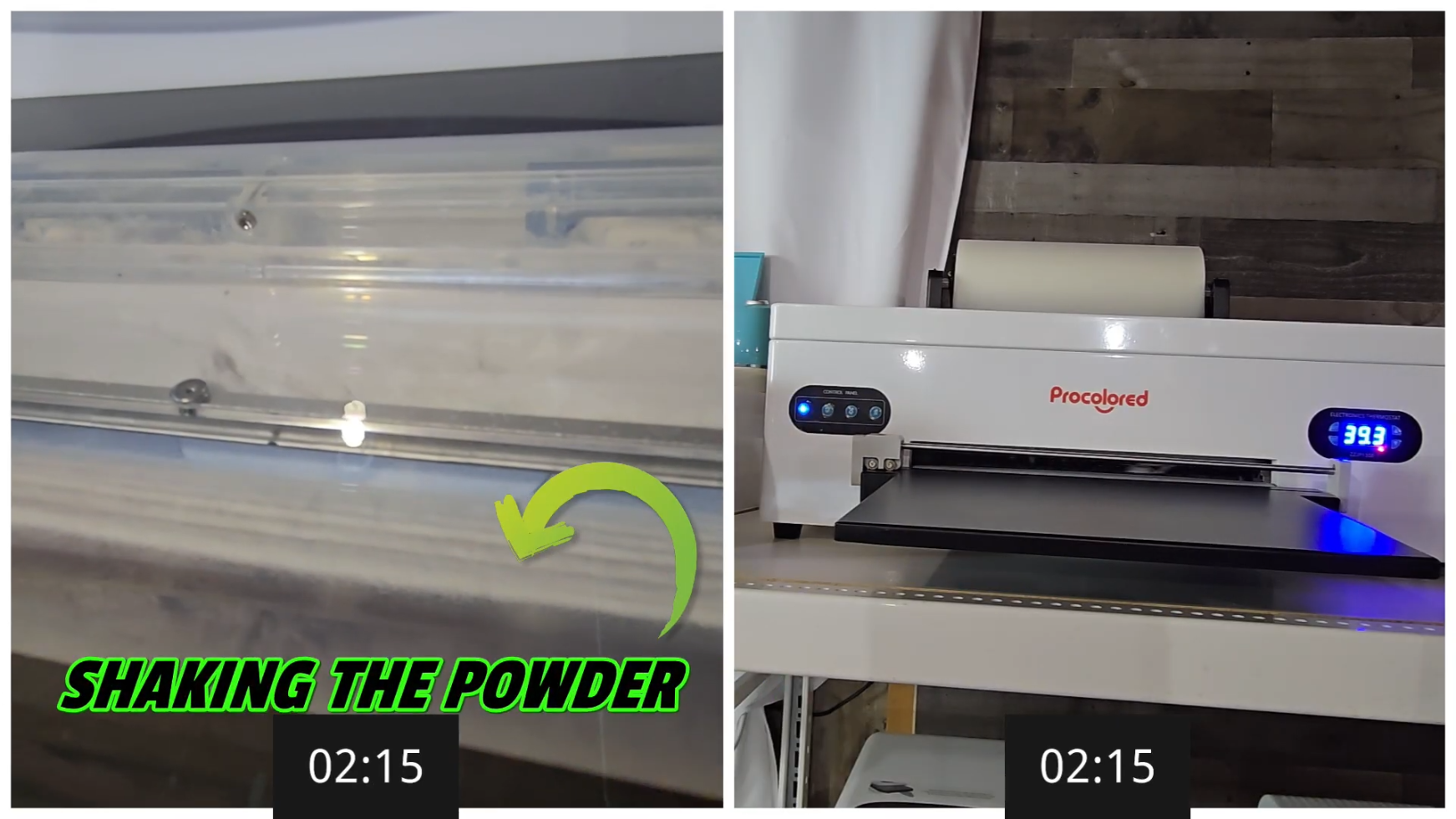
The Procolored F13 printer itself is about the same size as the xTool printer. But it uses a separate oven and a separate area for powdering your prints.
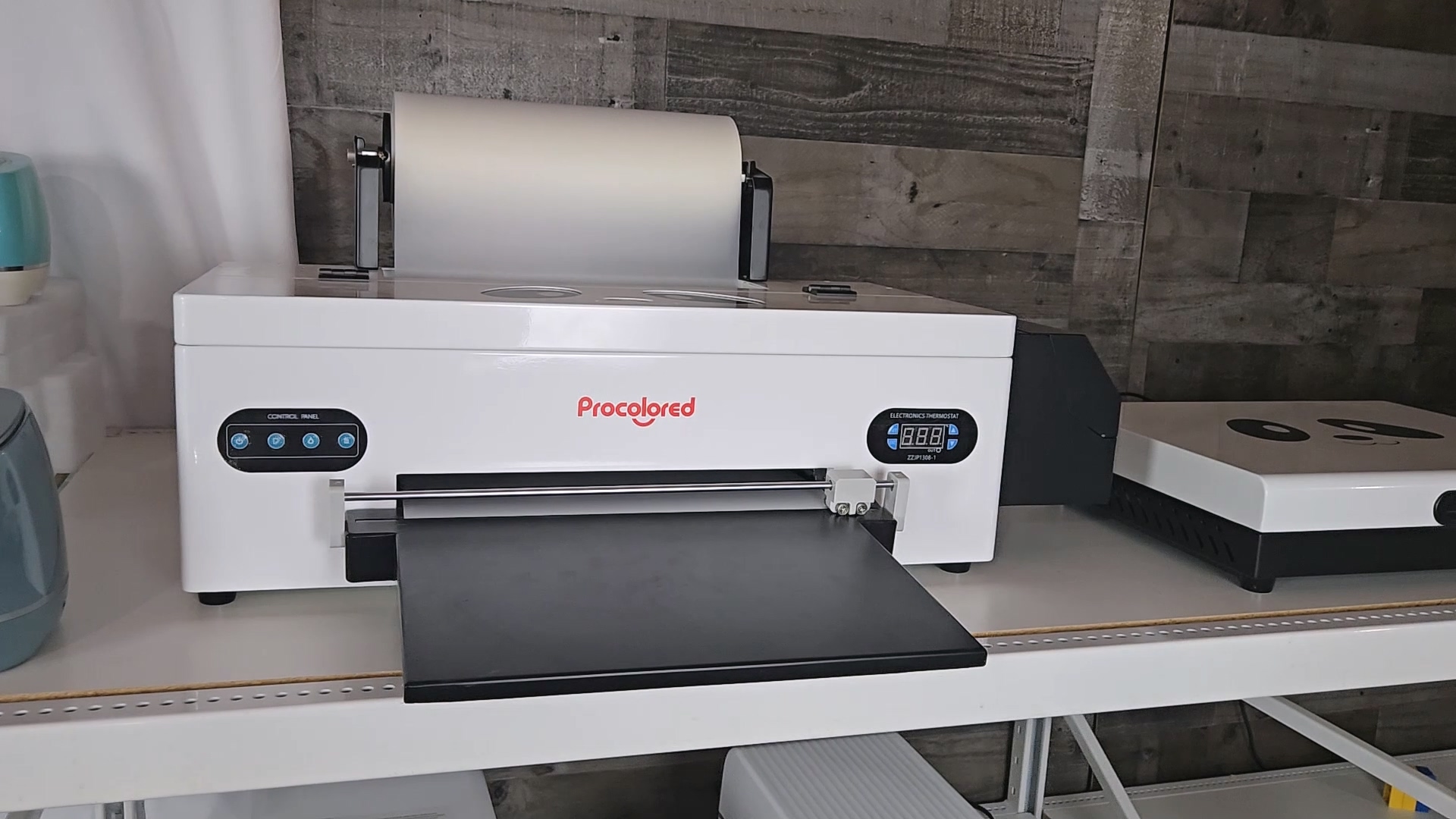
This means it takes up more horizontal space because you need tables to hold all this stuff. You have to print the design, cut the film, walk it over to a separate bin to powder it by hand, and then put it in a separate oven to cure. It's a lot more manual work.
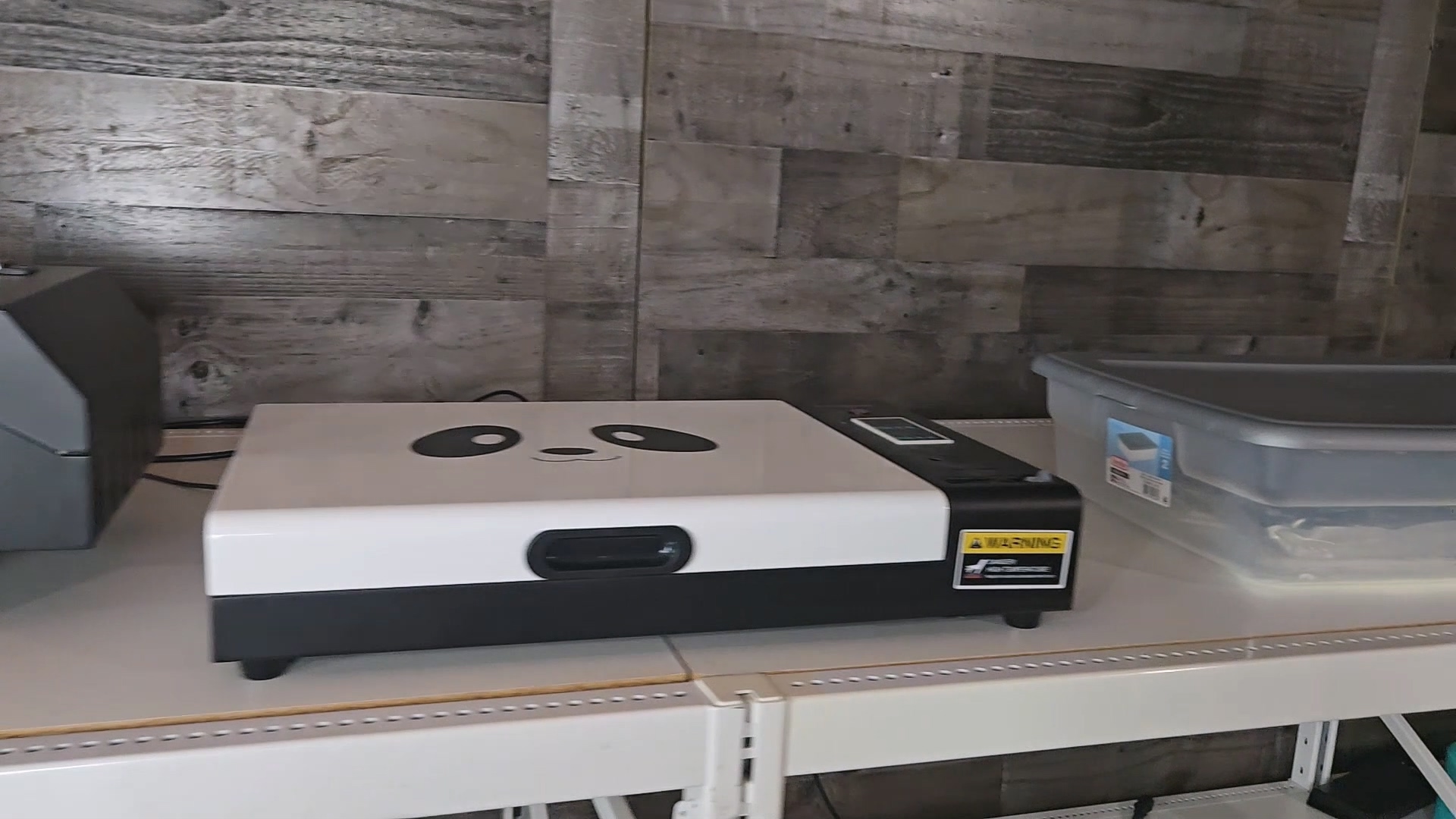
💡 Pro Tip: If space is tight in your craft room, the xTool's vertical stacking design can be a lifesaver. The Procolored setup spreads out horizontally and needs dedicated table space for each step.
Speed Comparison
This is where the battle for DTF custom printing really heats up.
| Feature | xTool Apparel Printer | Procolored F13 Panda |
|---|---|---|
| Print Speed | 50 sq ft/hour | 4 sq ft/hour |
| Print Head | Dual Epson I1600 (commercial-grade) | Epson L1800 (consumer-level) |
| Max Print Area | 14″ x 18″ | 13″ x 16.5″ (oven limited) |
| Film Type | Warm peel | Cold peel |
The xTool Apparel Printer is dramatically faster than the Procolored F13. While the Procolored can print about four square feet per hour, the xTool produces up to fifty square feet per hour.
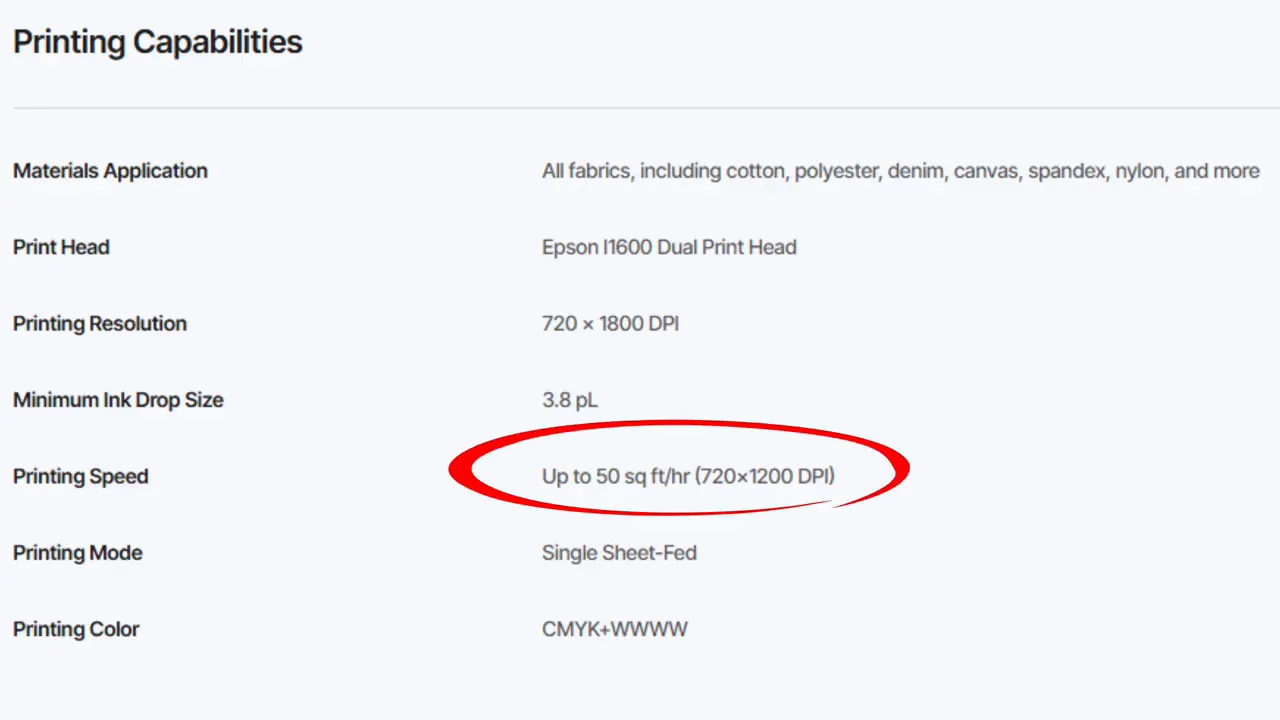
That means the xTool operates roughly twelve-and-a-half times faster; about 1,150% more productive in terms of print area.
In practical terms: What takes the Procolored a full hour to print, the xTool can finish in just under five minutes.
The Procolored F13 runs on an Epson L1800 print head, which is older, consumer-level technology. The xTool uses dual Epson I1600 heads, commercial-grade beasts designed for high-volume factories.
Safety Features
A common question I get is, “Is DTF printing safe?” The honest answer is that it depends entirely on your setup.
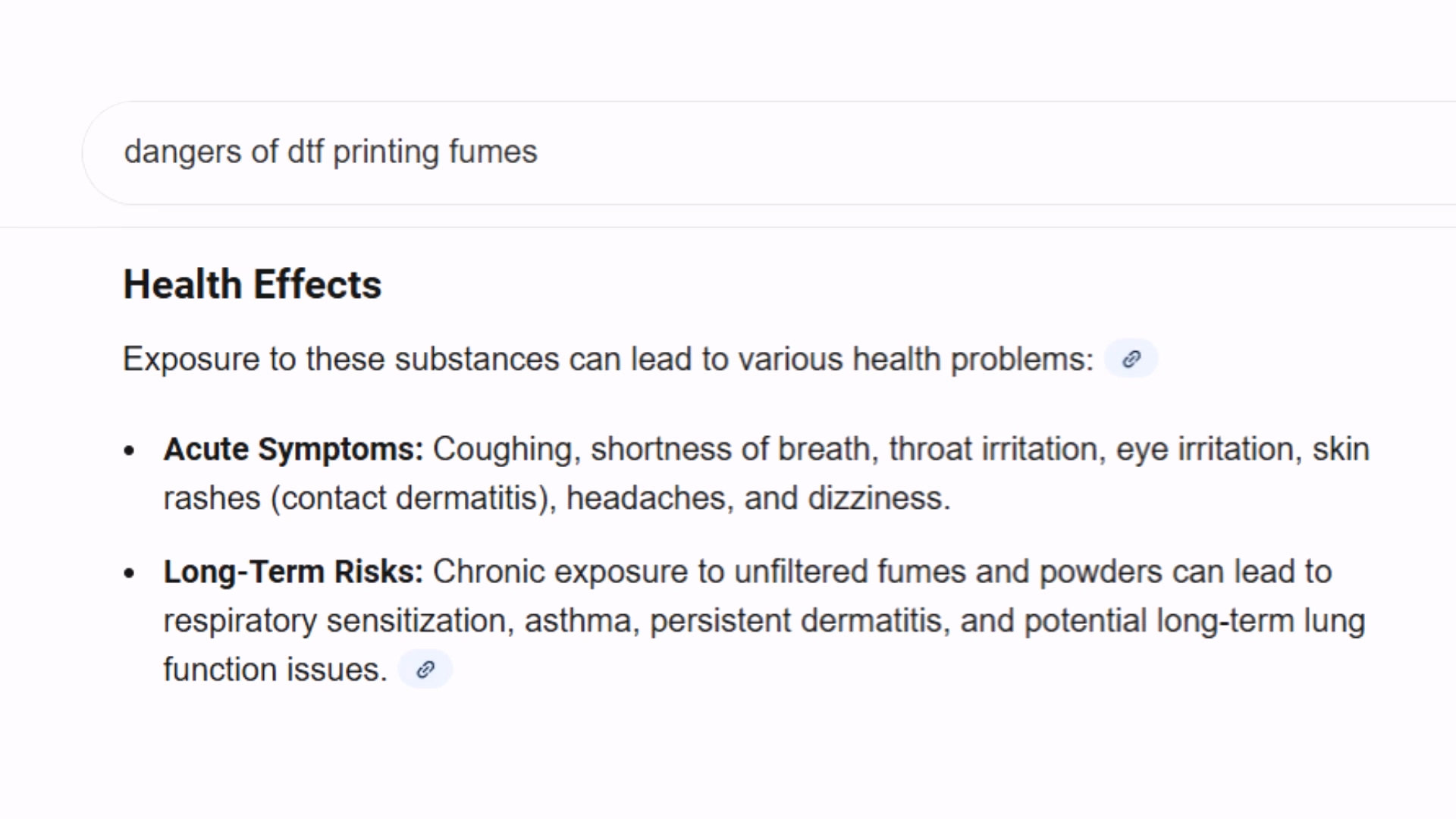
When you heat up that DTF powder, you're basically cooking plastic and glue. That releases something called TVOCs- Total Volatile Organic Compounds. Think of them as invisible chemical fumes that hang in the air. Breathing this stuff in can cause bad headaches, dizziness, and long-term lung irritation.
⚠️ Important: DTF powder releases TVOC fumes when heated. Proper ventilation or filtration is essential for your health. A regular cloth mask is NOT enough protection.
Procolored Safety Concerns
Because you have to scoop the powder by hand in an open bin, that fine dust goes airborne instantly. To be truly safe, you really need a heavy-duty respirator, gloves, and goggles, basically dressing up like you're in a hazmat suit just to make a shirt.
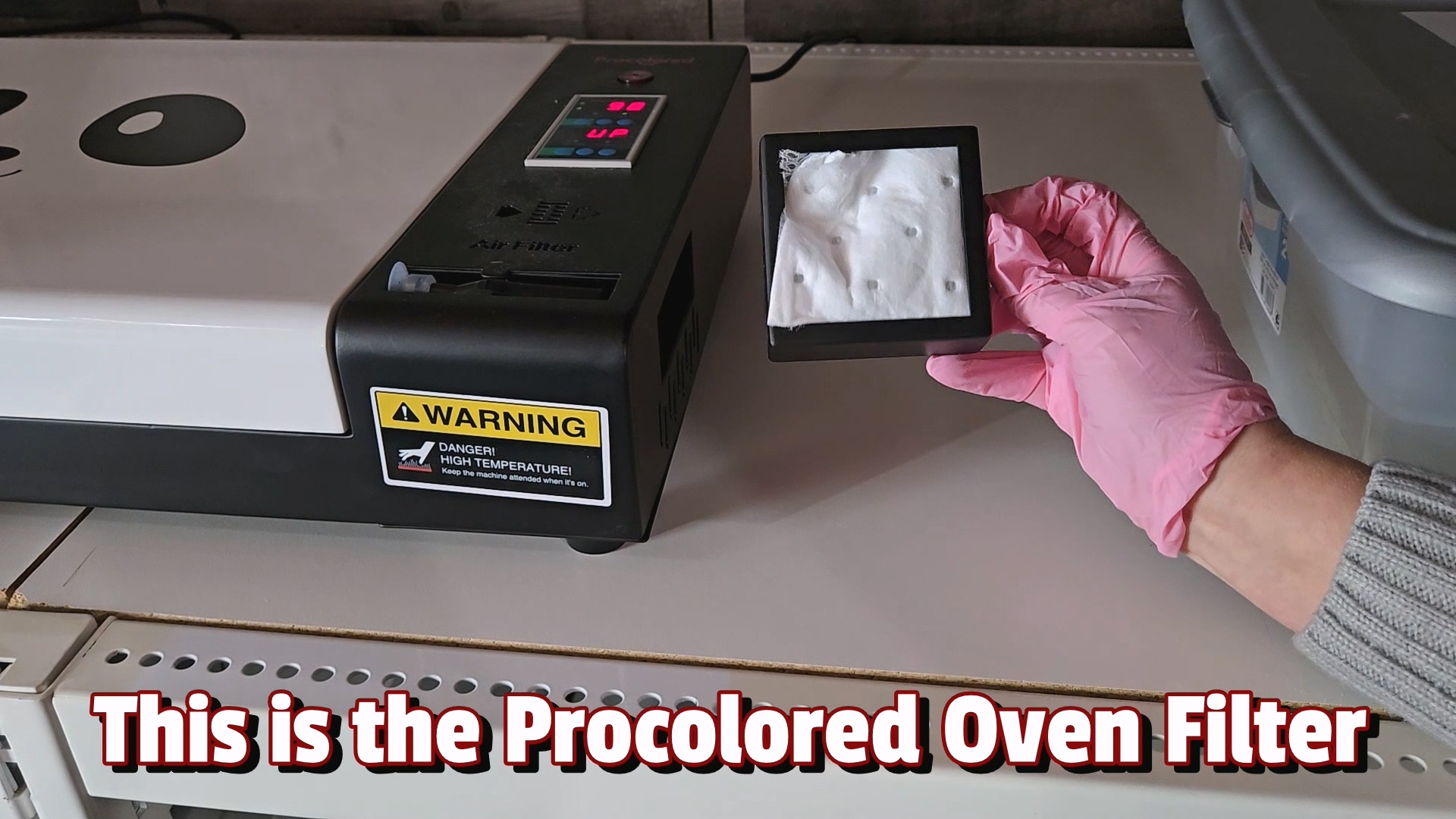
xTool Safety Features
The xTool changes the game because it keeps everything fully enclosed. It connects to the SafetyPro AP2 Air Purifier, which isn't just a fan. It has six layers of filtration, including a massive HEPA filter for dust and high-density activated carbon for chemicals.
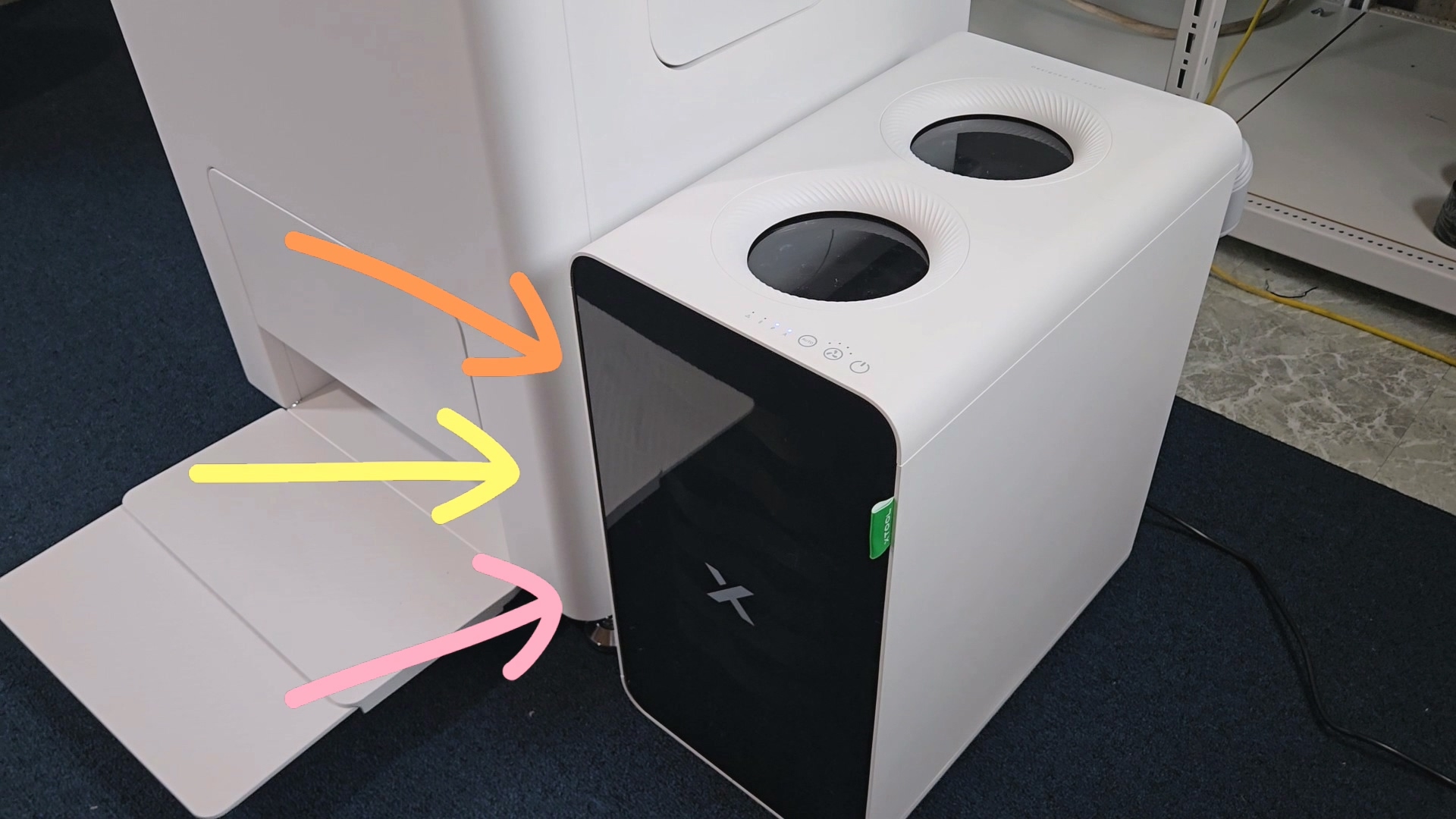
This system traps 99.99% of dangerous TVOCs, meaning you don't have to look like a sci-fi character in a gas mask just to work in your bedroom. That safety is something you just can't put a price tag on.
Maintenance
The biggest issue with any DTF printer is clogging. White ink is heavy—it settles like concrete if it sits still.
Procolored F13 Maintenance
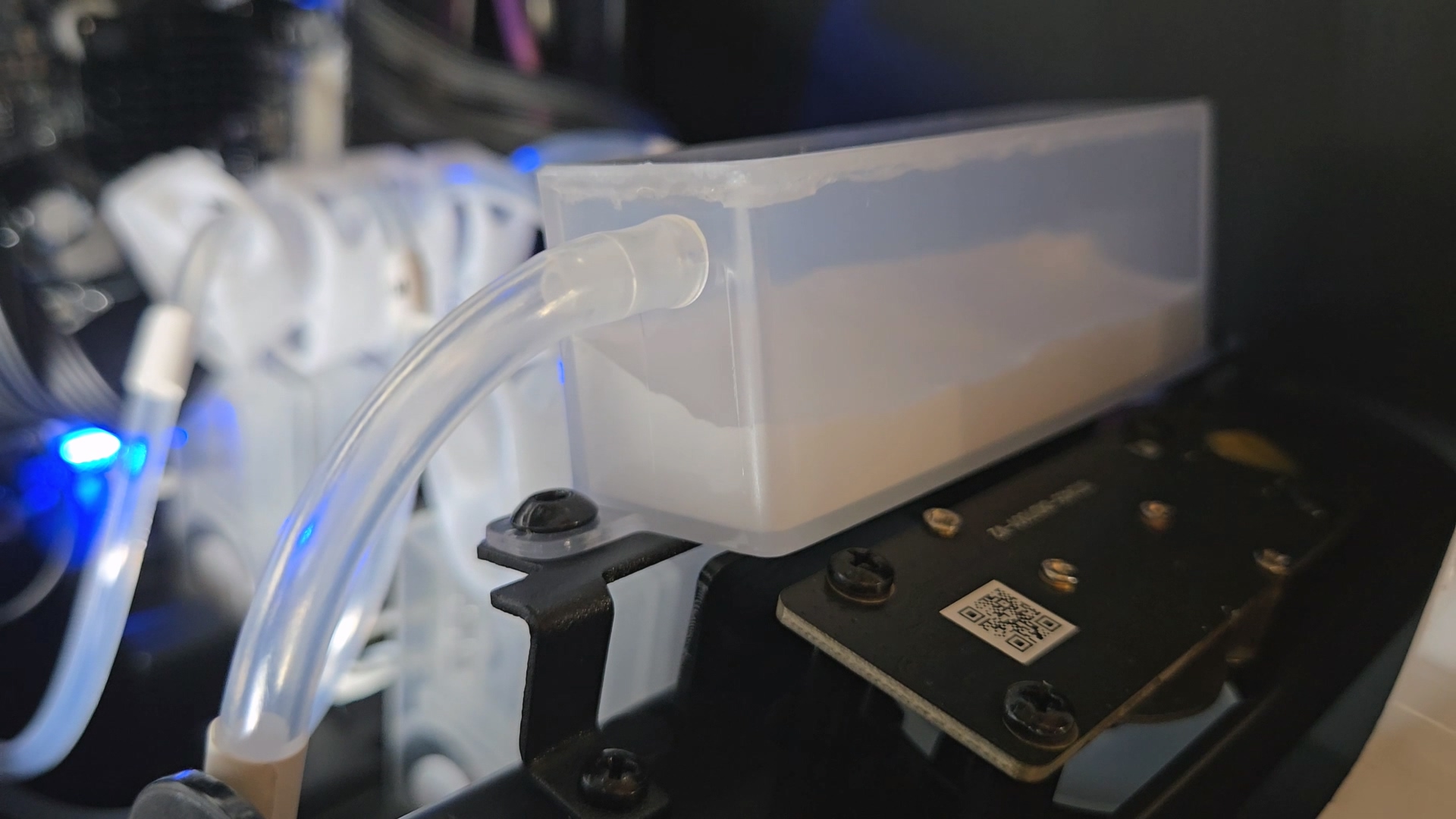
The Procolored F13 does have a white ink circulation system and an auto-cleaning mode that runs every 10 hours. That's a great feature for a machine at this price point.
xTool Maintenance
The xTool takes it a step further with 24/7 SmartCycle Maintenance. It doesn't just flush ink on a timer—it automatically moisturizes the print head from a separate tank to keep it wet and uses an AI camera to constantly check for clogs.
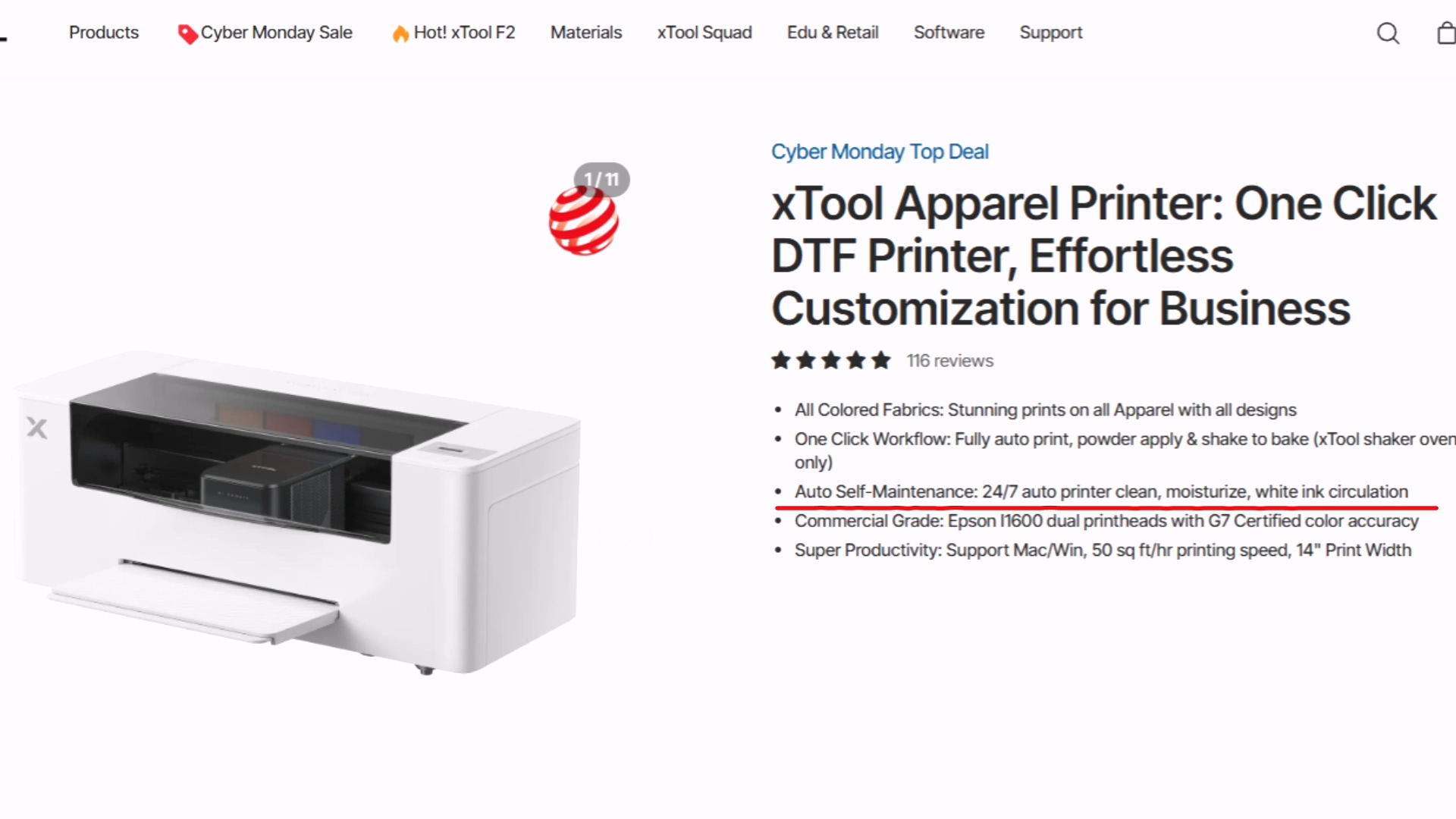
That combination of auto-moisturizing and AI monitoring is the real secret to keeping those commercial heads alive without you having to babysit them.
Software Comparison
Hardware is important, but let's talk about the software and daily workflow.
Procolored Pro RIP Software
The Procolored F13 uses standard RIP software. It's purely functional—it processes your image for printing but has zero design capabilities. You have to design everything in Photoshop or Illustrator first, or upload designs from a site like Creative Fabrica.
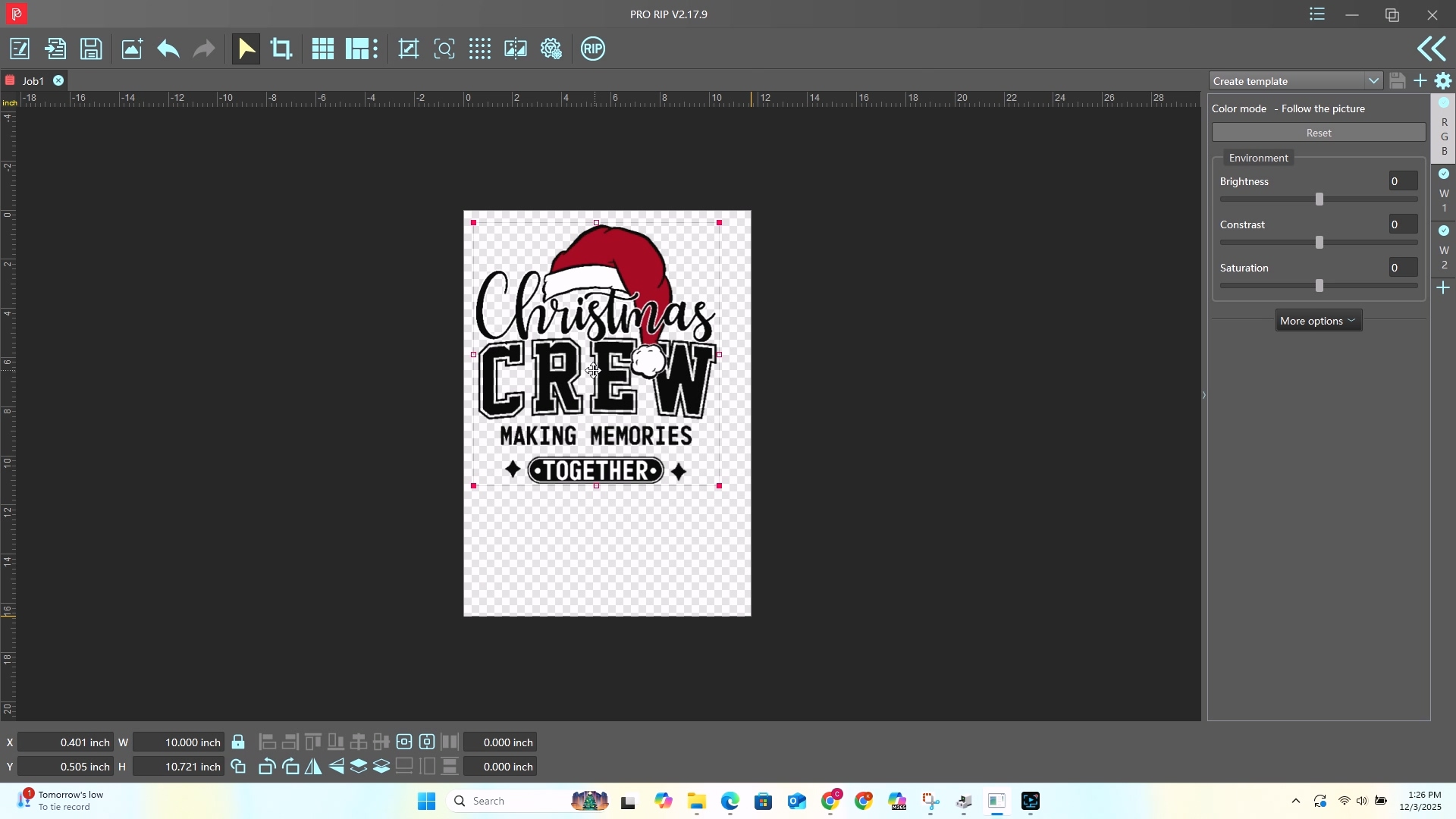
Limitations:
- Windows only (Mac users are out of luck)
- No built-in design tools
- Smaller max print area (13″ x 16.5″ with oven)
- Can print up to 31″ long, but you'll have to cut it to fit the oven
- Cold peel film—you have to wait several minutes for it to cool before peeling
xTool Studio
xTool Studio is packed with features you won't find in typical RIP software:
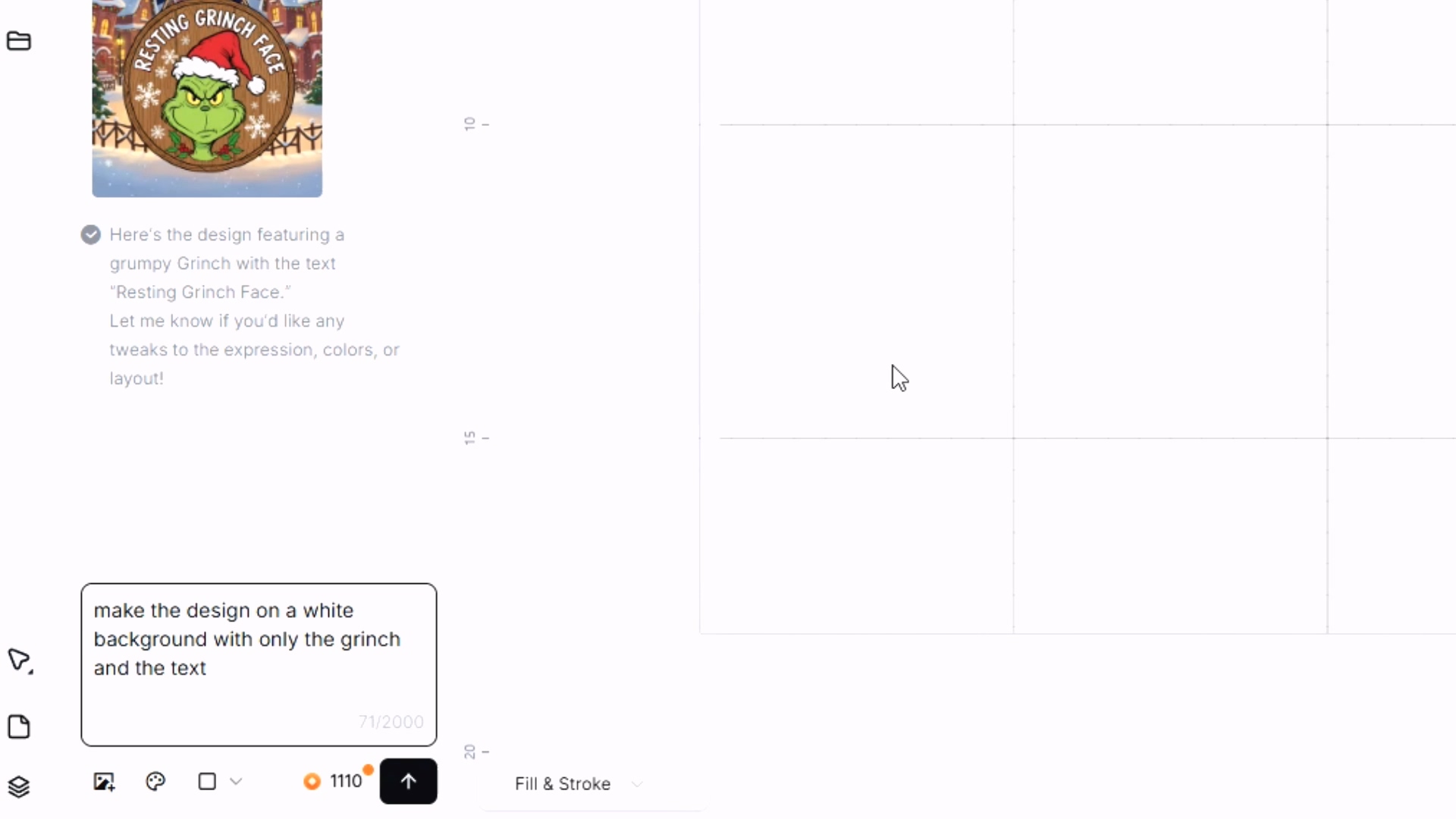
AIMake – An AI-powered tool designed for crafters. Type in an idea and it turns that text into a ready-to-use design. The background remover is instant, the “magic eraser” fixes little details, and the AI enhance tool makes your images clear and ready to print.
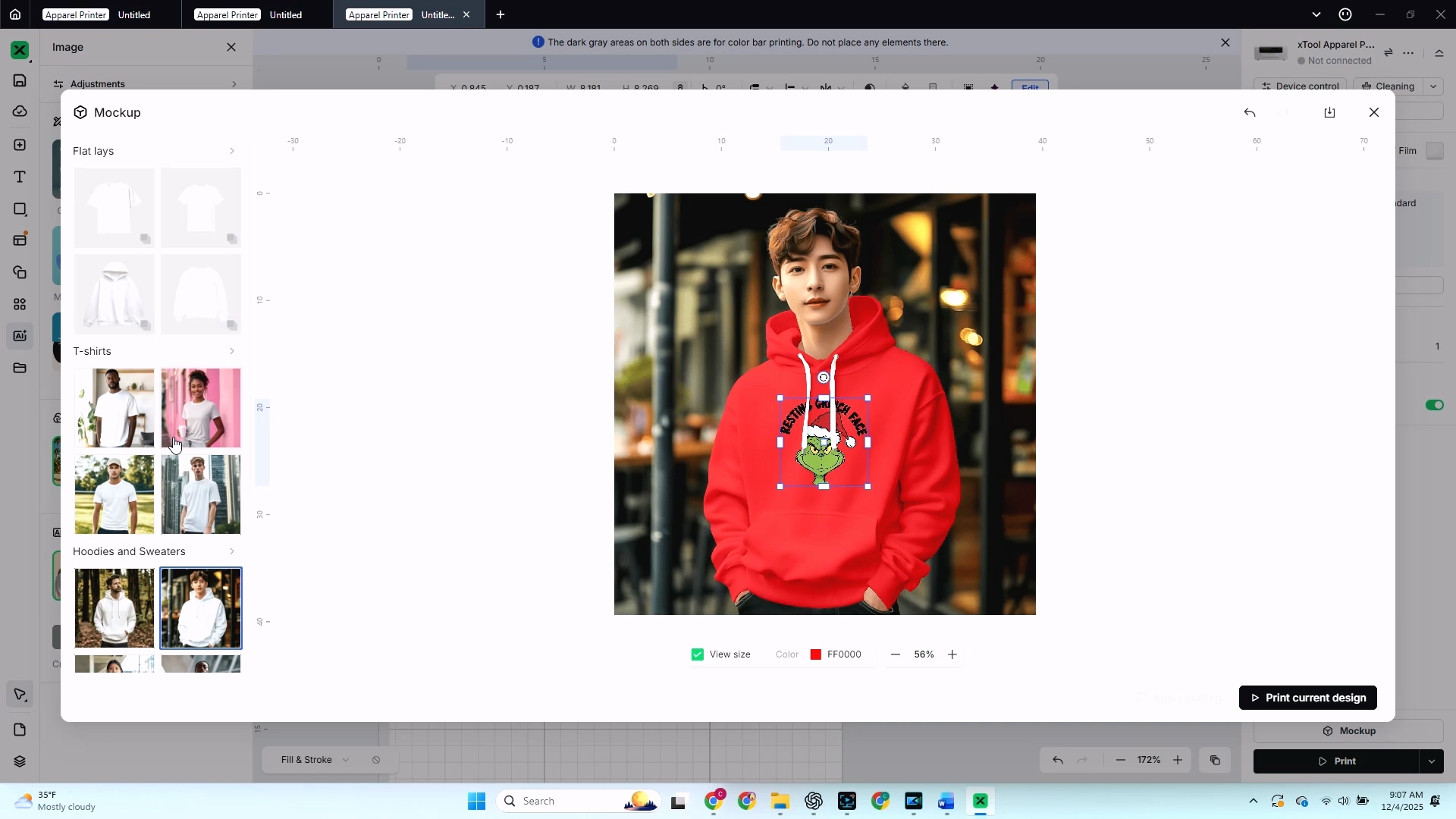
Mockup Generator – Before you waste any expensive film or blanks, you can see what your design looks like on real products. Change the size, color, and type of blank. See your Grinch design on an XS black t-shirt, a red hoodie, or a canvas bag.
💡 Pro Tip: You can export your AIMake files as SVGs! Just right-click, select “Export as SVG,” and you have a file you can use anywhere—even on the Procolored printer.
Additional xTool Studio Features:
- Larger max print area (14″ x 18″)
- Warm peel film—peel almost right away while still warm
- Add text, shapes, and elements to create custom designs right in the software
Live Speed Test
I wanted to see if the xTool Apparel Printer is really as fast as it claims, so I did a real-world test. I made matching family Christmas t-shirts using a cute design from Creative Fabrica.
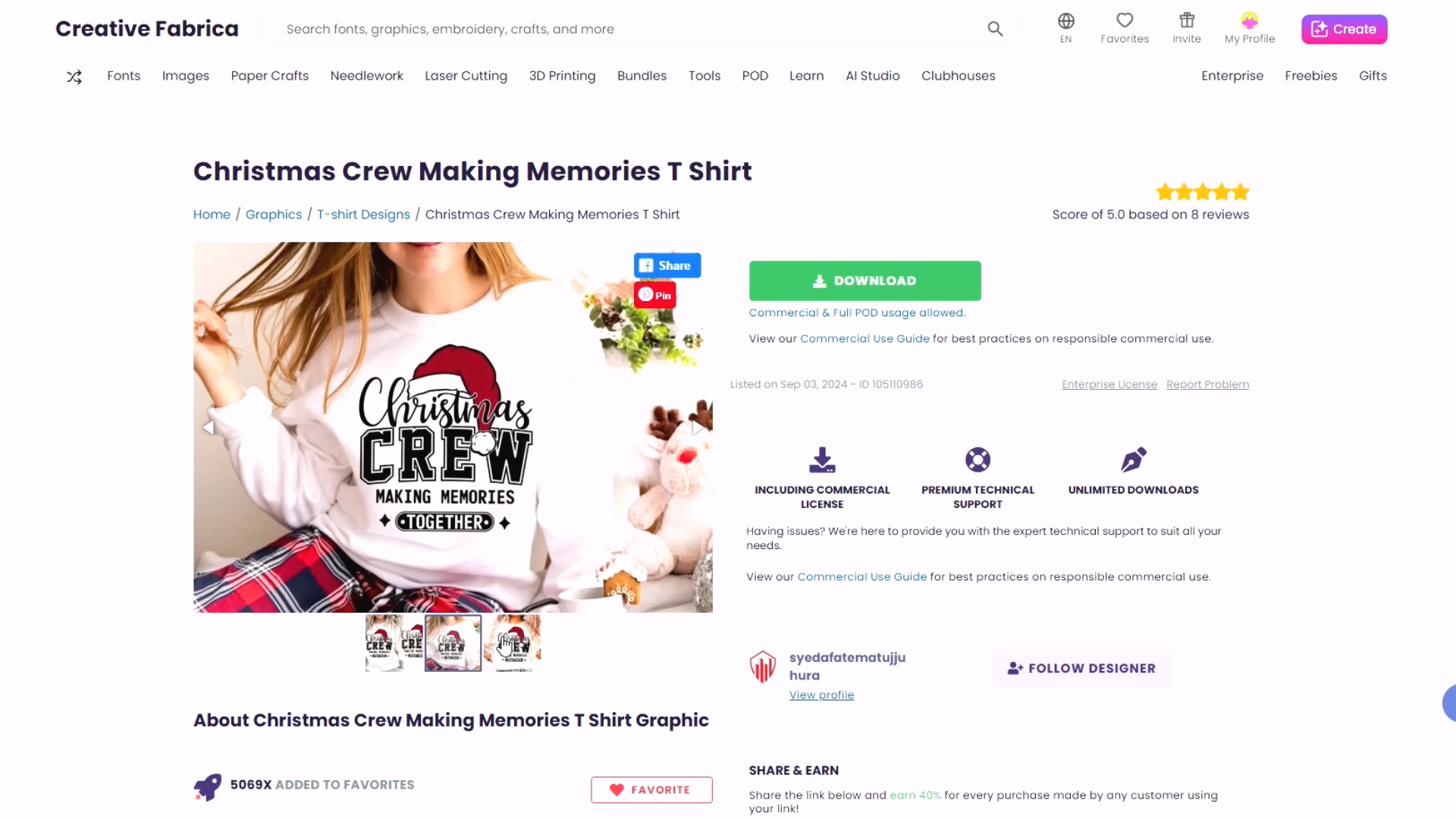
The Setup:
- Two shirts printed at 10 inches wide
- One at 9 inches
- One at 8 inches
To keep the comparison fair, I printed the same 10-inch design one at a time on both printers.
The Results
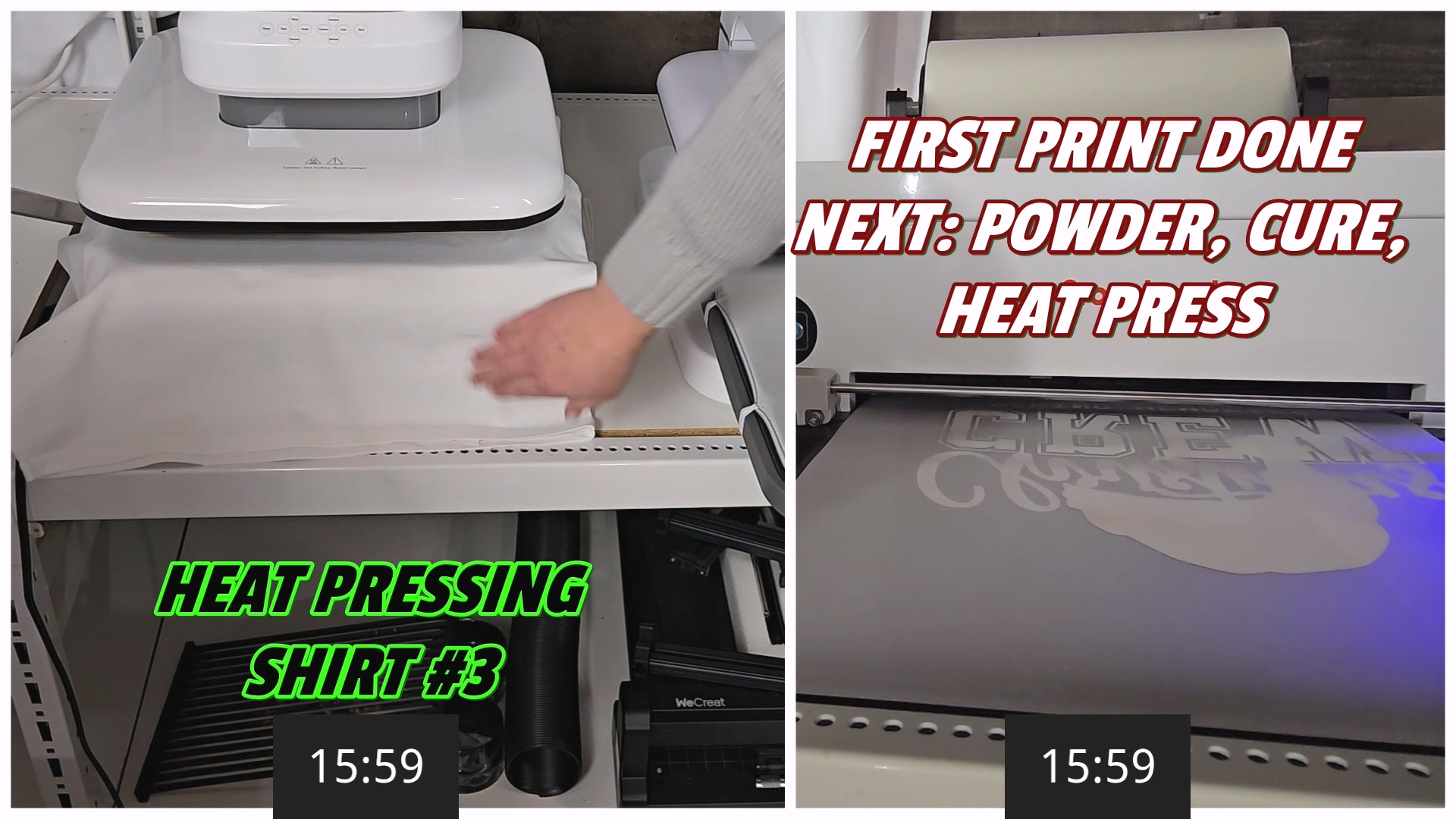
| Printer | Task | Time |
|---|---|---|
| xTool Apparel Printer | 3 designs (print, powder, cure) | 12 min 26 sec |
| Procolored F13 | 1 design (print only) | 16 min 5 sec |
| Procolored F13 | 1 design (total with powder/cure) | ~21 min |
The xTool produced three finished shirts in almost half the time it took the Procolored to make one.
I love that the xTool lets you queue jobs—hit print once and let it run. No babysitting between jobs. You can keep an eye on the status right on the touchscreen.
If you're doing real DTF orders, that speed difference adds up fast. It's the difference between finishing a big family set in under fifteen minutes or spending over an hour just waiting on prints.
Watch my full DTF printer comparison video here
Heat Pressing Your DTF Design
Once your designs are printed and cured, it's time to press them onto shirts. Here's my process using my HTVRONT Auto Heat Press:
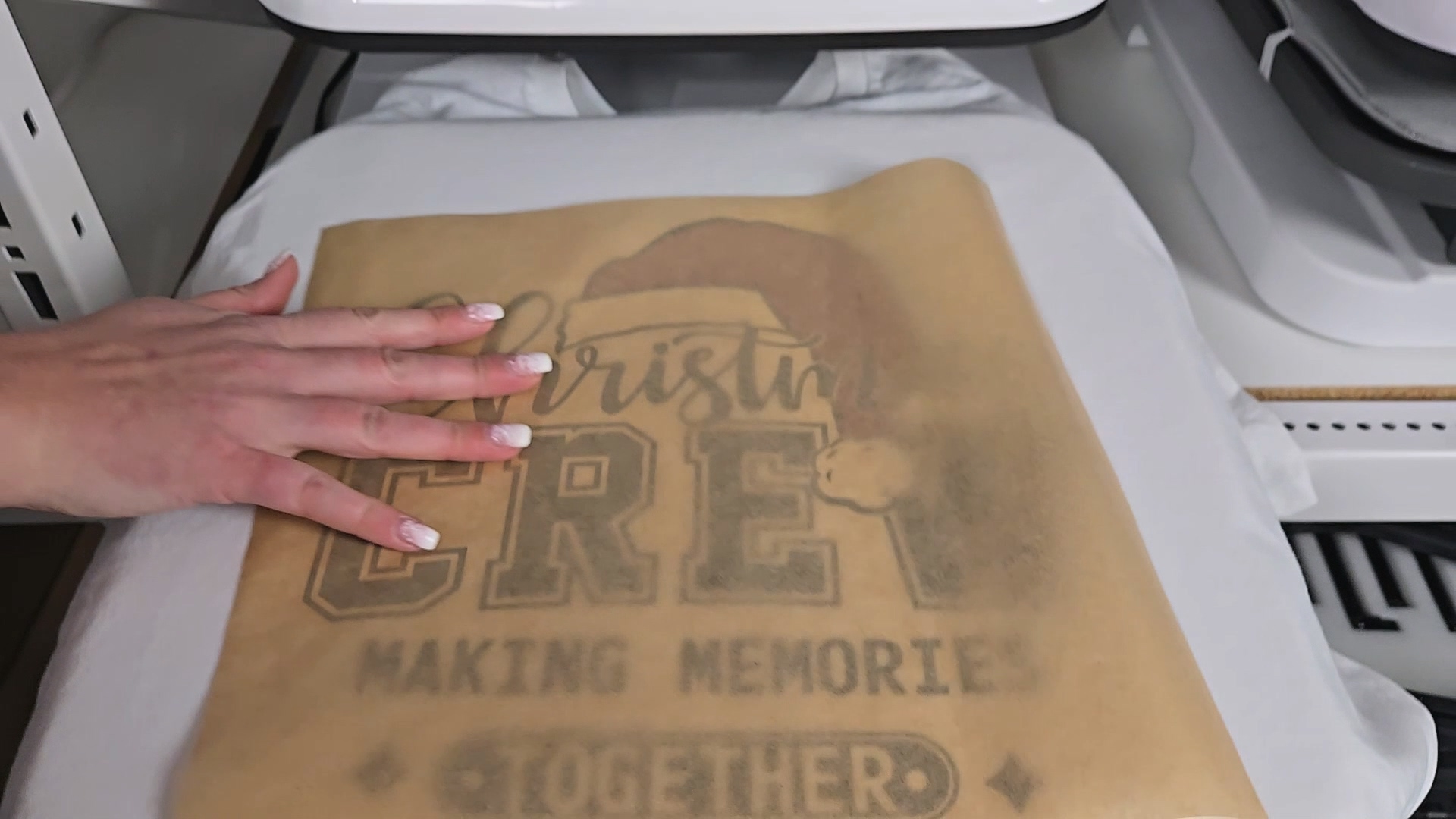
Step 1: Set Your Heat Press
Set your heat press to 335°F for 15 seconds.
Step 2: Pre-Press Your Shirt
Always pre-press your shirt for about 10 seconds to remove any moisture or wrinkles. This helps your design stick perfectly.
Step 3: Position Your Transfer
Place your DTF transfer on the shirt where you want it.
Step 4: Press
Cover with a Teflon sheet, butcher paper, or parchment paper to protect the print. Press for 15 seconds.
Step 5: Peel
xTool (warm peel film): You can peel almost right away while it's still warm. Super fast!
Procolored (cold peel film): You have to wait for it to cool completely to room temperature before peeling. More waiting around.
Step 6: Final Press
Cover your design again and press one more time for 5-10 seconds. This helps melt the adhesive deeper into the fibers so your print lasts longer and feels softer.
💡 Pro Tip: That second press is the secret to a professional finish. Don't skip it! Your prints will last longer through washes and feel much softer on the fabric.
Price Breakdown
Let's talk about what you're actually spending.
Printer Only
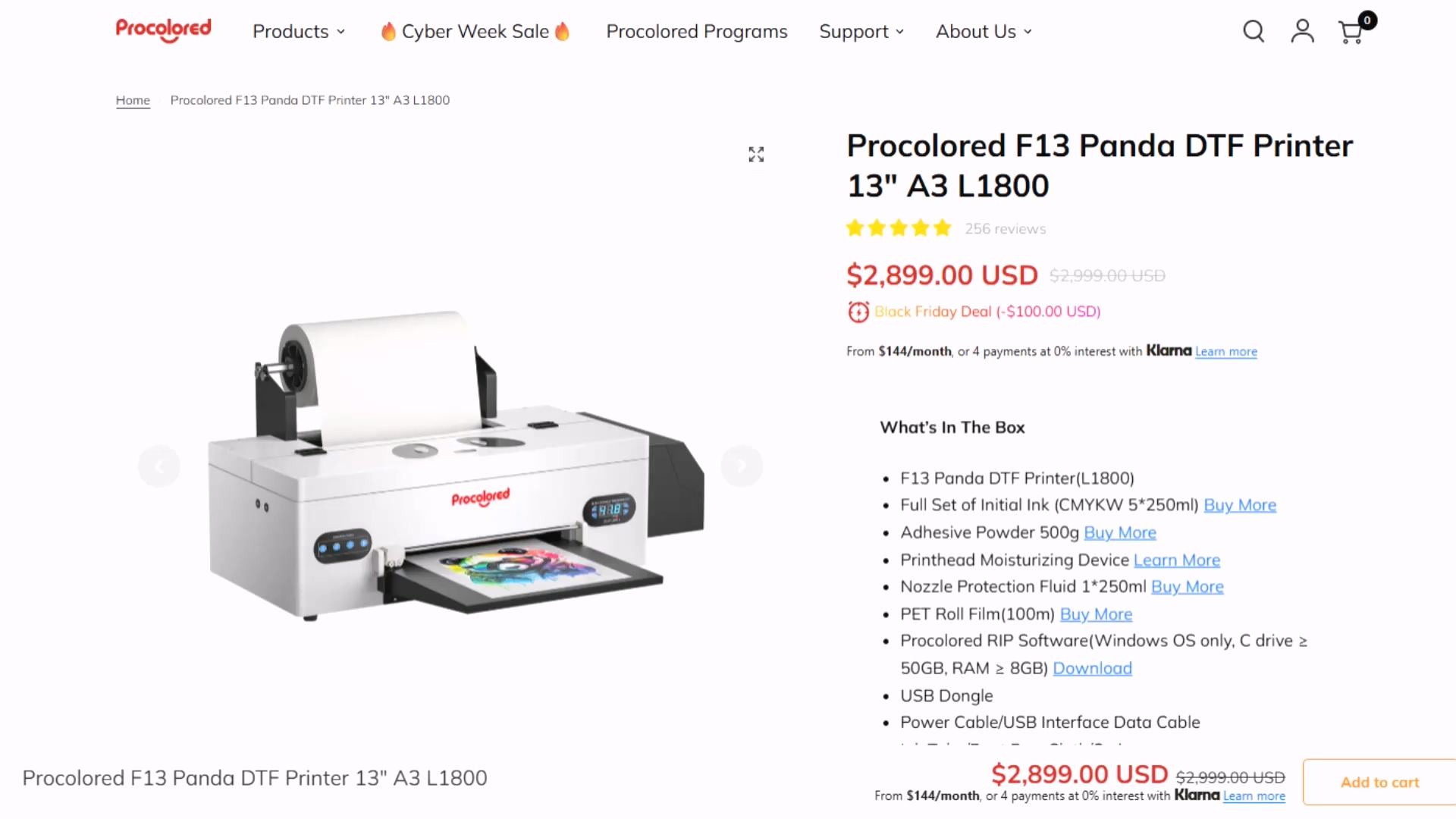
| Printer | Price |
|---|---|
| Procolored F13 Panda | ~$2,900 |
| xTool Apparel Printer | ~$5,600 |
Full Setup (What You Actually Need)
| Bundle | Price |
|---|---|
| Procolored F13 with Smokeless Oven | ~$4,000 |
| xTool All-in-One Bundle (printer + shaker oven + AP2 purifier) | ~$8,000 |
I know that's a huge price gap—the xTool is almost twice as much money. But remember the math: it's 12.5 times faster.
And more importantly, you have to ask yourself: Do you want to craft wearing a gas mask?
With the Procolored, that's the reality if you want to be truly safe from those airborne chemicals. With the xTool, the enclosed system protects you. As the saying goes, health is wealth, and you've only got one set of lungs.
Final Verdict
Choose the Procolored F13 if:
- You're crafting for fun or doing small custom runs
- You don't mind wearing safety gear (respirator, gloves, goggles)
- Budget is your primary concern
- You're okay with more manual workflow
Choose the xTool Apparel Printer if:
- You're starting a DTF printing business
- You want to produce hundreds of shirts a week
- Safety and air quality matter to you
- You want a fully automated, hands-off workflow
- Time savings and efficiency are priorities
The speed and safety of the xTool will pay for itself in labor savings—and peace of mind—very quickly.
Exclusive xTool Deal
I have a special gift for you if you decide to go with the xTool!
xTool gave me an exclusive code: FILMKERRI
Here's how it works:
- Add any Apparel Printer bundle to your cart
- Add a roll of film to your cart
- Enter code FILMKERRI at checkout
- The film becomes completely FREE!
The best part? This code stacks with other promotions. Even if they're having a massive sale, you can still get your free film on top of it!
Valid until March 31, 2026
FAQ
Q: What is DTF printing? A: DTF stands for Direct-to-Film printing. You print special ink onto a film, apply powder to the back, cure it, then heat press it onto fabric. It works on cotton, polyester, dark fabrics, and more.
Q: Is DTF printing safe? A: It depends on your setup. The powder releases TVOC fumes when heated. With the Procolored, you need a respirator and proper ventilation. The xTool's enclosed system with AP2 purifier handles this automatically.
Q: Which DTF printer is faster? A: The xTool Apparel Printer is about 12.5 times faster than the Procolored F13, producing 50 square feet per hour compared to 4 square feet per hour.
Q: Can I use either printer for a t-shirt business? A: Both can work, but the xTool is better suited for high-volume business use due to its speed and automation. The Procolored is better for hobbyists or very small custom orders.
Q: What's the difference between warm peel and cold peel film? A: Warm peel film (xTool) can be peeled shortly after pressing while still warm—much faster. Cold peel film (Procolored) requires waiting until it's completely cooled to room temperature before peeling.
Q: Do I need any design software? A: The xTool comes with xTool Studio, which includes AI design tools and mockup generators. The Procolored requires separate design software like Photoshop, Illustrator, or you can use designs from Creative Fabrica.
Community Invite
Ready to start your DTF printing journey? I'd love to help you get started!
Share your first DTF projects with me—tag me on Instagram @kerricraftsit or post in my Facebook community to show off your work!
Watch my full xTool vs Procolored comparison video
Find me on all platforms: linktr.ee/kerricraftsit
Social Links:
- Visit YouTube
- Follow on Facebook
- Follow on Instagram
- Follow on TikTok
- Follow on Pinterest
- Shop on Etsy