If you've ever wanted to create a meaningful and beautiful keepsake, you're in the right place.
Today, I’m excited to share with you how to make one of my favorite and best-selling Cricut projects: memorial lanterns. Over the years, I’ve made more than fifty of these, and I’ve learned a lot about the best ways to make them look perfect every single time.

Memorial lanterns are more than just pretty decorations. They help people remember and honor their loved ones, whether human or pet.
I’ve made these for friends, and they often tell me these lanterns are their most cherished possessions. Plus, they make wonderful gifts, especially around Christmas.
The best part? They’re not too hard to make when you know the right materials and techniques.
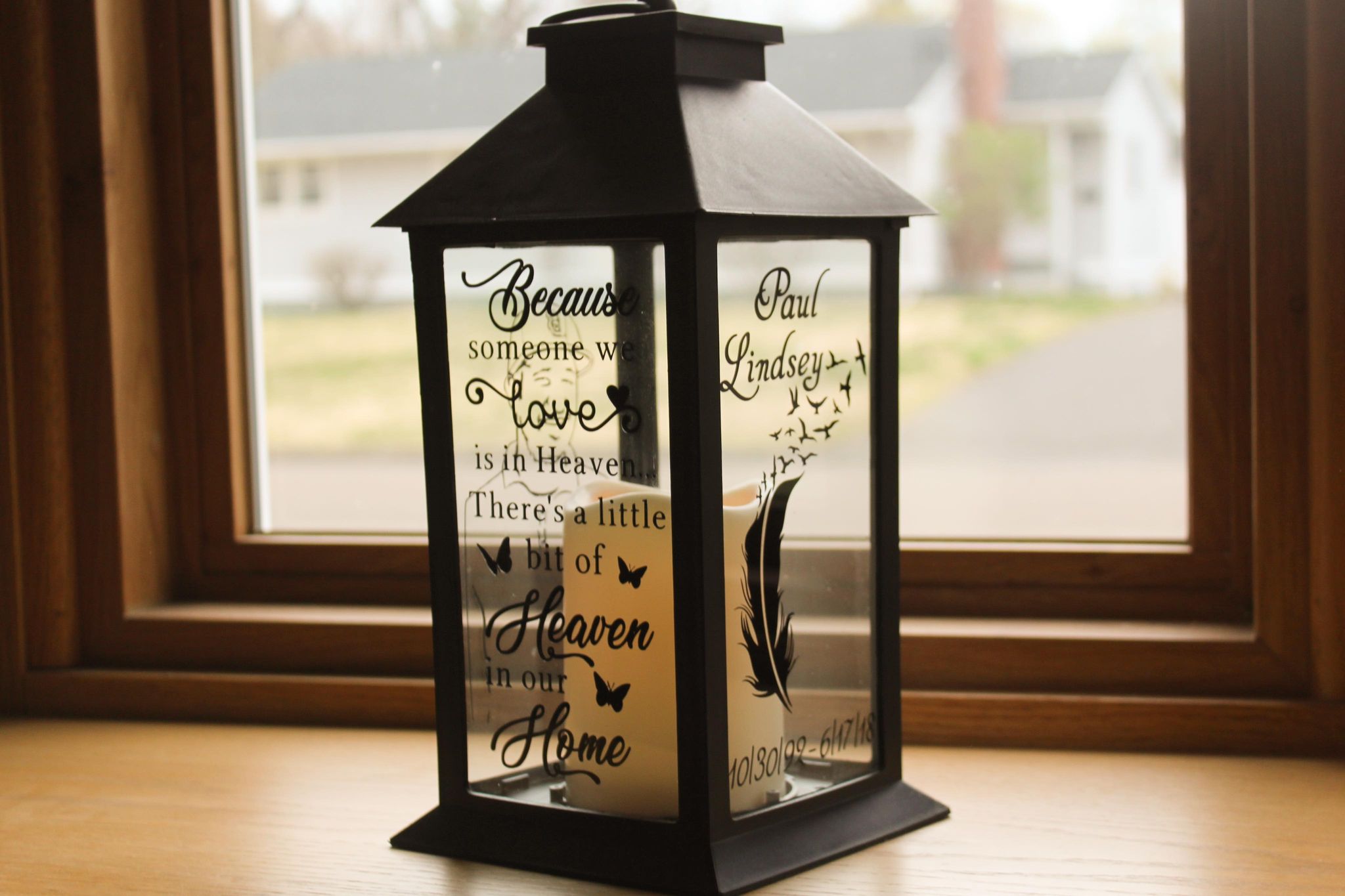
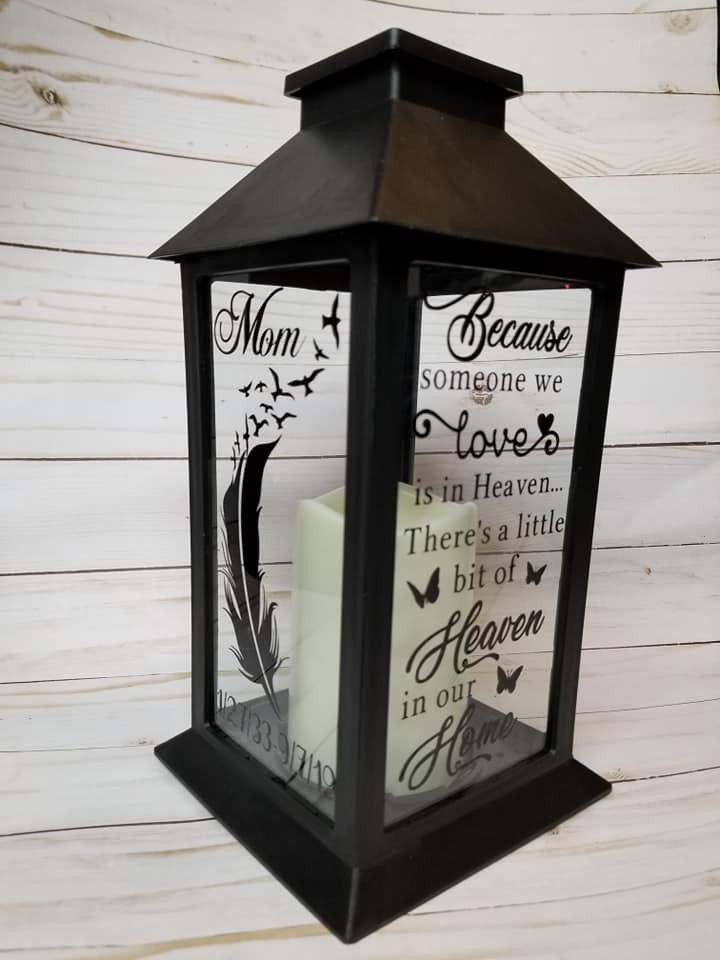
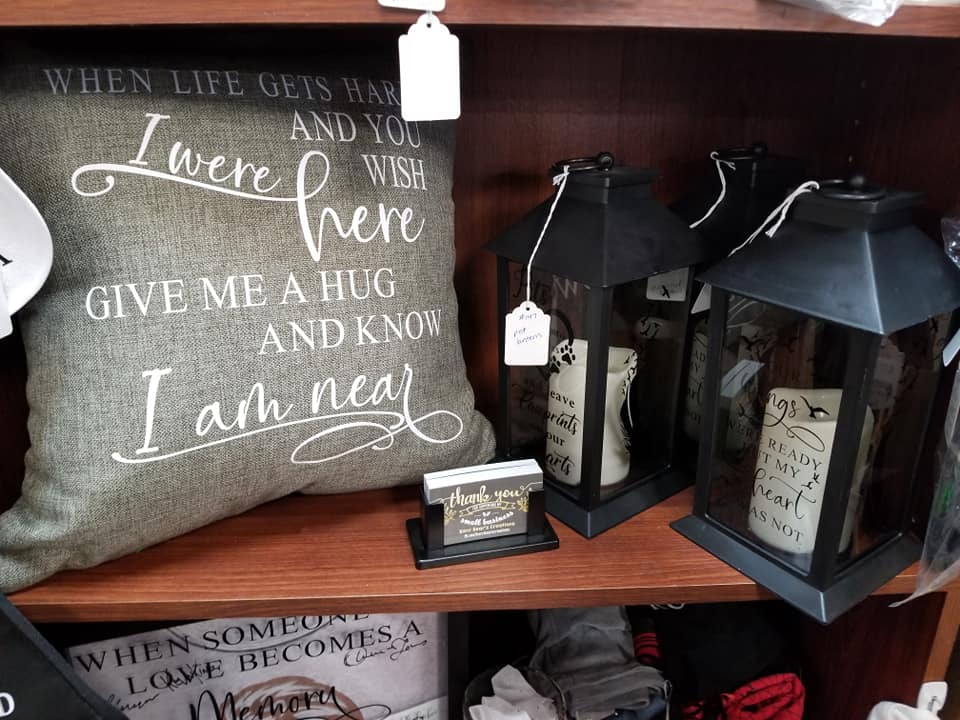
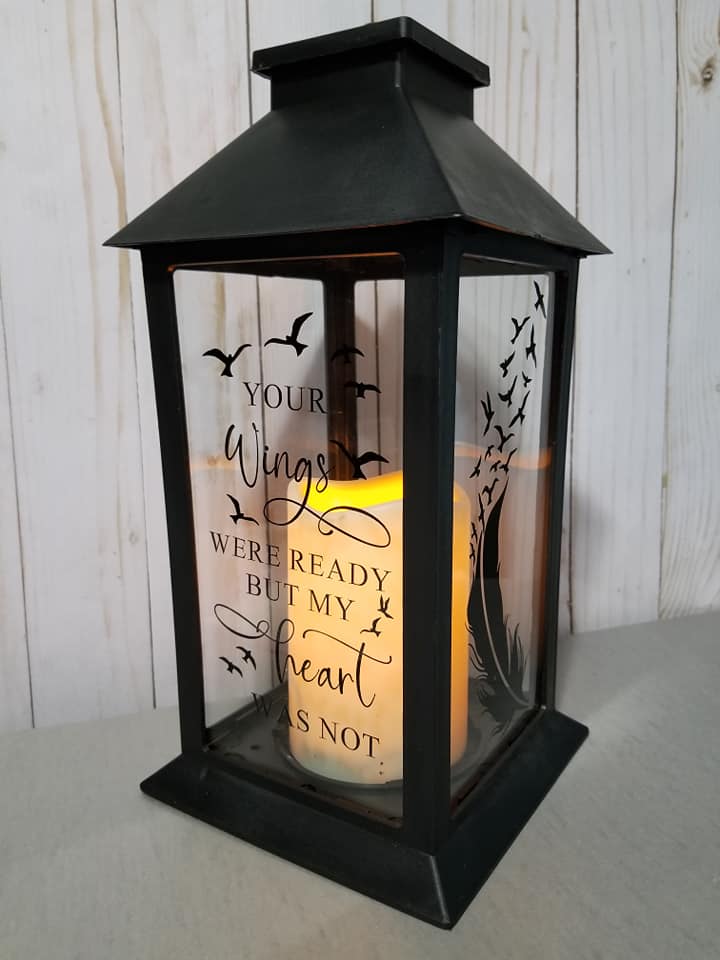
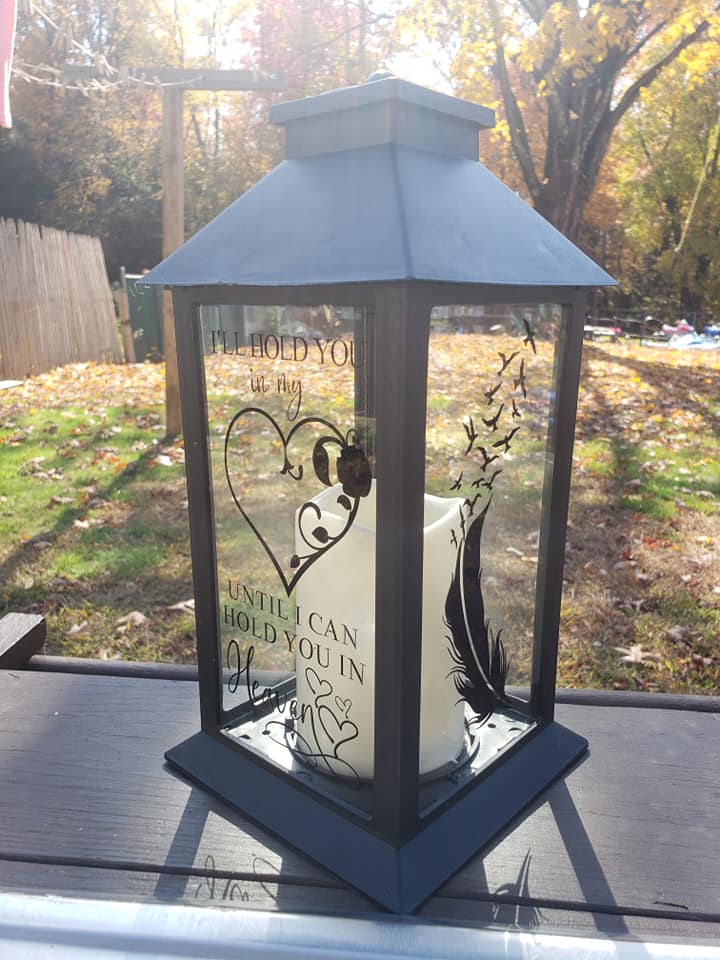
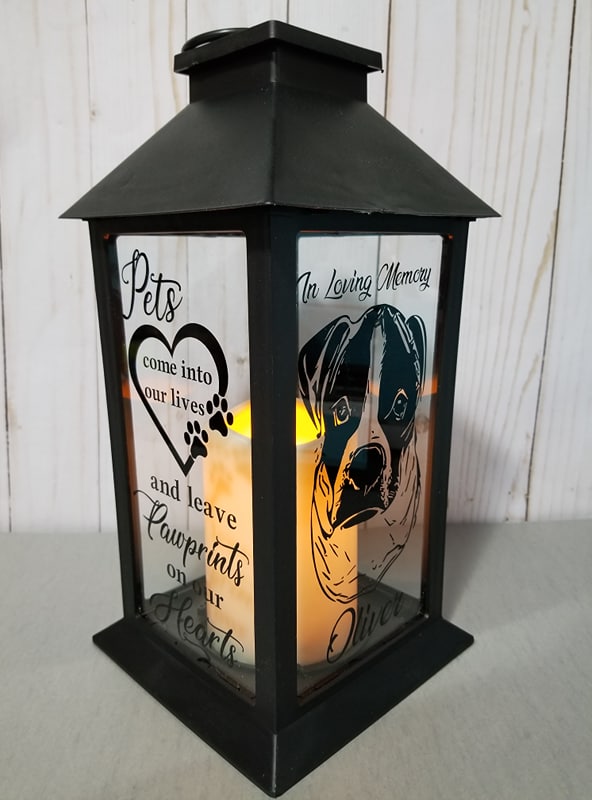
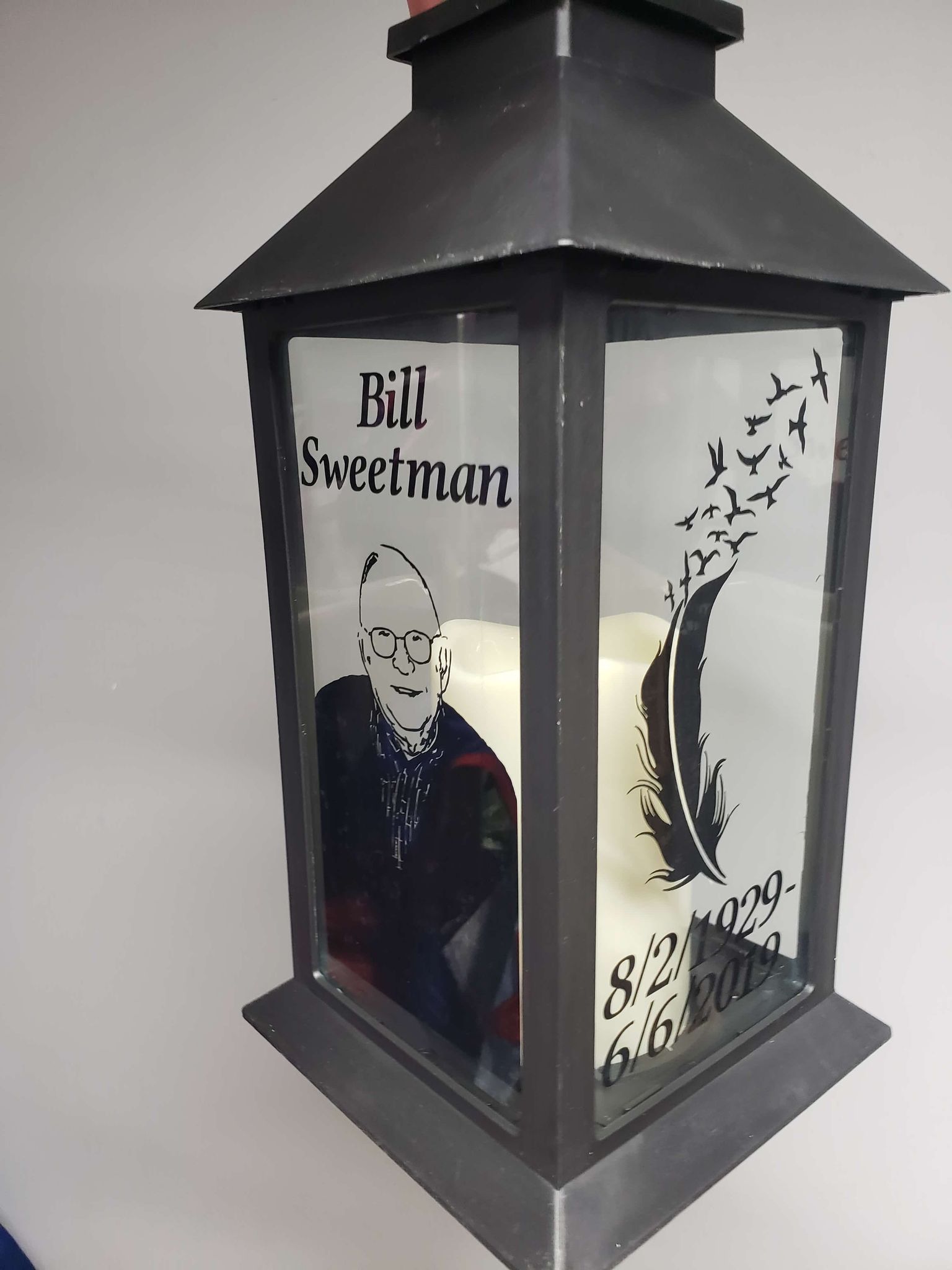
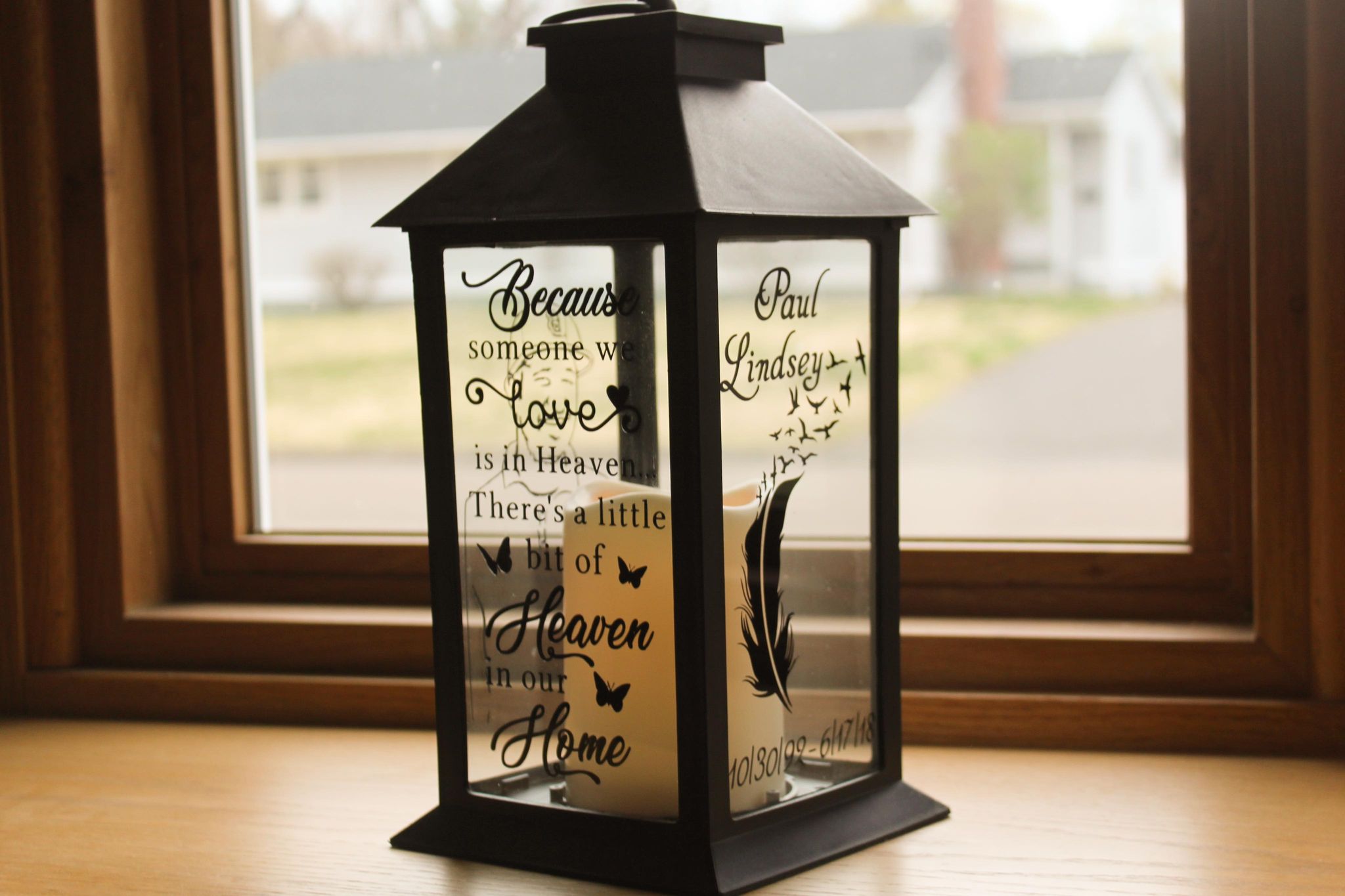
Table of Contents
- Step 1: Choosing the Right Designs and Fonts
- Step 2: Gathering Materials
- Step 3: Uploading and Setting Up Your Design in Cricut Design Space
- Step 4: Measuring and Resizing Your Design
- Step 5: Removing the Glass and Preparing the Lantern
- Step 6: Cleaning the Glass Panel
- Step 7: Cutting Your Vinyl with the Cricut Machine
- Step 8: Weeding and Applying Transfer Tape
- Step 9: Applying the Vinyl to the Glass and Reassembling
- Step 10: Taking Your Lanterns to the Next Level
- Frequently Asked Questions (FAQ)
- Final Thoughts
Step 1: Choosing the Right Designs and Fonts
One of the biggest challenges in making memorial lanterns is finding the right design and fonts. If you’ve ever worked with small pieces of permanent vinyl, especially with script fonts, you know they can be tricky.
Thin script fonts often rip when you try to weed them (that's when you remove the extra vinyl). This can be super frustrating!
Because I like to save time, I usually look for premade designs. That’s why I love Creative Fabrica – it’s a great place to find ready-made SVG designs.
But here’s the catch: most memorial designs you find are square-shaped, designed for things like shirts. Memorial lantern glass, however, is tall and rectangular. Using square designs on these lanterns leaves a lot of empty space at the top and bottom, which doesn’t look good.
Even when I found designs shaped more like the lantern glass, the fonts were often too thin to weed properly.
So, I spent a few hours designing my own bundle of memorial lantern SVGs. I picked bold script fonts and made them even thicker using Inkscape, so the tiny text won’t fall apart when you weed it.
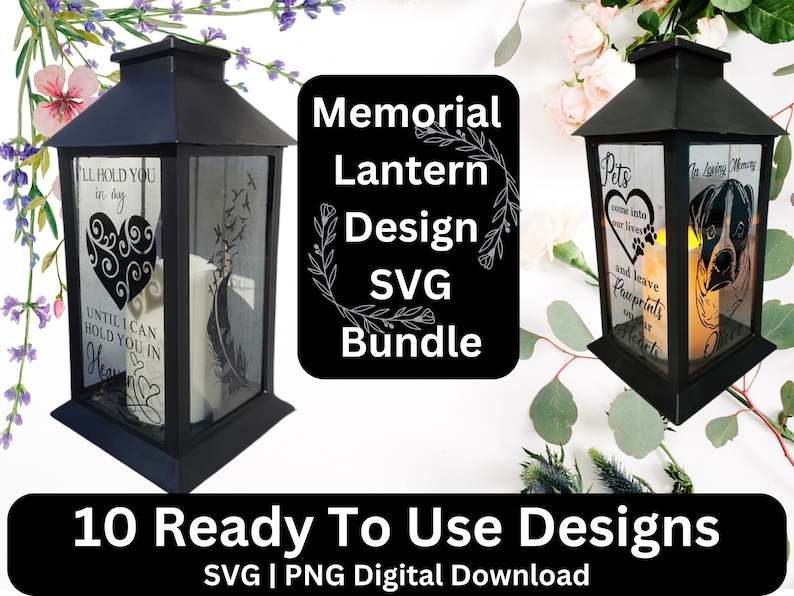
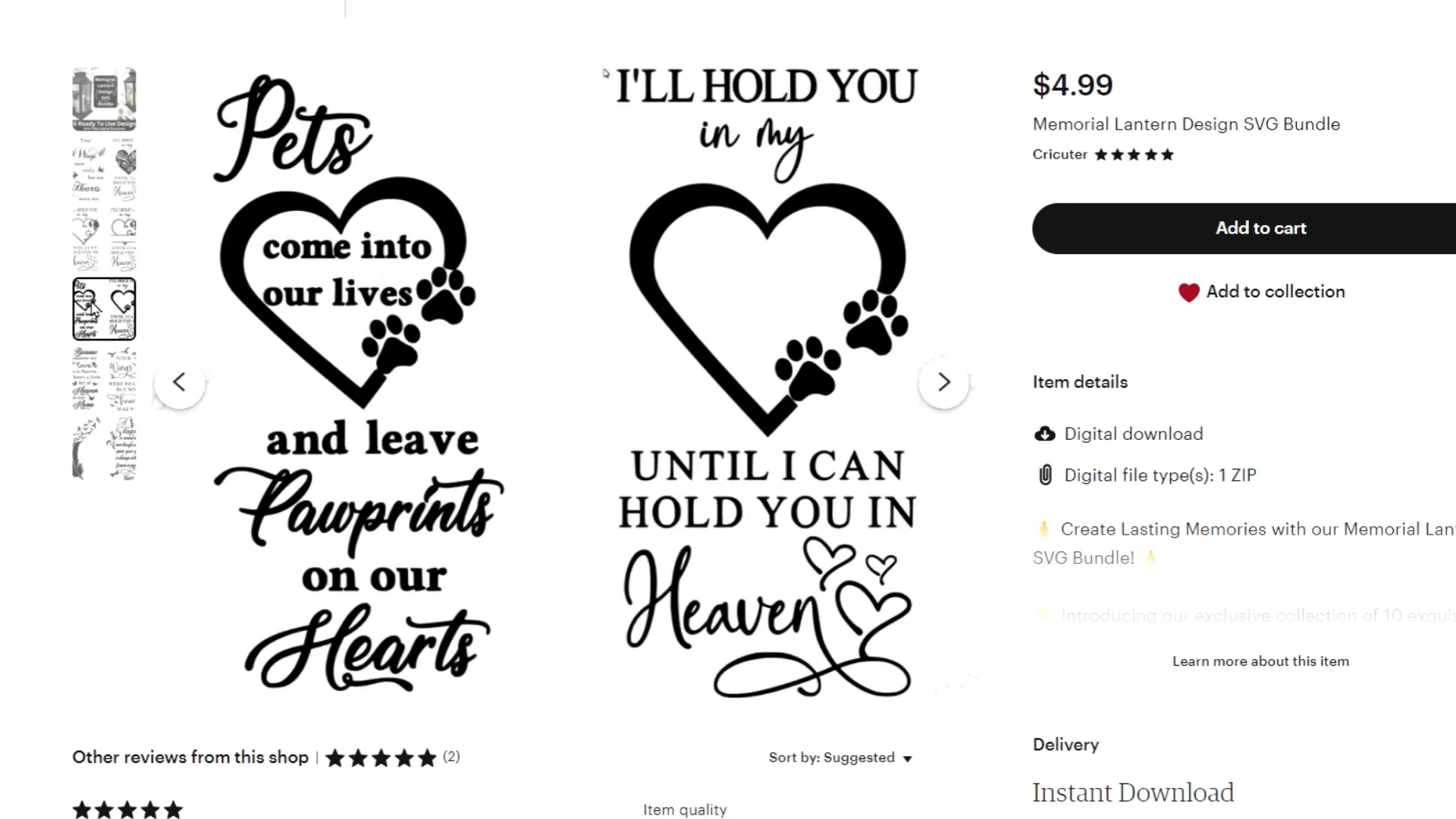
My bundle includes ten different memorial designs perfect for people or pets, all shaped to fit the rectangular glass perfectly. These are the exact designs I’ve used for years to make my lanterns. If you want to save time and get beautiful results, I recommend checking out this bundle in my Etsy shop.
Buy My Memorial Lantern Design On Etsy!
Get instant access to 10 beautiful pre-made, customizable designs! With commercial use rights!
Step 2: Gathering Materials
Before we start crafting, let’s talk about the materials you’ll need to make these lovely memorial lanterns:
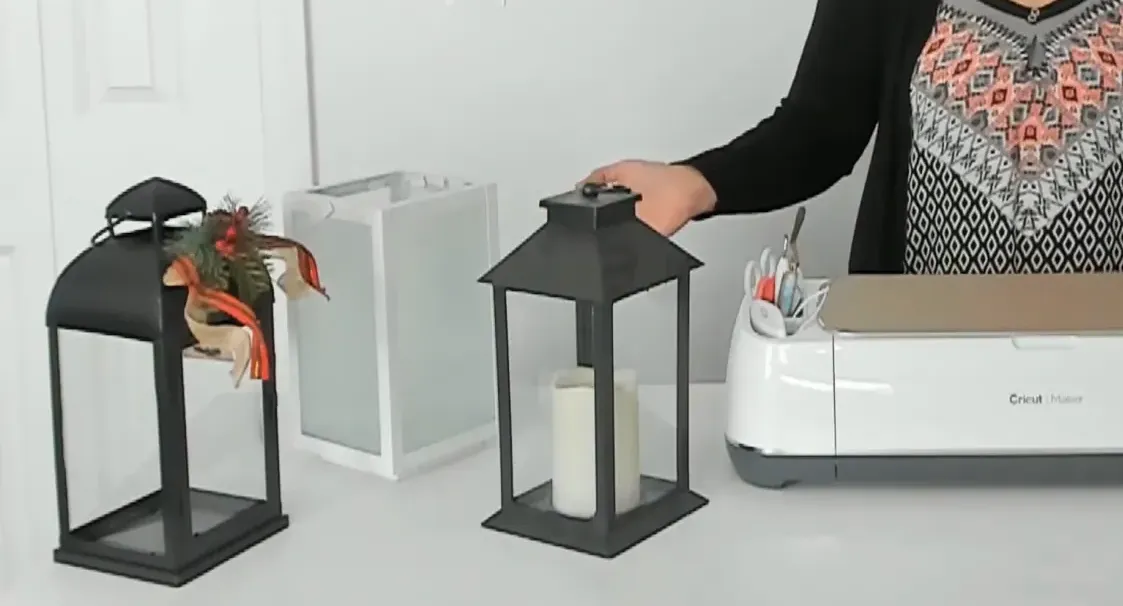
- Lanterns: I have three favorites. One is a holiday-themed lantern from Aldi’s for just $6.99. Another is a white lantern from Target priced at $10. My personal favorite is a lantern I found at Ocean State Job Lot for $8.99. These lanterns come with flameless battery-operated candles and are easy to take apart, which is important for this project. There's also this lantern from Amazon i think is awesome
- Permanent Vinyl: I use black matte Oracle 651 vinyl and green standard grip matte vinyl. Permanent vinyl is key because it sticks well and lasts a long time.
- Rubbing Alcohol and Lint-Free Wipes: Cleaning the glass properly is important. I use isopropyl alcohol and coffee filters as lint-free wipes. Paper towels often leave lint behind, so coffee filters are a cheap and effective alternative.
- Cricut Machine: Any Cricut machine will work, but I use the Cricut Maker for its versatility.
- Basic Weeding Tools: These weeding tools will help you remove the extra vinyl cleanly.
Step 3: Uploading and Setting Up Your Design in Cricut Design Space
Now that you have your materials ready, let’s get your design into Cricut Design Space:
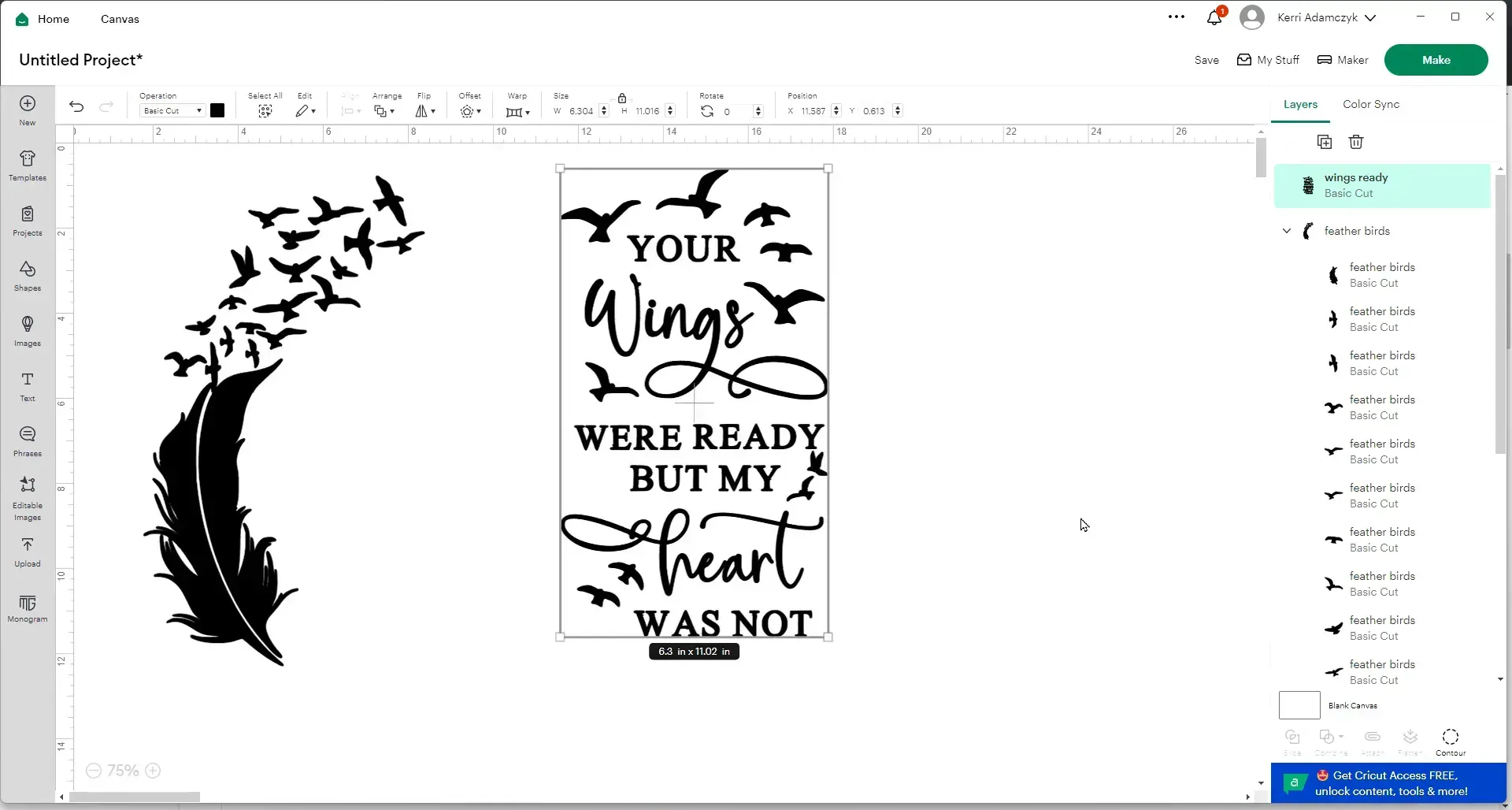
- Open Cricut Design Space and click on “Upload.”
- Select “Upload Image,” then browse your files and pick the SVG design you want to use.
- Click “Upload” and then “Add to Canvas.”
- Repeat this process if you want to add more than one design to your project.
For example, I uploaded two different designs that I wanted on my lantern.
Step 4: Measuring and Resizing Your Design
Measuring your lantern glass is important to make sure your design fits perfectly. Use a ruler to measure the width and height of the glass panel.
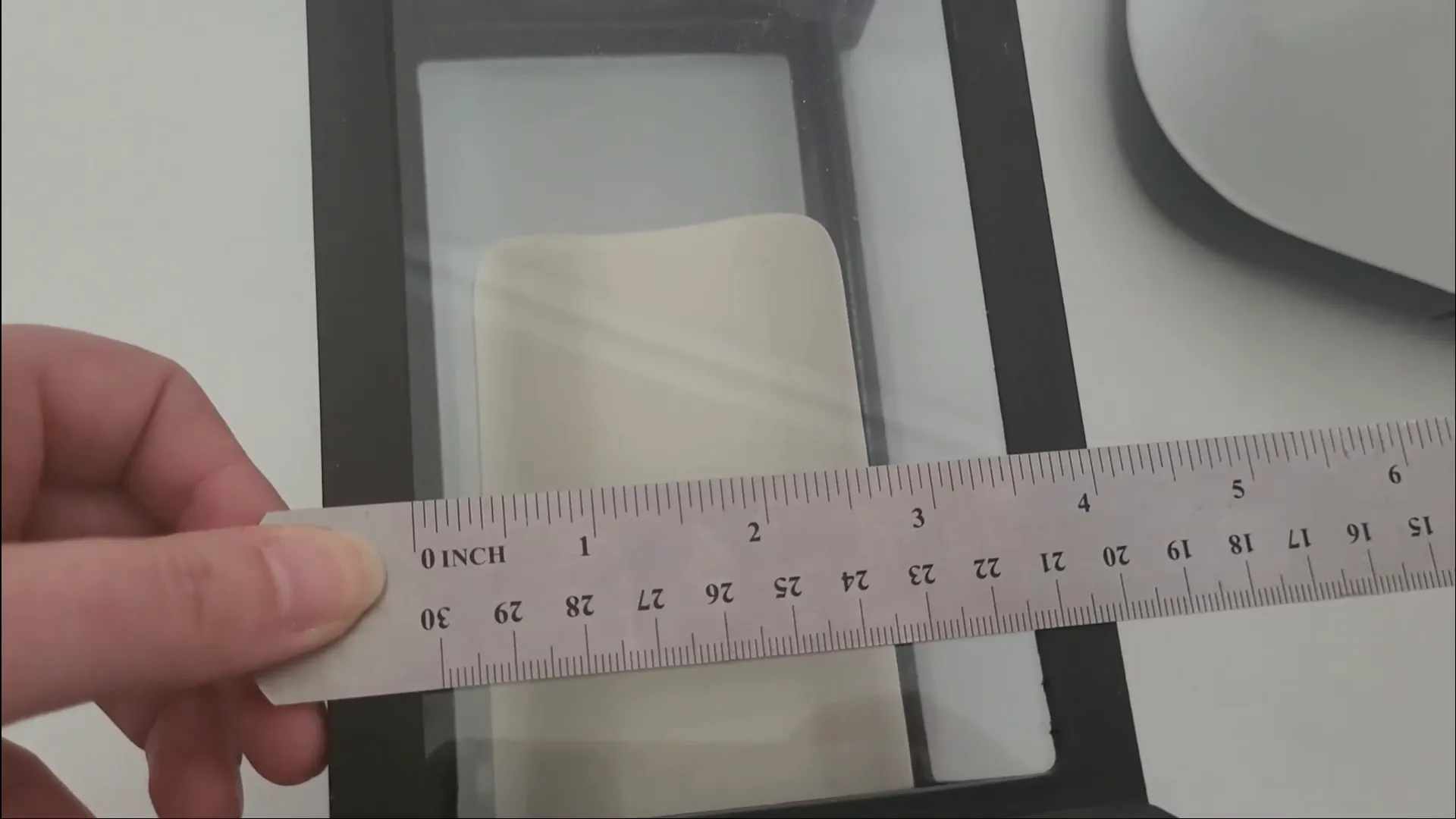
My lantern is about 3.5 inches wide, but I like to give myself a little wiggle room, so I made my design just over 3 inches wide. The height can go up to about 7 inches.
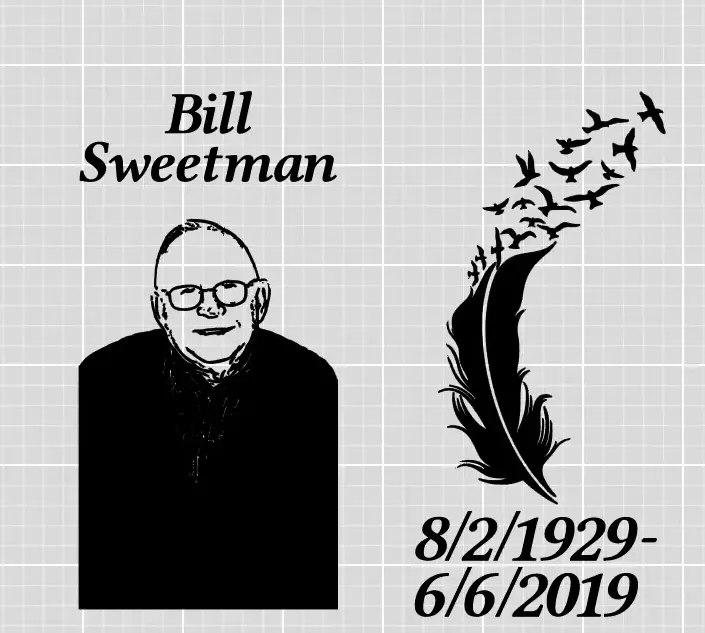
Resize your design in Cricut Design Space to fit within these dimensions. You can also ungroup parts of the design to move elements around, like birds or feathers, to customize the look. Sometimes I add names or dates to make the lantern more personal.
For example, one lantern I made had space at the bottom for a date, while another had a name at the top and a date at the bottom. The SVG files I designed allow you to do this easily because they break apart so you can move or resize individual parts.
Step 5: Removing the Glass and Preparing the Lantern
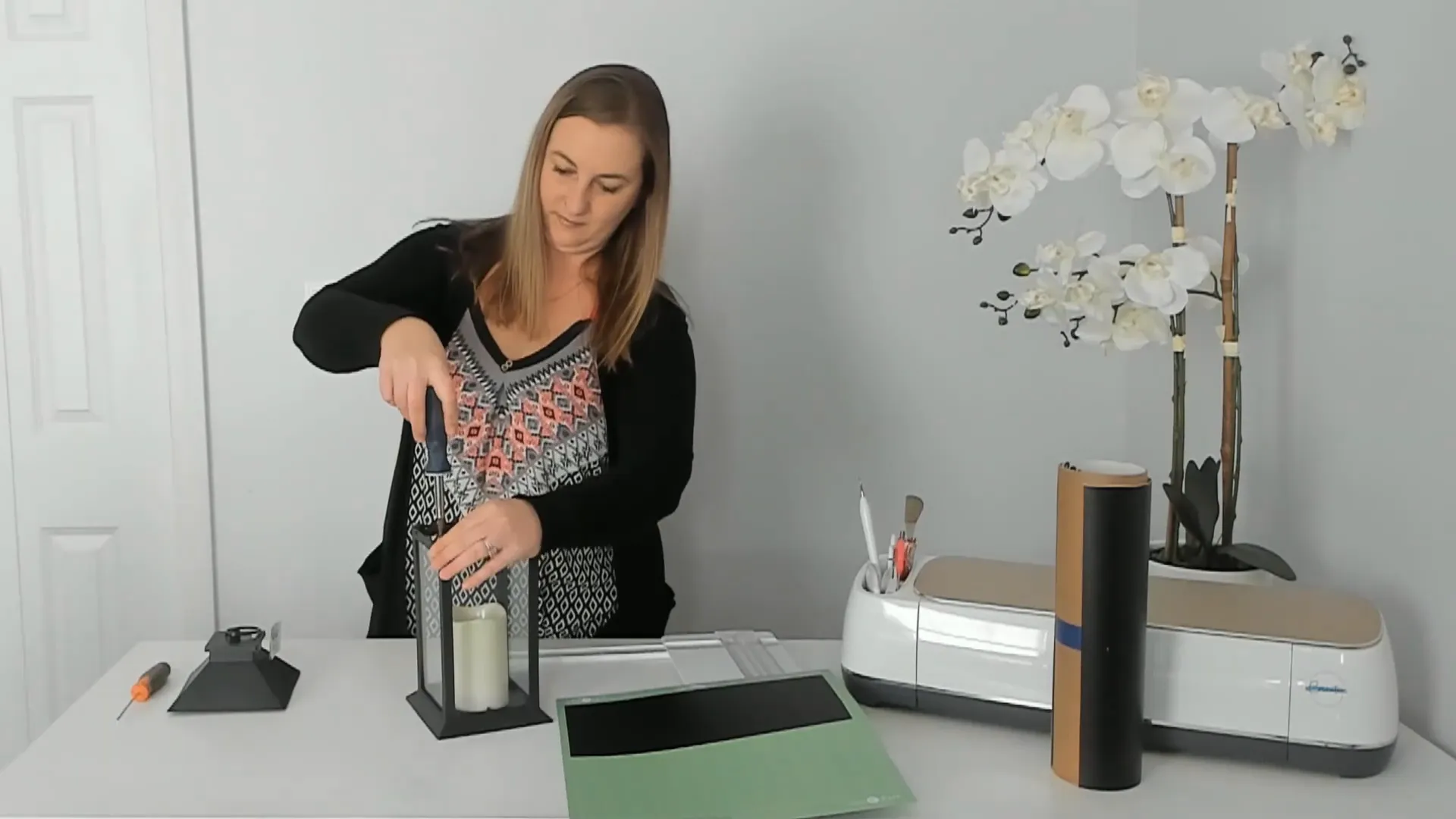
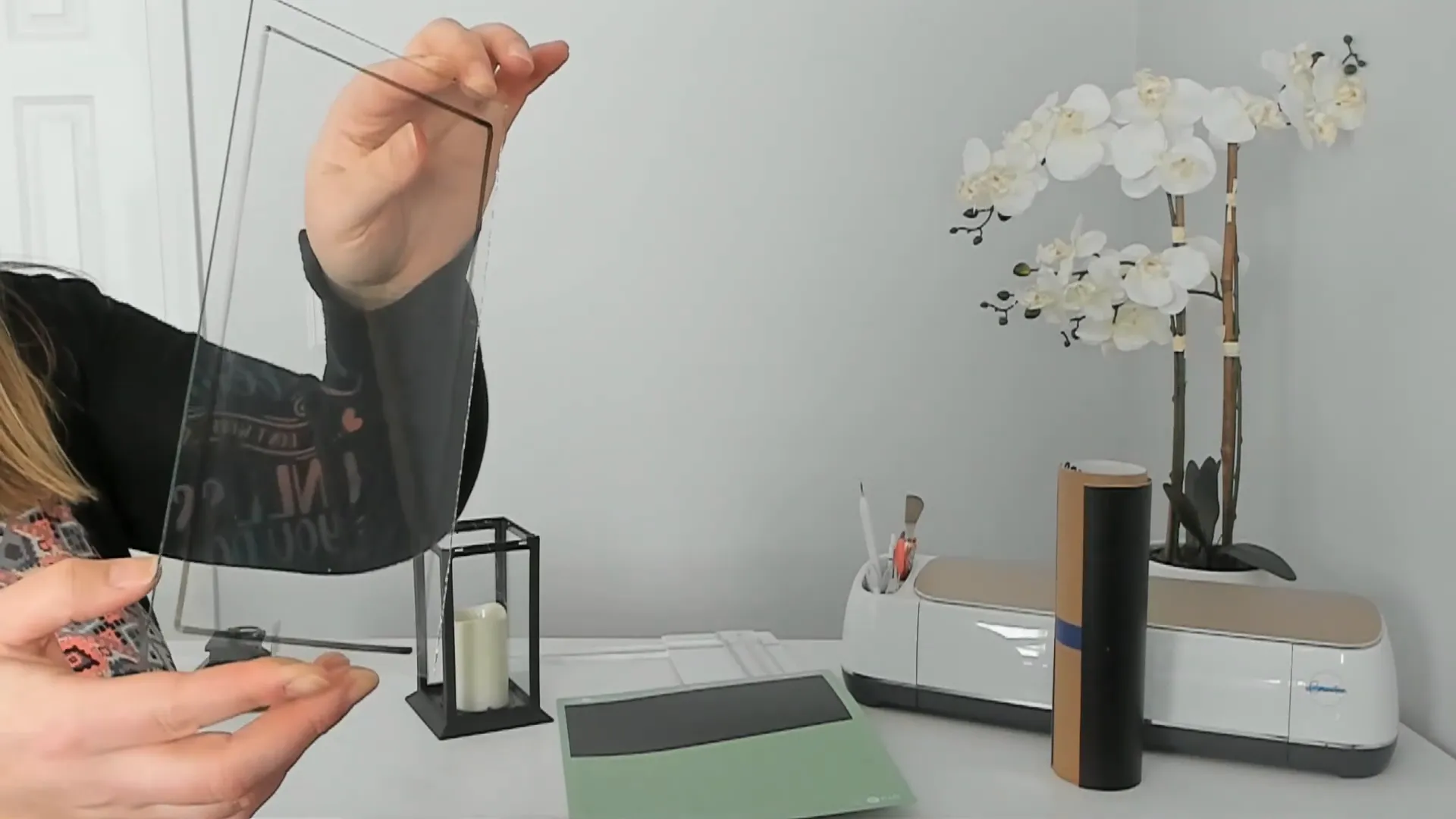
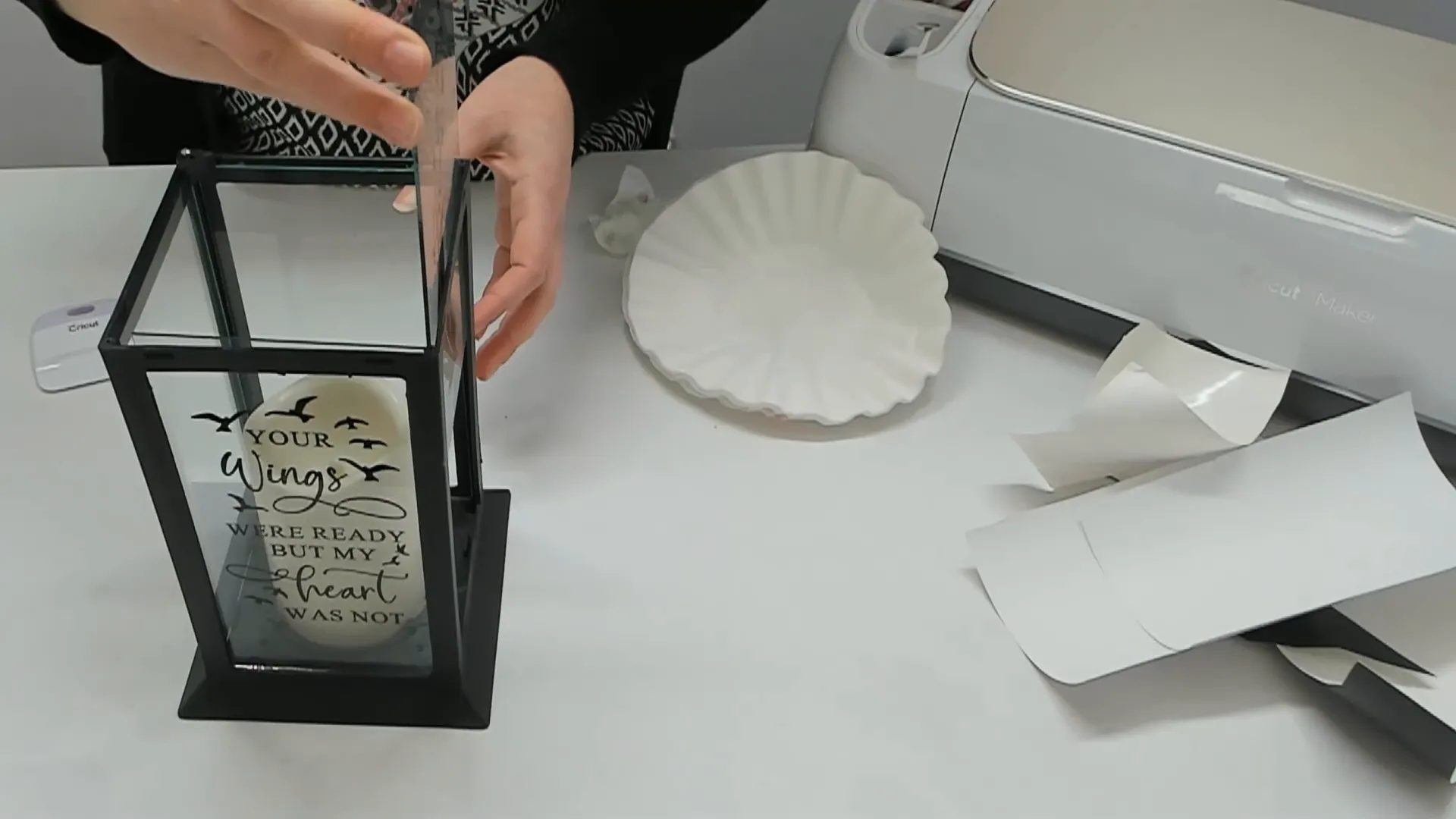
Before cutting your vinyl, check if the glass panel can be removed from your lantern. If it can, I highly recommend taking it out first. This makes it much easier to place your vinyl design inside the glass instead of sticking it on the outside.
Why put the vinyl inside the glass? There are two big reasons:
- Easy Cleaning: When vinyl is on the outside, cleaning with Windex and paper towels can leave lint stuck on the vinyl, ruining the look. Inside the glass, you can clean the glass without touching the vinyl at all.
- Magical Look: The vinyl looks like it’s part of the glass, giving a mysterious, smooth feel. You can’t even tell it’s a sticker!
Removing the glass is usually simple. For my lantern, I pop off the top, undo the clamps, and carefully unscrew the glass panel. I always draw a rectangle around the glass with a dry erase marker to know exactly where to place my design later. This helps avoid placing the vinyl off-center or where it won’t be visible.
Step 6: Cleaning the Glass Panel
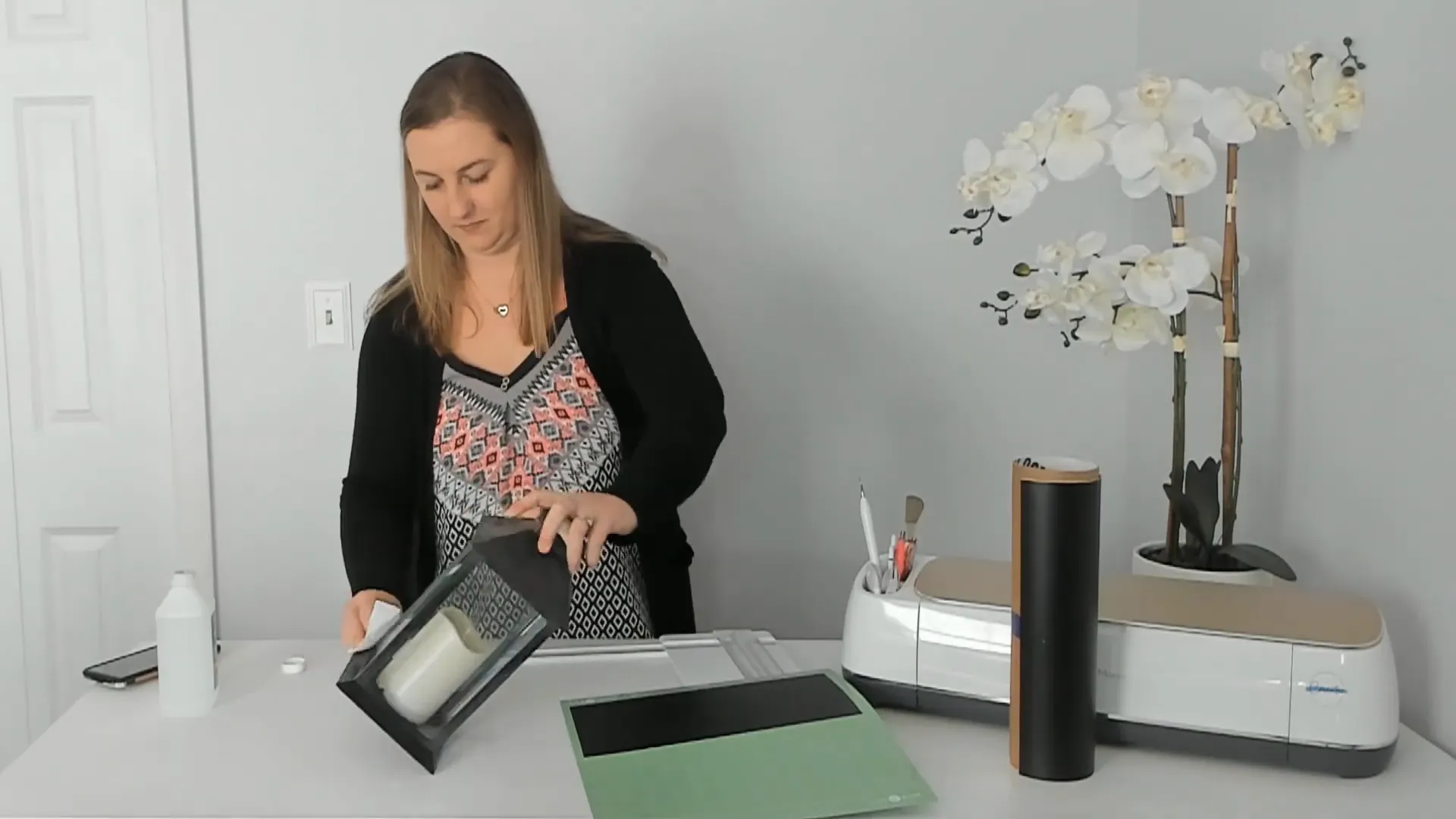
Cleaning the glass thoroughly is important for vinyl to stick well. I use isopropyl alcohol and coffee filters to wipe down the glass. Coffee filters are great because they don’t leave lint behind like paper towels.
I usually wipe the glass twice to make sure it’s spotless and free of dust or oils before applying the vinyl.
Step 7: Cutting Your Vinyl with the Cricut Machine
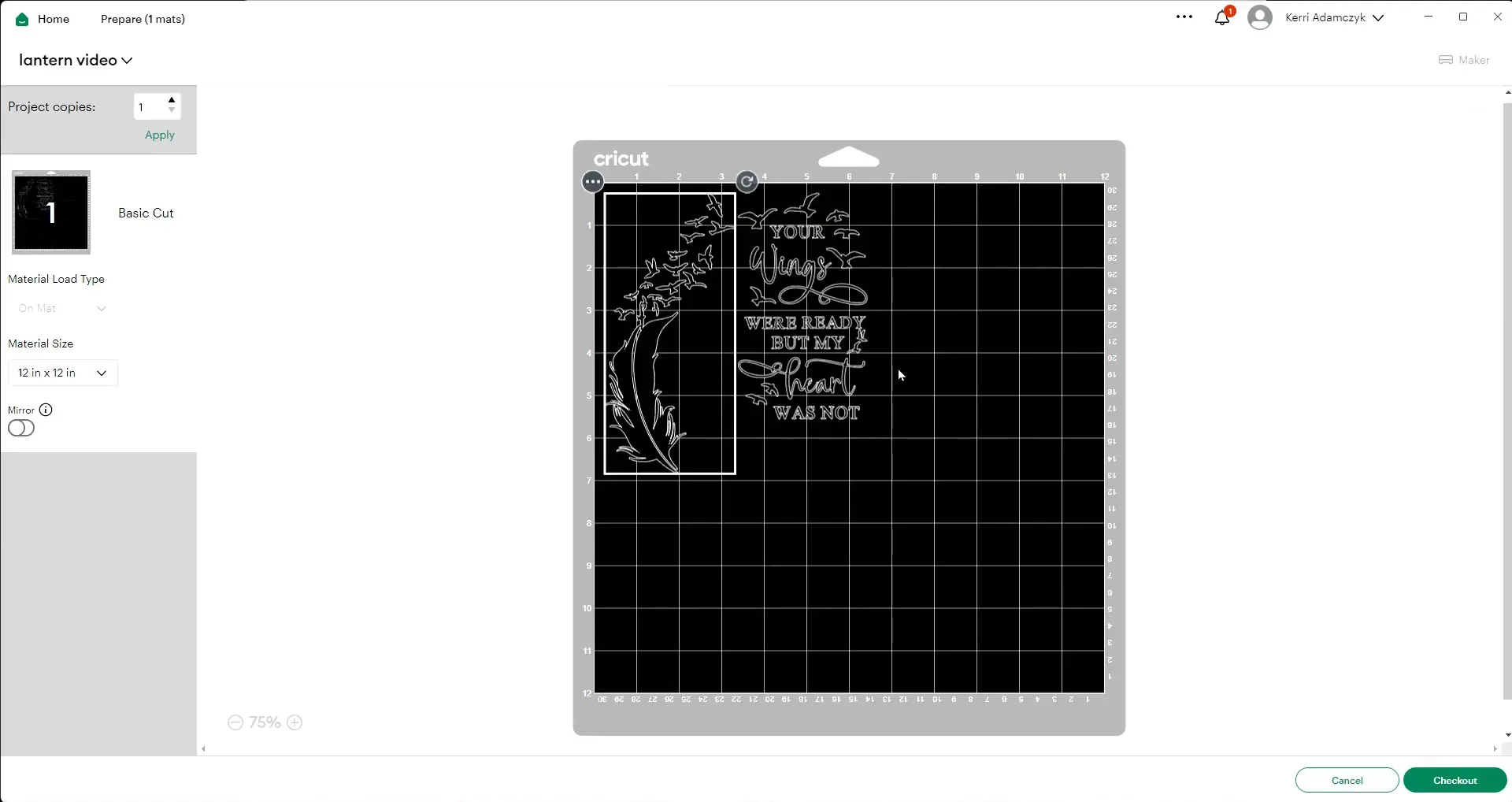
Back in Cricut Design Space, when you’re ready to cut, remember to mirror your image if you’re applying the vinyl to the inside of the glass. This flips the design so it reads correctly once placed inside.
Place your vinyl on your cutting mat, sticking it to the upper left corner. I usually cut a piece about 6 inches by 12 inches, but size it based on your design.
Set your Cricut machine to “vinyl” as the material type, load your mat, and press the button to start cutting.
Step 8: Weeding and Applying Transfer Tape
Once the vinyl is cut, unload the mat and start weeding. This means carefully removing the extra vinyl, leaving only your design on the backing paper.
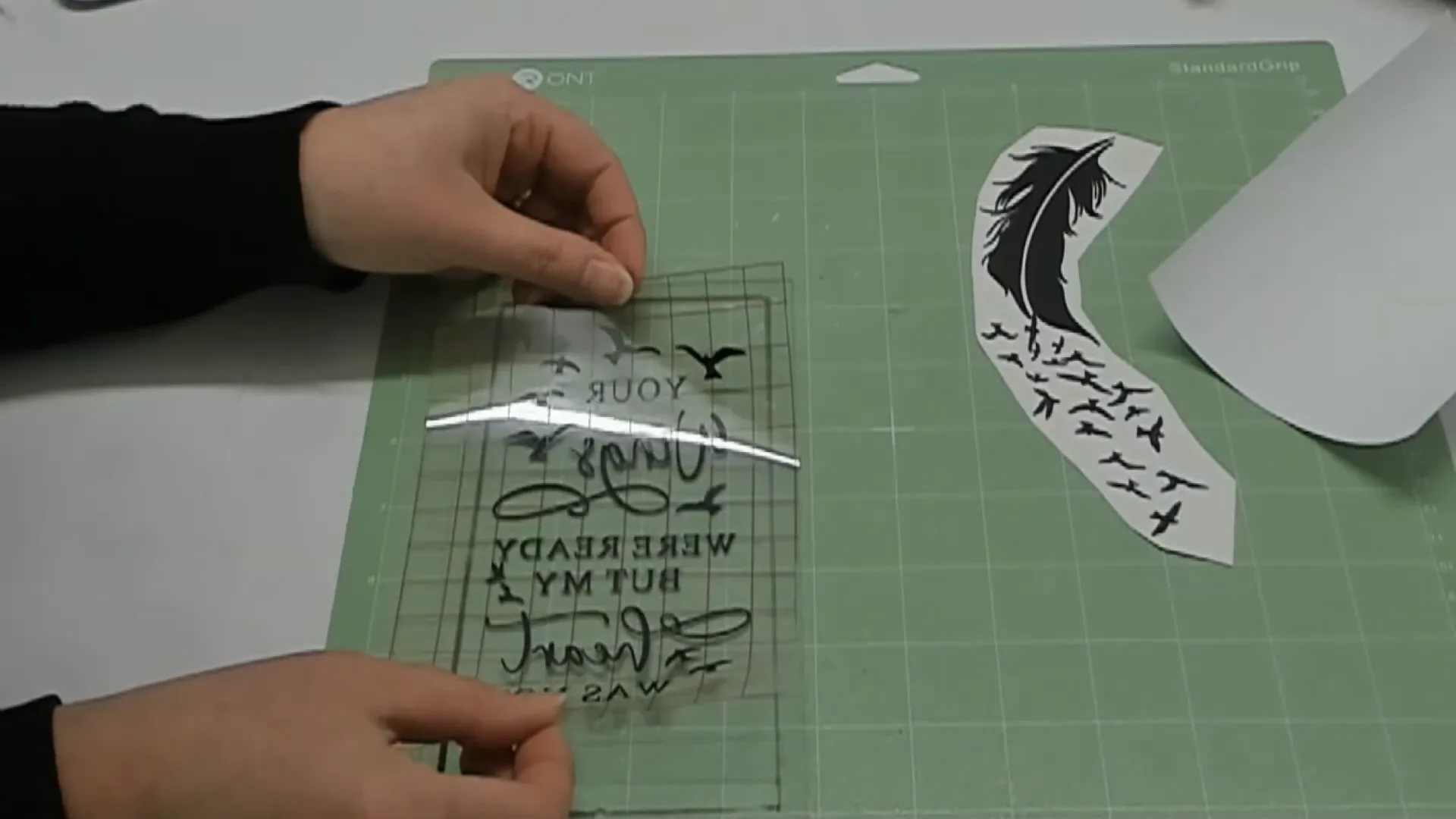
Next, use transfer tape to move your design from the backing paper to the glass. I like to use the “taco method” for applying transfer tape: fold the tape in half, stick it to the center of the vinyl, and smooth it out from the middle to the edges. This helps avoid bubbles and wrinkles.
Here’s a trick I use to make sure the design goes down perfectly straight: line up the glass panel with the grid lines on your cutting mat. This helps you place the vinyl nice and level so it doesn’t look crooked.
Step 9: Applying the Vinyl to the Glass and Reassembling
Carefully place your vinyl design on the inside of the glass panel, smoothing it down well to make sure it sticks. Then, clean off any dry erase marker lines you drew earlier with a bit of alcohol and a coffee filter.
Next, slide the glass panel back into the lantern, making sure the vinyl side is facing inward. Screw the panel back in place carefully so it’s secure.
Finally, pop the top back on the lantern, and add batteries to the bottom to power the flameless candle inside. I use AAA batteries, which I buy in bulk from Costco to save money.
Step 10: Taking Your Lanterns to the Next Level
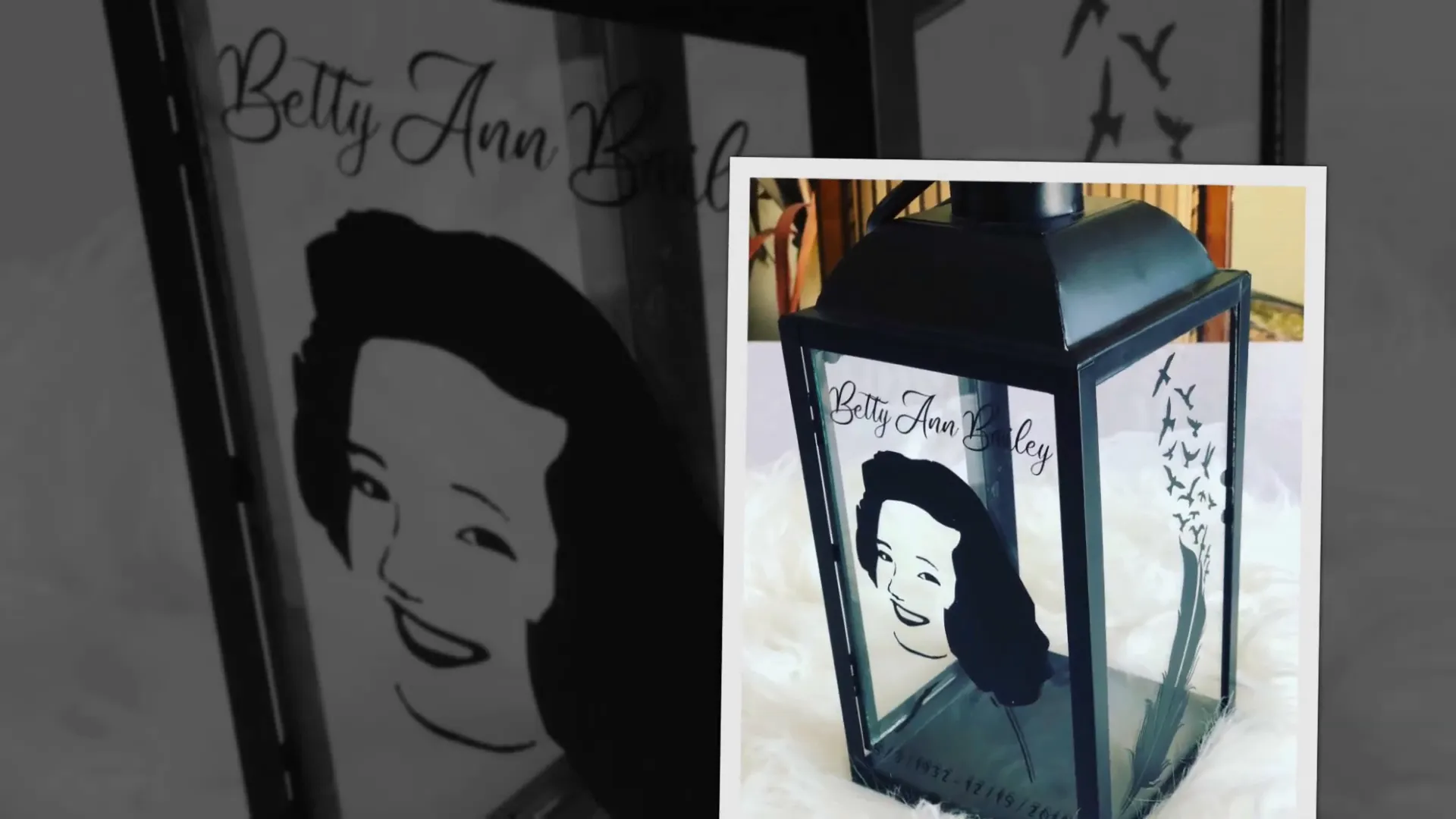
If you want to make your memorial lanterns even more special, I have a tutorial on how to turn photos into Cricut-cuttable designs. This process is a little tricky but can create stunning, personalized lanterns with photos of your loved ones.
Check out that video for detailed instructions, and don’t forget to grab my memorial design bundles from my Etsy shop to get started quickly.
Frequently Asked Questions (FAQ)
Q: Can I use any lantern for this project?
A: Yes! However, it’s best to use lanterns with removable glass panels. This makes it easier to apply the vinyl on the inside, which results in a cleaner, longer-lasting look.
Q: What kind of vinyl should I use?
A: Permanent vinyl like Oracal 651 is ideal because it sticks well to glass and holds up over time.
Q: Can I use thin script fonts in my design?
A: Thin script fonts are tricky because they can rip during weeding. I recommend using bold fonts or designs like the ones I created, which are thicker and easier to work with.
Q: How do I clean the glass without damaging the vinyl?
A: If the vinyl is on the inside of the glass, you can clean the outside freely. Avoid wiping over vinyl on the outside to prevent lint or damage.
Q: Can I customize the designs with names or dates?
A: Yes! My SVG designs are designed to break apart so you can add names, dates, or rearrange elements to make your lantern unique.
Q: Is it difficult to remove and reassemble the lantern glass?
A: It might seem scary at first, but most lanterns come apart easily with clamps or screws. Just be gentle and keep track of all the small parts.
Final Thoughts
Making memorial lanterns with your Cricut is a rewarding project that lets you create beautiful, meaningful keepsakes. With the right materials, designs, and techniques, you can craft lanterns that help people remember their loved ones in a special way.
Remember, the key steps are choosing bold, well-shaped designs, measuring your lantern glass carefully, applying the vinyl inside the glass, and using proper cleaning methods. These little details make all the difference in the final product.
If you want to get started quickly, don’t forget to check out my memorial design bundles available in my Etsy shop. And if you're ready to get creative, grab your Cricut, some vinyl, and your favorite lantern, and let's make something beautiful together!
Happy crafting!