What is a Cricut Machine?
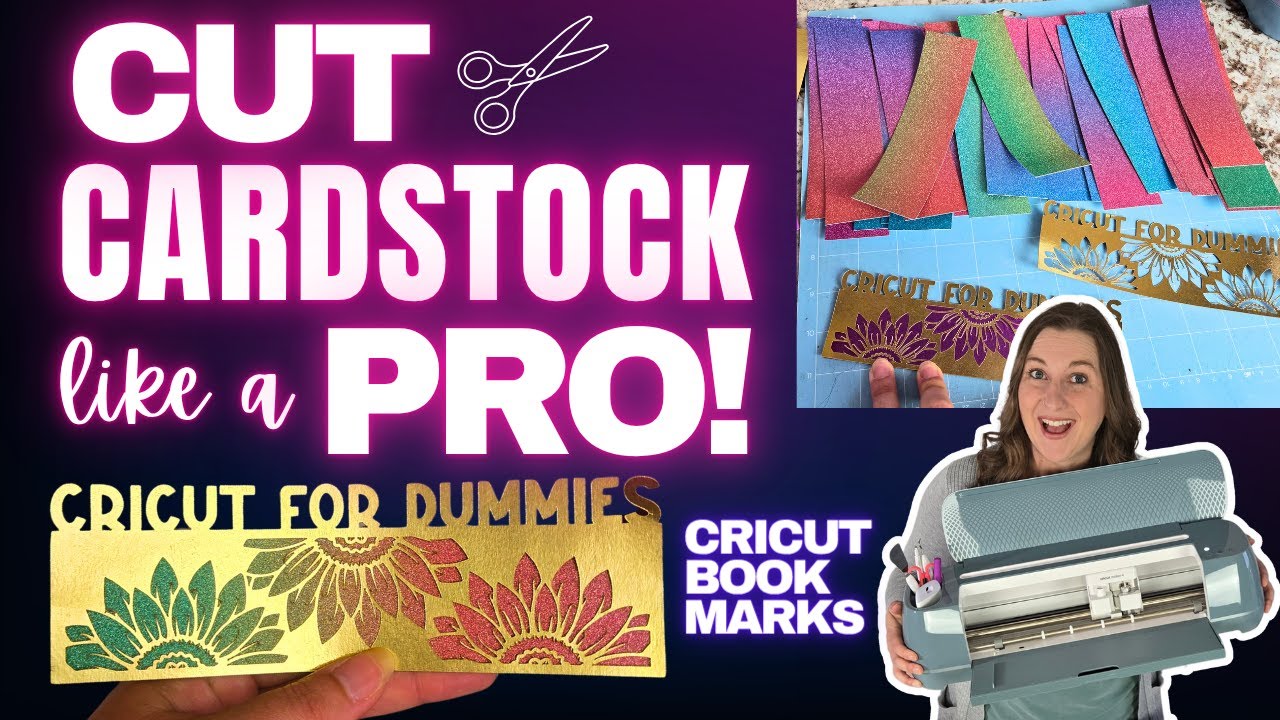
A Cricut is a smart cutting machine that can cut lots of different materials with perfect accuracy. Think of it as your personal craft helper that can cut paper, vinyl, fabric, and even wood!
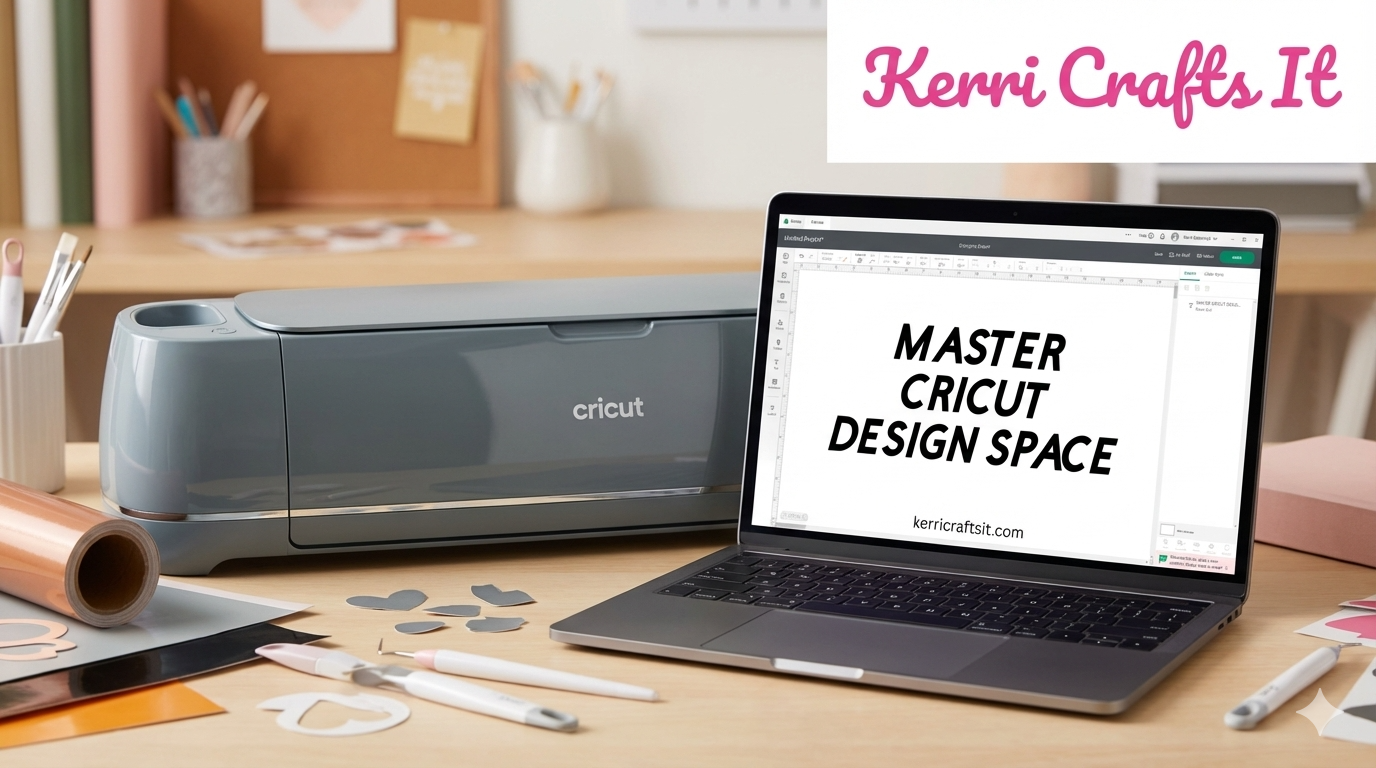
Your Cricut works with free software called Cricut Design Space. This easy app lets you make custom projects by adding text, pictures, and shapes. You can also pick from thousands of ready-made designs. Once your design is ready, Design Space sends it to your machine to cut it out perfectly.
🎯 How It Works
Cricut machines use different blades to cut different materials. The fine-point blade works great for paper and vinyl. For thick stuff like foam, you need the deep-point blade. For fabric, there's a special rotary blade. And for tough materials like wood, you use the knife blade.
How Does a Cricut Work?
Using a Cricut is easier than you think! Here's how it works step by step:
1. Pick or Create a Design
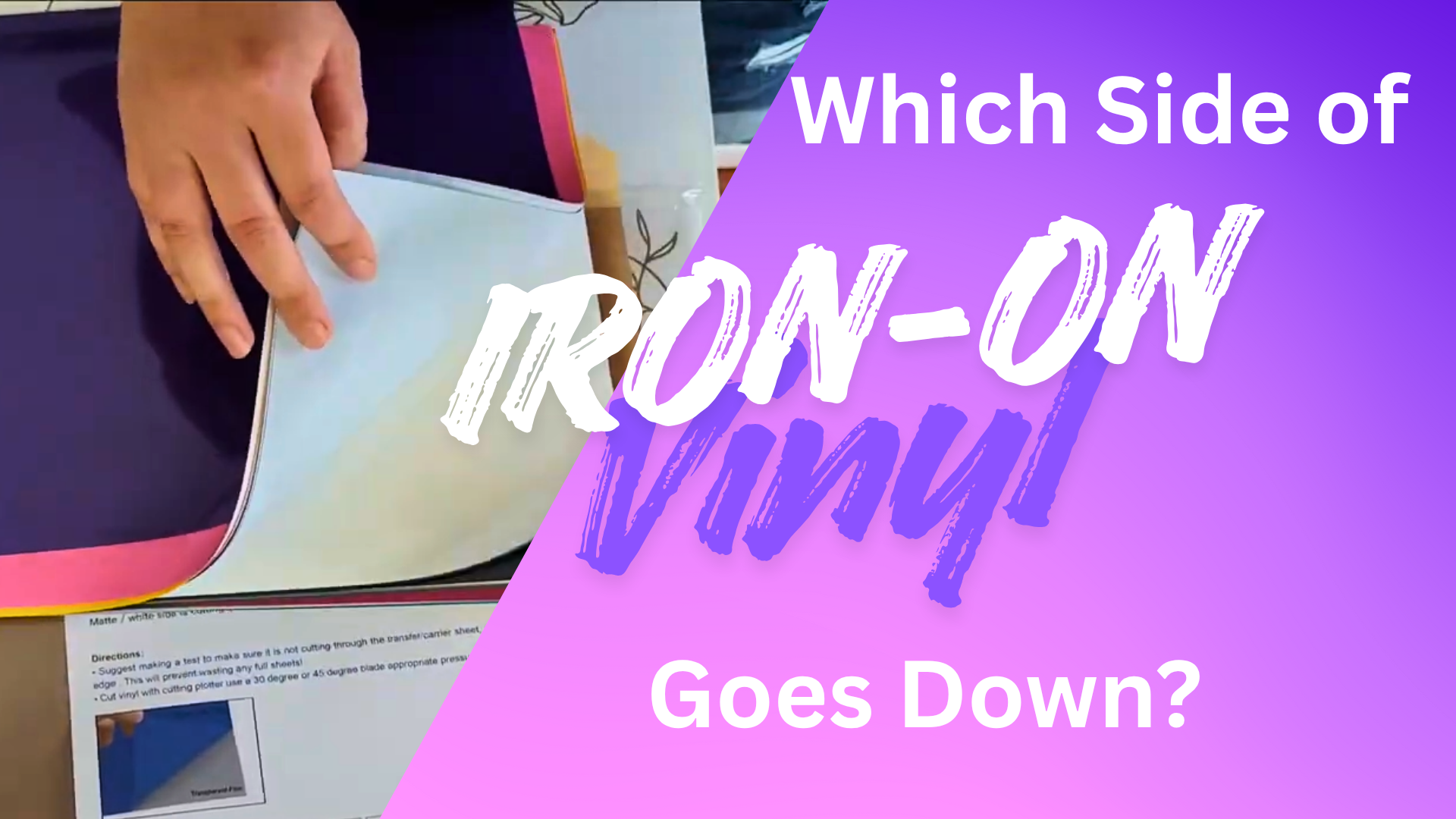
A heat press helps you put iron-on vinyl on shirts and bags. It gives better results than a regular iron.
2. Choose Your Material
Decide what you want to cut—like vinyl for stickers, paper for cards, or fabric for clothes.
3. Prepare the Material
Put your material on a sticky cutting mat, then load it into the machine. Some materials don't need mats at all!
4. Let Cricut Do the Work
Click “Make It” and send your design to the machine. Cricut cuts everything perfectly while you watch!
5. Finish Your Project
Remove your design, clean up any extra pieces (called “weeding”), and put your project together.
Which Cricut Machine Should I Get?
Picking the right Cricut depends on what you want to make and how often you'll use it. Here are the main models available today:
Cricut Joy
Small, simple, and perfect for beginners
✨Cuts 4″ wide materials
✨Bluetooth only
✨Card mat compatible
Starting at
$129
Best For:
Cards, labels, small stickers, and quick projects. Great if you have limited space or are just starting your crafting journey.
Cricut Explore 4
Super easy to use and cuts 100+ materials
✨Cuts 12″ wide
✨USB + Bluetooth
✨Fast & quiet
✨Smart materials
Starting at
$249
Best For:
Cricut Maker 4
The most powerful Cricut machine available
✨Cuts 300+ materials
✨Wood & fabric
✨Advanced tools
✨13″ wide
Starting at
$399
Best For:
Fabric projects, wood cutting, leather crafts, and serious makers. Perfect for small businesses and advanced crafters who want unlimited possibilities.
🎯 Not Sure Which Machine Is Right for You?
Take our quick quiz to find your perfect Cricut! We'll ask a few simple questions about what you want to make.
Want more details about each machine? Check out our complete Cricut buying guide for detailed comparisons and recommendations.
What Can You Make with a Cricut
The answer is almost anything! Cricut machines help you make personalized items for any occasion. Explore our complete project guide or check out these popular ideas to get started:
Custom T-Shirts
Make personalized shirts with iron-on vinyl for birthdays, family reunions, or just for fun!
Greeting Cards
Create beautiful cards for any occasion using cut designs and Cricut pens for personal messages.
Home Décor
Design custom signs, wall decals, jar labels, and decorations to make your house feel like home.
Personalized Gifts
Make special gifts like custom binders, baby items, or memorial lanterns.
Party Decorations
Create banners, cupcake toppers, and party props that make every celebration special.
Paper Crafts
Make beautiful paper flowers, custom stickers, and scrapbook decorations.
Looking for project inspiration? Check out our beginner project ideas or browse our collection of helpful Cricut tips and tricks!
What Materials Can You Cut?
One of the coolest things about Cricut machines is how many different materials they can cut. Each machine can handle different types of materials:
Material Guide by Machine
See which materials work with each Cricut model
🟢Basic Materials (All Machines Can Cut)
Perfect for cards, scrapbooking, and paper crafts
Create custom stickers, labels, and wall decals
Make custom t-shirts, bags, and fabric projects
Printable sticker sheets for custom designs
🟡Medium Materials (Explore & Maker)
Perfect for earrings, keychains, and accessories
Add metallic accents to your projects
Heavy cardstock for sturdy projects and boxes
Longer cuts without a cutting mat
🔴Advanced Materials (Maker Only)
Cut fabric for quilting, appliqué, and sewing projects
Create professional leather goods and accessories
Make sturdy boxes, book covers, and structure pieces
Need help keeping your cutting mats in good shape? Check out our guide on how to clean your Cricut mat and learn about the different types of cutting mats.
Essential Tools You Need
Basic Tool Set
The Cricut Basic Tool Set has weeding tools, tweezers, scraper, spatula, and scissors. These help you remove extra vinyl and handle small pieces.
Includes:
Hook weeder, tweezers, scraper, spatula, scissors
Cutting Mats
Different mats for different materials. Light grip for paper, standard for vinyl, strong grip for thick stuff, and fabric grip for cloth.
Types:
LightGrip, StandardGrip, StrongGrip, FabricGrip
Different Blades
Fine-point for everyday cuts, Deep-point for thick materials, Rotary for fabric, and Knife blade for really tough stuff.
Options:
Fine-point, Deep-point, Rotary, Knife blade
Heat Press
A heat press helps you put iron-on vinyl on shirts and bags. It gives better results than a regular iron.
Benefits:
Even heat, perfect pressure, professional results
Brayer
A brayer is a small roller that helps stick your material flat on the cutting mat with no bubbles or wrinkles.
Uses:
Smooth materials, remove air bubbles, ensure clean cuts
Pens and Markers
Cricut pens let your machine write messages or draw designs on your projects automatically.
Options:
Permanent, washable, gel, foil transfer
Your Cricut machine is awesome by itself, but having the right tools makes crafting much easier and more fun.
💡 Pro Tool Tips
- Start with basics: You don't need every tool right away. Begin with the Basic Tool Set and add tools as you try new projects.
- Mat care matters: Clean your mats regularly and store them properly to make them last longer.
- Heat press vs iron: While you can use a regular iron, a heat press gives much more consistent results for HTV projects.
- Blade storage: Keep extra blades in their protective cases to prevent damage and maintain sharpness.
Want to know more about setting up your new machine? Check out our Cricut Maker 4 setup guide for detailed instructions, or browse our essential Cricut tips for beginners.